Facebook Ads for Digital Product Sales
Facebook Ads Basics
Your Facebook Ads Toolkit
The control center for all your advertising on Facebook, Instagram, and other Meta platforms is the Ads Manager. Think of it as your workshop. It’s where you’ll build, launch, and monitor every ad campaign. Everything from setting your budget to choosing who sees your ads happens here.
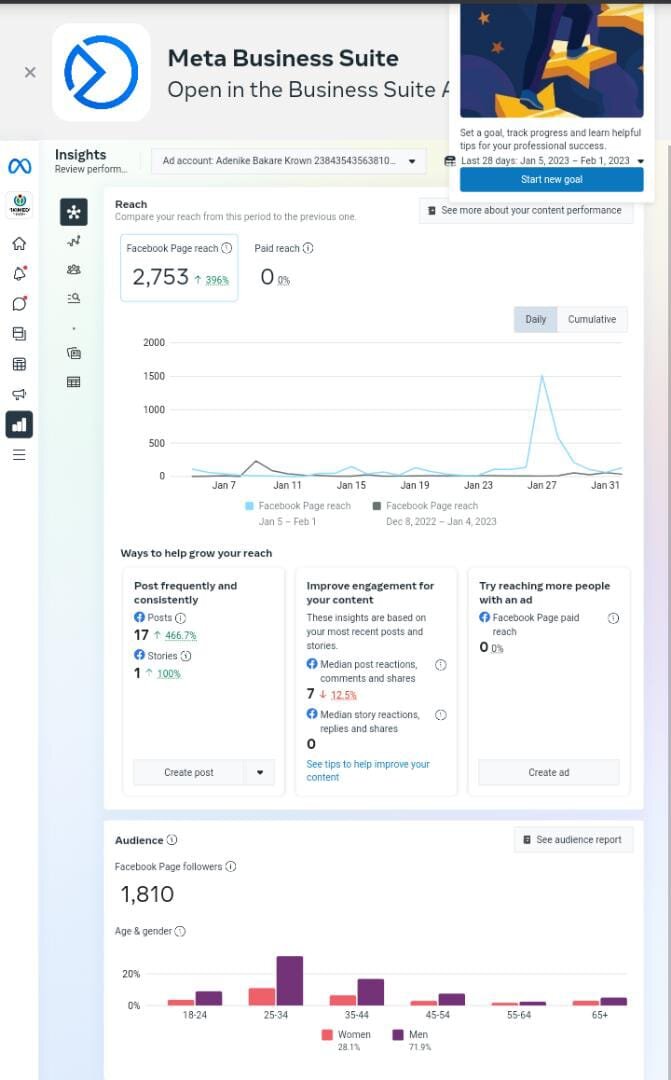
Getting comfortable with Ads Manager is the first step. It might look complex, but its structure is logical and designed to guide you through the process of creating an effective ad.
Anatomy of a Campaign
Every ad you run on Facebook is part of a campaign. Understanding the structure is key, as it keeps your efforts organized and focused. There are three levels:
- Campaign: This is the highest level. Here, you set a single advertising objective for everything inside it. What is the ultimate goal?
- Ad Set: Campaigns contain one or more ad sets. At this level, you define your audience, budget, schedule, and ad placements. Each ad set can target a different group of people.
- Ad: Ad sets contain one or more ads. This is the creative part—the actual images, videos, and text that people see in their feeds.
Think of it like a filing cabinet. The Campaign is the entire cabinet, dedicated to one goal (like 'Increase Q3 Sales'). Each Ad Set is a drawer, targeting a specific audience (like 'Users in California' or 'People interested in yoga'). The Ads are the individual files in each drawer, with different designs and messages.
Start With Your Goal
Before you think about images or ad copy, you have to decide what you want to achieve. Facebook requires you to choose a campaign objective first. This choice is critical because it tells Facebook’s algorithm what success looks like for your campaign, influencing who sees your ad and how it's delivered.
Selecting the correct campaign objective is the foundational first step for any successful Facebook Ads campaign.
For selling digital products, you'll often focus on objectives that drive action. Here are a few common ones:
| Objective | What It's For |
|---|---|
| Awareness | Getting your brand in front of as many new people as possible. Good for initial exposure. |
| Traffic | Sending people to a specific destination, like your website's blog or a landing page. |
| Leads | Collecting contact information from potential customers who show interest. |
| Sales | Encouraging people to make a purchase. Facebook will show your ad to users most likely to buy. |
Choosing 'Sales' tells Facebook to find people who don't just click, but who actually convert. Picking the right objective from the start aligns your entire campaign with your business goal.
Crafting Your Ad
The ad is what your audience actually sees. It’s your chance to grab their attention and persuade them to act. Ads can take many forms, from simple images to interactive polls.
Common ad formats include:
- Image Ads: Simple, clean, and effective. A single compelling image can speak volumes.
- Video Ads: Great for storytelling and demonstrating your product in action. They can capture attention in a busy feed.
- Carousel Ads: Showcase up to ten images or videos in a single ad, each with its own link. Perfect for highlighting different features of a product.
- Collection Ads: A mobile-only format that lets people browse a collection of products directly from the ad.
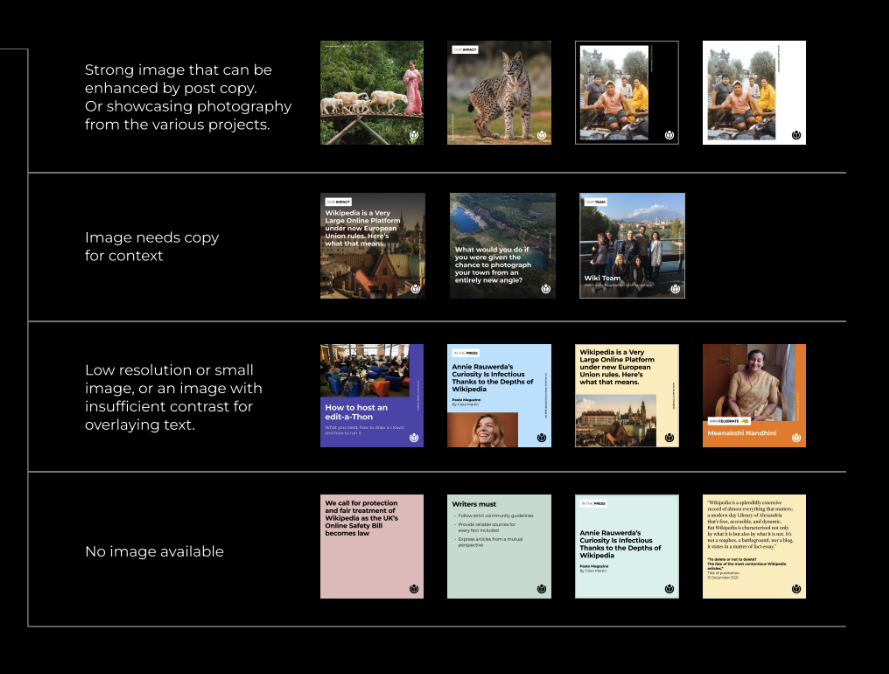
Your ads also appear in different places, known as placements. You can choose to have your ads show up in the Facebook Feed, Instagram Stories, Messenger, and more. For now, you can stick with the automatic placements Facebook suggests. This lets the algorithm determine the most effective places to show your ad based on your objective.
What is the correct hierarchical structure of a Facebook advertising campaign, from highest to lowest level?
At which level of a Facebook ad campaign do you define your target audience, budget, and schedule?
With this structure in mind—Campaign, Ad Set, Ad—you have the foundation for building organized and goal-driven advertisements.