Exploring ChatGPT
Introduction to ChatGPT
Meet ChatGPT
ChatGPT is a conversational AI assistant created by OpenAI. Think of it as a versatile partner you can chat with. You can ask it questions, have it write things for you, or even ask it for creative ideas. It's designed to understand and respond in natural, human-like language, making it a powerful tool for a wide range of tasks.
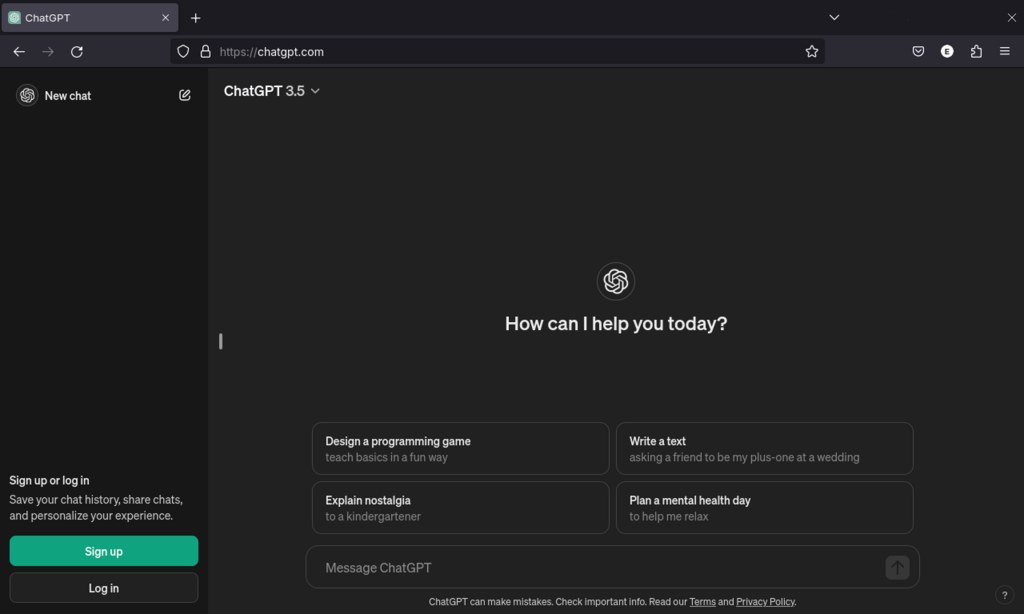
At its heart, ChatGPT processes the words you type, understands the intent behind them, and generates a relevant response. It can handle everything from a simple factual question to a complex, multi-step request.
Core Abilities
ChatGPT's capabilities are broad. It can act as a helpful assistant for many different needs.
- Answering Questions: Ask it anything from "What's the capital of Mongolia?" to "Explain the theory of relativity in simple terms."
- Drafting Content: Need to write an email, a blog post, or a poem? ChatGPT can generate a first draft for you to refine.
- Creative Suggestions: If you're stuck in a creative rut, you can ask for brainstorms, like suggesting names for a new product or outlining a story plot.
- Problem-Solving: It can work through logical problems, help debug code, or walk you through the steps to solve a math equation.
- Translating Languages: You can give it text in one language and ask for a translation in another.
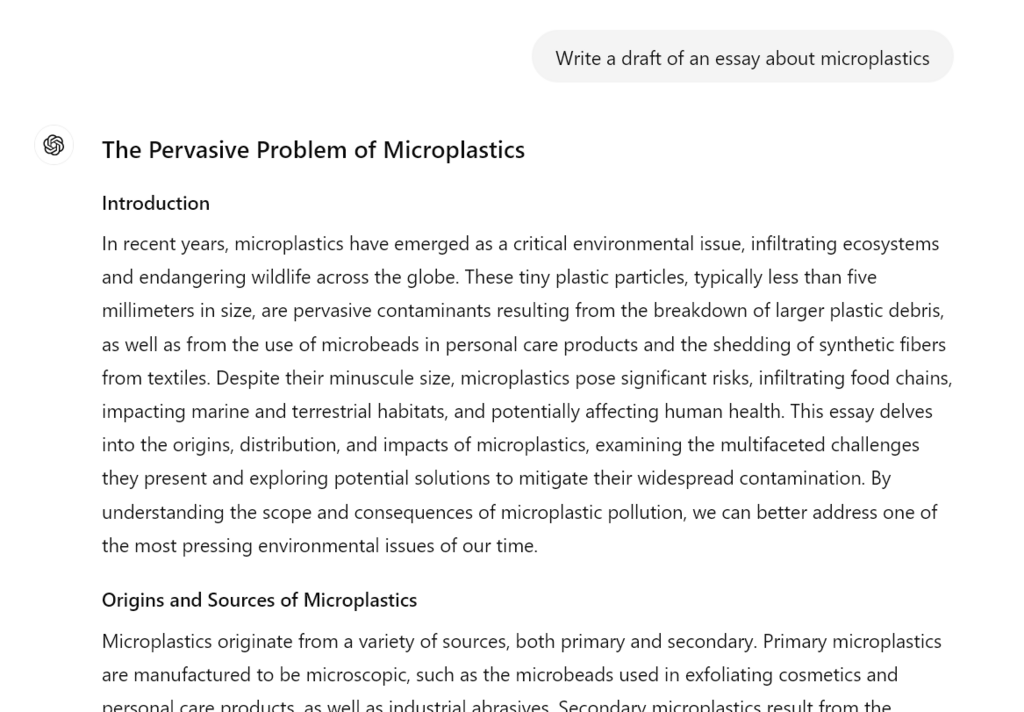
One of ChatGPT's key strengths is its ability to understand context. It doesn't just respond to your latest message in isolation; it remembers the previous turns in your conversation. This allows for a more natural and fluid dialogue. You can ask follow-up questions or refer back to something mentioned earlier, and it will understand what you mean.
For example, you could ask, "Who directed the movie Inception?" After it answers "Christopher Nolan," you can follow up with, "What other movies has he directed?" without needing to repeat his name.
Special Tools and Modes
Beyond its core conversational ability, ChatGPT is equipped with several specialized tools that extend its functionality. These modes allow it to interact with information and media in more dynamic ways.
| Tool/Mode | Description |
|---|---|
| Web Browsing | Accesses the internet to provide up-to-date information on current events. |
| Deep Research | Performs multi-step research tasks that require synthesizing information from various sources. |
| Image Input | You can upload an image and ask questions about it, like identifying objects or translating text. |
| Image Generation | Generates original images based on a text description you provide. |
| File Uploads | Can read and analyze the content of documents you upload, like PDFs or spreadsheets. |
| Data Analysis | Interprets datasets, performs calculations, and creates visualizations like charts and graphs. |
| Voice Mode | Allows you to have a spoken conversation with the AI, hands-free. |
| Canvas | An interactive workspace where you can visually brainstorm and organize ideas with the AI. |
The ability to work with images is particularly powerful. You can show ChatGPT a picture and ask it to explain what's happening.
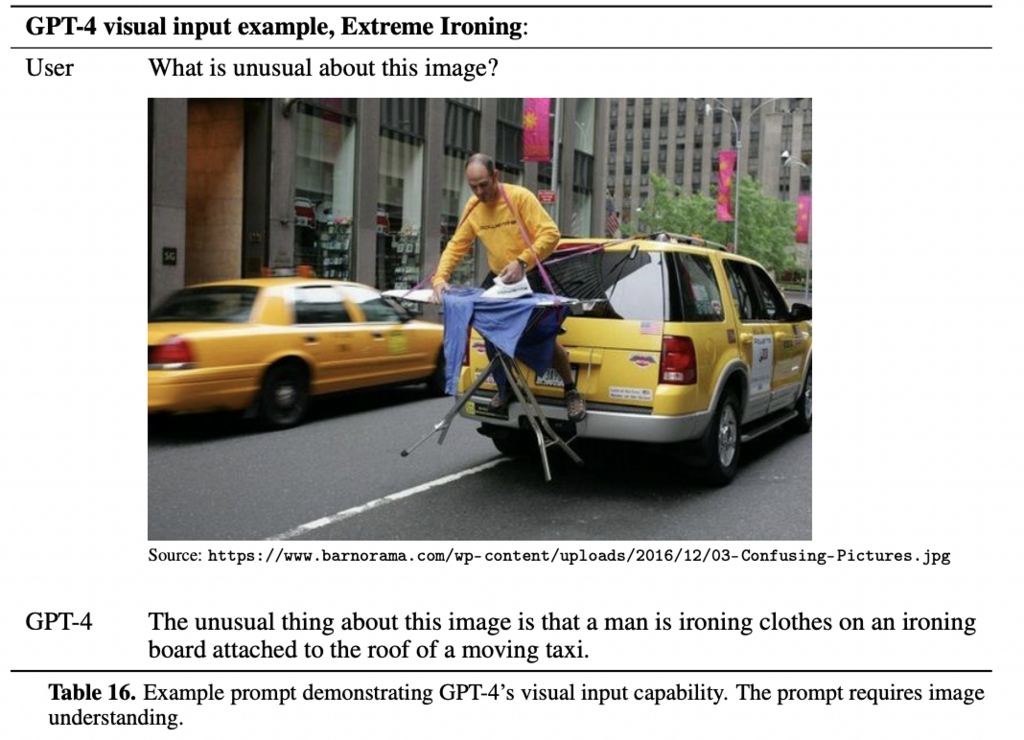
These tools transform ChatGPT from a simple chatbot into a multi-talented assistant, capable of handling diverse and complex requests. By understanding these core functions and special modes, you can begin to unlock its full potential.
Now, let's review the main concepts we've covered.
Ready to test your knowledge?
What is the primary function of ChatGPT?
A user asks ChatGPT to explain a topic, then says, "Can you explain that last part more simply?" ChatGPT's ability to understand this follow-up question relies on its capacity for what?
This foundation gives you a starting point for exploring what's possible with ChatGPT.