Excel Data Cleanup and Extraction
Understanding Data Cleaning
The Need for Clean Data
Think of data cleaning like prepping your ingredients before cooking. You wouldn't throw muddy carrots into a stew. You wash them, peel them, and chop them. Data cleaning is the same idea, but for information. It's the process of finding and fixing errors, inconsistencies, and inaccuracies in your dataset to make it ready for analysis.
Why bother? Because your analysis is only as good as your data. If you feed a spreadsheet messy, unreliable information, you'll get messy, unreliable results. Clean data leads to accurate reports, trustworthy insights, and confident decisions. Dirty data can lead to costly mistakes.
Data cleaning is one of the most crucial steps in any data analysis project.
Common Data Problems
Messy data comes in a few common forms. Once you learn to spot them, you're halfway to fixing them.
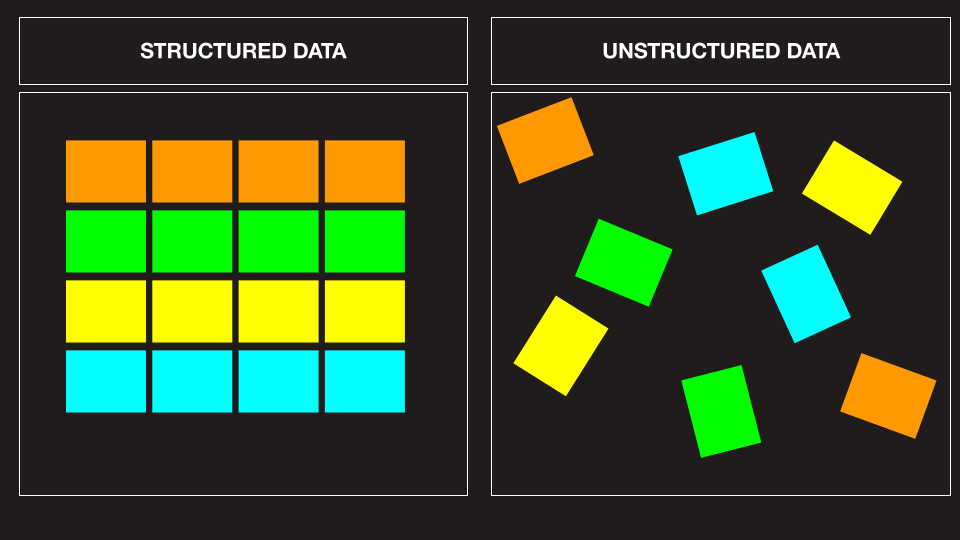
One of the most frequent issues is duplicate entries. Imagine you have a customer list, and "John Smith" appears three times. This could inflate your customer count and skew sales-per-customer calculations. Each row in your dataset should represent a unique record.
Missing values are another headache. These are the blank cells in your spreadsheet where data should be. A missing sales figure or contact email makes that record incomplete. If you have too many gaps, it can make your entire dataset unreliable for certain kinds of analysis, like calculating an average.
Finally, watch out for inconsistent formatting. This is a sneaky problem that can take many forms:
- Capitalization: "new york", "New York", and "NEW YORK" look different to a computer.
- Dates: Is it "01/12/2023" or "Dec 1, 2023"?
- Spacing: "Blue Jacket " has an extra space at the end that can cause matching errors.
- Abbreviations: Using both "St." and "Street" for the same thing.
These small differences can prevent you from properly sorting, filtering, or summarizing your data.
A Smart Cleaning Strategy
Jumping in and deleting things randomly is a recipe for disaster. Effective data cleaning follows a simple, systematic plan.
First, always back up your original data. Make a copy of your file before you change anything. This is your safety net. If you make a mistake, you can always go back to the original version.
Next, assess the situation. Don't just start fixing. Take a moment to scroll through your data. Get a feel for its quality. Are there a lot of duplicates? Are certain columns mostly empty? Understanding the scope of the problem helps you decide which cleaning tasks to prioritize.
Finally, make a plan. Decide what you're going to fix and in what order. For example, you might decide to first remove duplicate rows, then tackle inconsistent formatting, and finally figure out what to do with missing values. A planned approach is always more efficient and less error-prone than a chaotic one.
Ready to check your understanding?
What is the primary goal of data cleaning?
A dataset contains a 'State' column with the entries "NY", "ny", and "New York". This is an example of what type of data issue?
This structured approach—backup, assess, plan—forms the foundation of all data cleaning tasks. It turns a potentially overwhelming job into a manageable process.