Excel Data Cleaning and Extraction
Understanding Data Cleaning
The Messy Reality of Data
Data is rarely perfect right out of the box. Think of it like cooking with fresh vegetables from a garden. Before you can make a meal, you need to wash off the dirt, trim the ends, and remove any bruised spots. Raw data is similar. It often comes with errors, gaps, and inconsistencies that need to be addressed before you can use it for anything meaningful.
This process of tidying up your dataset is called data cleaning. It’s the essential first step in any data project. The goal is to make sure your data is accurate, consistent, and complete. If you start your analysis with messy, unreliable data, you’ll end up with unreliable results. This is often summed up with the phrase: "garbage in, garbage out."
Clean data leads to clear insights. Taking the time to clean your data ensures that your conclusions are based on a solid foundation.
Common Data Problems
As you work with data, you'll start to notice the same types of problems cropping up again and again. Let's look at the three most common culprits.
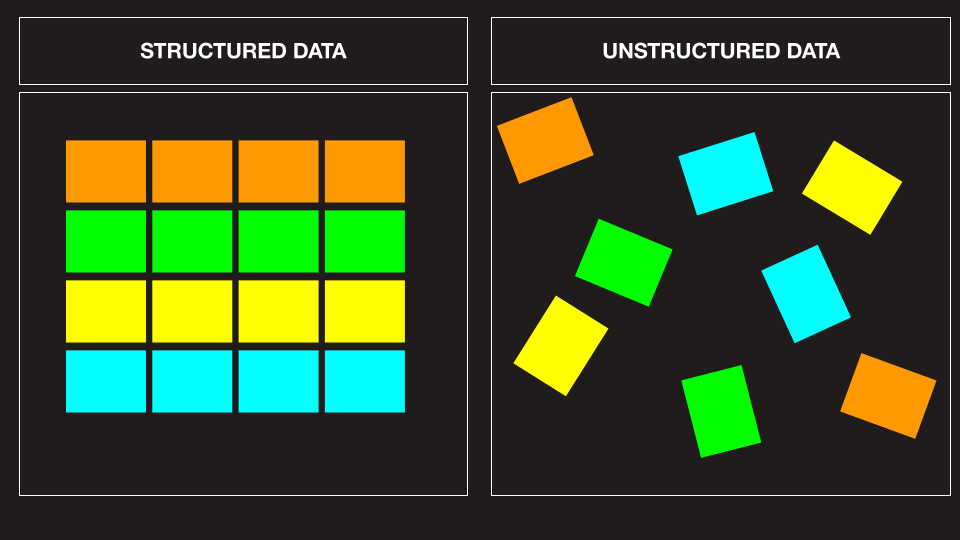
1. Duplicate Entries
Duplicate entries are identical rows in a dataset. They can happen for many reasons, from data entry errors to mistakes when combining multiple files. If you're tallying sales figures, a duplicate entry could cause you to count the same sale twice, throwing off your totals.
| Order ID | Customer | Amount |
|---|---|---|
| 101 | John Smith | $50 |
| 102 | Jane Doe | $75 |
| 101 | John Smith | $50 |
| 103 | Peter Jones | $30 |
In the table above, the order with ID 101 is listed twice. This duplicate needs to be removed to get an accurate picture of the sales data.
2. Missing Values
Sometimes, cells in your dataset will simply be empty. This is known as missing data. A customer might have forgotten to fill out a field on a form, or a sensor might have failed to record a measurement. These gaps can skew calculations like averages or sums, leading to incorrect analysis.
| Employee | Department | Start Date |
|---|---|---|
| Alice | Sales | 01/15/2022 |
| Bob | Marketing | 03/10/2021 |
| Carol | Sales | |
| David | Engineering | 07/22/2022 |
Here, Carol's start date is missing. Before analyzing employee tenure, we'd need to decide how to handle this blank cell.
3. Inconsistent Formatting
This is a sneaky problem where the same piece of information is recorded in different ways. Humans are flexible and can understand that "NY" and "New York" mean the same thing, but a computer program sees them as completely different values. Inconsistencies can affect sorting, filtering, and grouping data.
Common formatting inconsistencies include differences in capitalization (USA vs. usa), abbreviations (St. vs. Street), and data types (5 vs. "five").
Your Cleaning Toolkit in Excel
Fortunately, you don't have to fix these issues by hand, one by one. Excel has built-in features designed to make data cleaning much easier.
Data cleaning is the cornerstone of effective data analysis, and Microsoft Excel is a powerful tool for the job.
Here are a few of the basic tools you'll use:
- Remove Duplicates: A straightforward tool that scans your data and deletes any rows that are exact copies of another.
- Find and Replace: Perfect for fixing inconsistent formatting. You can quickly find all instances of "St." and replace them with "Street" to standardize your address data.
- Filter and Sort: These features help you quickly spot problems. Sorting a column can group all the blank cells together, making them easy to find. Filtering can help you isolate rows that have unusual or incorrect values.
Mastering these simple tools is the first step toward transforming messy, raw information into a clean and reliable dataset ready for analysis.
Let's practice identifying some of these common data issues.