Etsy Shop Essentials
Etsy Shop Setup
Your First Steps
Ready to turn your passion into a business? Opening an Etsy shop is a straightforward process that begins with creating an account. If you already have an Etsy account for buying items, you can use that one to open your shop. If not, you'll need to create a new one.
To get started, sign up for an Etsy account by visiting the Etsy website and clicking on the "Sell on Etsy" button.
This will take you to the shop creation portal. Etsy will guide you through the initial setup, starting with some basic but important choices about your shop's identity and logistics.
Choose Your Identity
First, you'll set your shop preferences. This includes the language you'll use to describe your items, your shop's home country, and the currency you'll use for pricing. These settings help Etsy show your shop to the right buyers and manage your finances correctly.
Next comes a fun, but crucial, step: naming your shop. Your shop name is your brand's first impression. It should be memorable, easy to spell, and give a hint about what you sell.
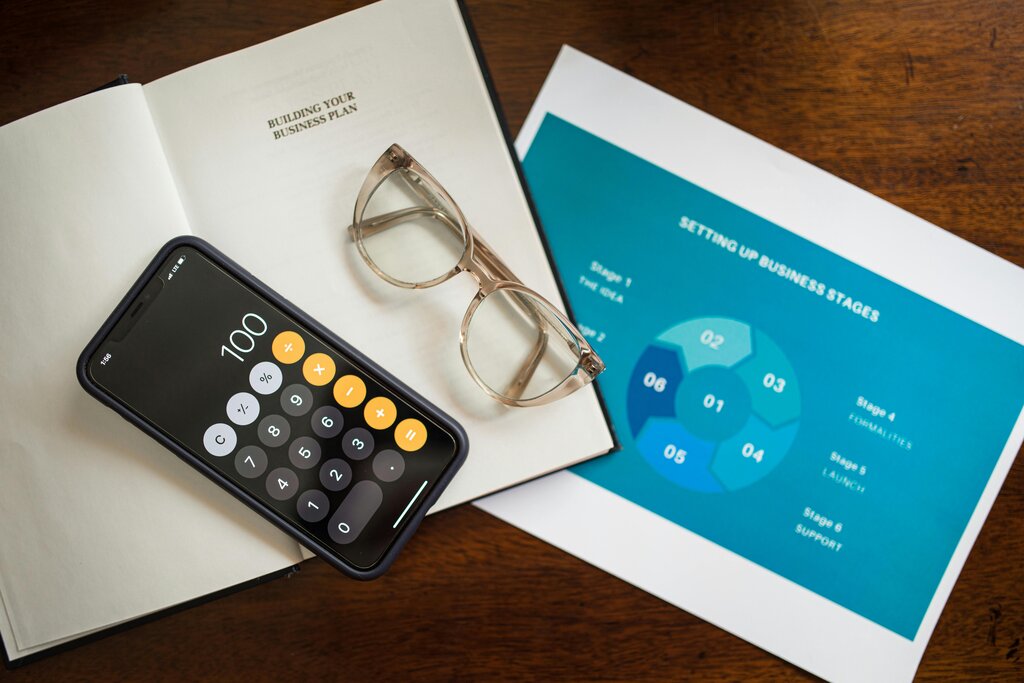
Aim for a name that's unique and reflects your style. Before you commit, check if the name is available on Etsy and on social media platforms you might want to use for marketing.
Etsy will let you know if the name you've chosen is already taken. If it is, you'll need to think of a different one. Don't worry if it takes a few tries to find the perfect name. Once you've secured a name and set your preferences, you're ready to handle the financial side of things.
Set Up Payments
To sell on Etsy, you need a way to get paid and a way to pay Etsy's fees. This involves two key steps: setting up payment methods and providing billing information.
Etsy uses a system called Etsy Payments, which allows you to accept a wide variety of payment options from customers, including credit cards, debit cards, PayPal, and Apple Pay. To receive your earnings, you'll need to link a valid bank account. Etsy will deposit your funds directly into this account according to a schedule you can set (daily, weekly, biweekly, or monthly).
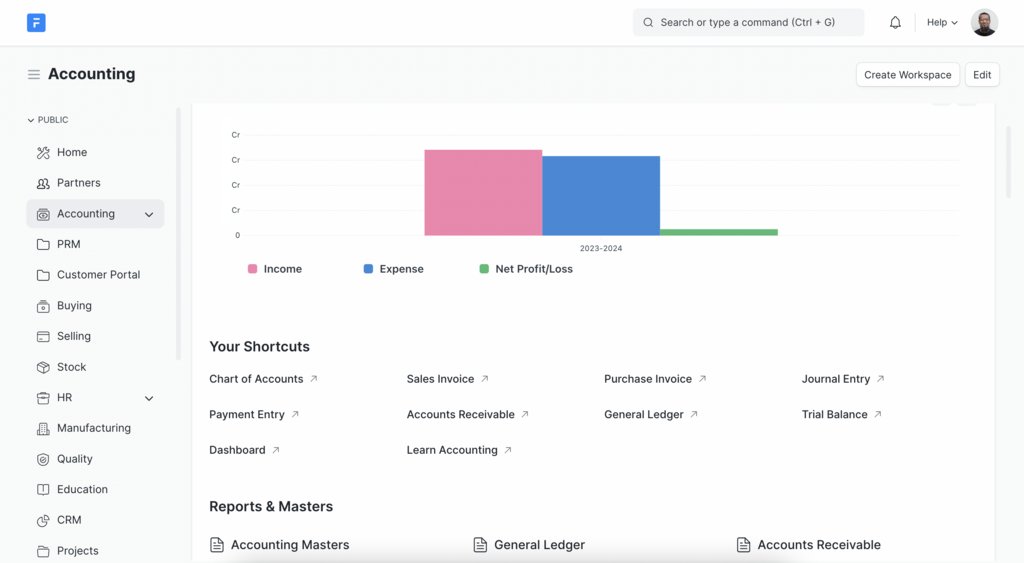
You also need to provide billing information, which is typically a credit or debit card. Etsy uses this to charge you for seller fees. These fees are a standard part of selling on the platform.
| Fee Type | Purpose |
|---|---|
| Listing Fee | A flat fee to publish a product listing. |
| Transaction Fee | A percentage of the total sale price. |
| Payment Processing Fee | A fee to process the customer's payment. |
| Offsite Ads Fee | A fee for sales generated by Etsy's ads on other sites. |
With your shop preferences set and your financial information entered, the foundational structure of your Etsy shop is complete. You've officially opened your digital storefront.
When first setting up your Etsy shop, what are the three initial preferences you must choose?
What is the primary reason for providing a credit or debit card for billing purposes in your Etsy shop?