Enterprise Passwordless Authentication Systems
FIDO2 Technical Foundations
The Architecture of Trust
Passwordless authentication is built on a standard called FIDO2. It's not a single piece of technology, but a set of rules that allow different components to work together securely. FIDO2 itself is composed of two key parts: the Web Authentication API, known as , and the Client-to-Authenticator Protocol, or CTAP.
WebAuthn is the bridge between a website and your browser. When a website wants to authenticate you, it uses the WebAuthn API to send a request to your browser. Your browser then takes over and communicates with your authenticator using CTAP. CTAP is the language spoken between your computer or phone and the security device, whether it's built-in or external.
This entire system revolves around a central player: the website or service you're logging into, known in FIDO terms as the Relying Party (RP). The RP is the entity that 'relies' on the authenticator to verify your identity. Let's look at how this works in practice, starting with registration.
The Registration Ceremony
When you first set up passwordless login on a website, you perform a one-time registration. This process creates a unique cryptographic key pair that is tied specifically to your account and that website.
- Challenge: Your browser tells the Relying Party you want to register an authenticator. The RP's server generates a random, unique challenge and sends it back.
- Key Generation: Your browser, via WebAuthn and CTAP, instructs your authenticator to create a new asymmetric key pair. This consists of a private key and a public key.
- Secure Storage: The private key is generated and stored inside the authenticator's secure hardware, like a [{
] or Secure Enclave. It is designed to never leave this secure environment. - Public Key to Server: The authenticator sends the newly created public key back to the website. The website stores this public key and associates it with your user account. It also checks that the credential was created for its specific web address (origin), which prevents phishing attacks.
This registration process is like having a unique lock and key made for just one door. The website (Relying Party) gets a copy of the key (the public key), but the master lock mechanism (the private key) is permanently installed in a secure vault (your authenticator) that only you can operate.
The Authentication Ceremony
Once you're registered, logging in is fast and secure. The process confirms you have the correct private key without ever revealing it.
- Login Request: You initiate a login on the website. The Relying Party sends a new, unique challenge to your browser.
- User Verification: Your browser passes this challenge to your authenticator. The authenticator then prompts you to prove you're present and consenting. This is the user gesture: you might scan your fingerprint, use facial recognition, enter a PIN, or simply touch a button on a security key.
- Digital Signature: After you verify yourself, the authenticator's secure hardware uses its private key to cryptographically sign the challenge from the server.
- Verification: This signed challenge, called an assertion, is sent back to the Relying Party. The server uses your stored public key to check the signature. Because the public and private keys are mathematically linked, the signature will only be valid if it was created by the corresponding private key.
If the signature is valid, the server knows that the request came from your authenticator and that you approved it. You're logged in, all without a password ever crossing the network.
This design is inherently phishing-resistant. The keys created during registration are bound to the website's origin (its domain name). If an attacker tricks you into visiting a fake website, your browser will see that the origin doesn't match the one associated with your key. It won't even prompt you for your fingerprint or PIN, because the credential isn't valid for that fake site.
Authenticator Types
FIDO authenticators come in two main flavours: platform and roaming.
Platform authenticators are built directly into the device you're using. Examples include Windows Hello on a PC, Face ID or Touch ID on an iPhone, or fingerprint sensors on Android devices. They use the device's built-in secure hardware (like a TPM or Secure Enclave) to protect the private key.
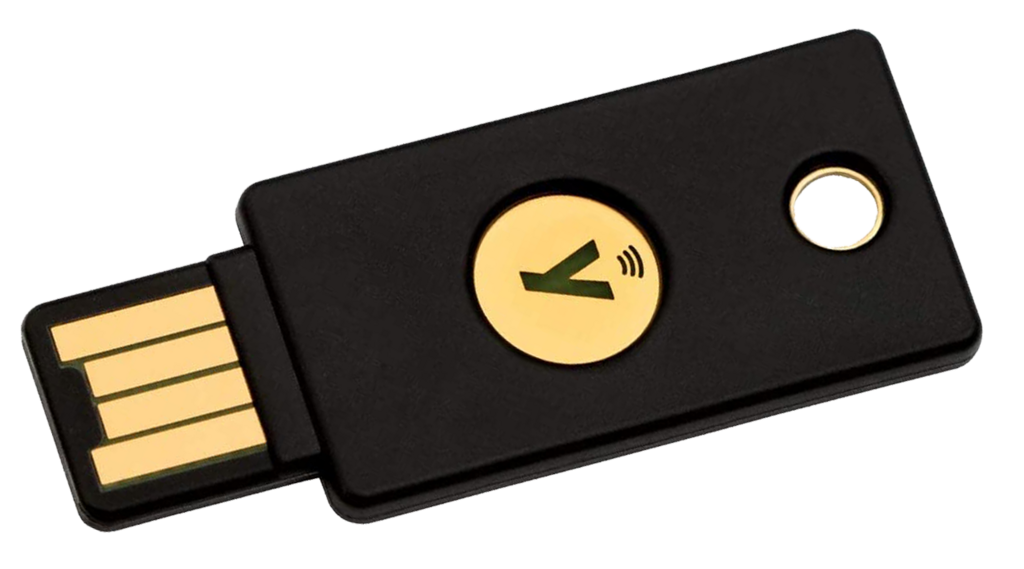
Roaming authenticators are external devices you can move between different computers or phones. These are typically physical security keys like a YubiKey, which can connect via USB, NFC, or Bluetooth. Your mobile phone can also act as a roaming authenticator for logging into a nearby laptop.
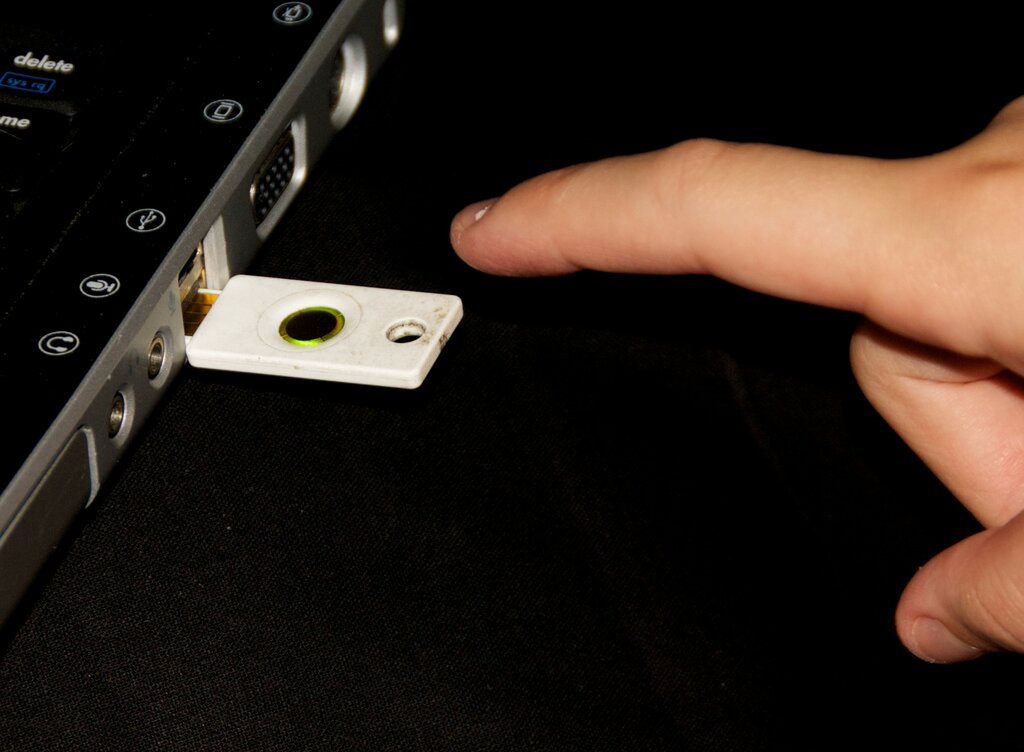
The choice between them often depends on convenience versus portability. Platform authenticators are incredibly convenient for logging into the device they're on. Roaming authenticators provide a flexible way to securely access your accounts from any compatible device, even a public computer.
Passkeys are built on the WebAuthentication (or “WebAuthn”) standard, which uses public key cryptography.
These cryptographic ceremonies, orchestrated by WebAuthn and CTAP, form the secure foundation of the passwordless web. By separating the roles of the browser, the authenticator, and the server, and by using strong, hardware-backed asymmetric cryptography, FIDO2 provides a robust defence against a wide range of common online attacks.
What are the two key components that make up the FIDO2 standard?
In the FIDO2 authentication framework, what is the 'Relying Party' (RP)?