Enterprise AWS WorkSpaces Deployment
WorkSpace Bundle Creation
Creating the Master Desktop
In the previous steps, we built the secure network and directory services needed for our global investment firm. Now, we face a practical challenge: how do we deliver a consistent, ready-to-use desktop to 1,200 users? Installing software manually on each machine isn't just slow; it's a recipe for errors and security risks. The solution is to create a perfect master copy.
This master copy is called a 'golden image.' Think of it like a mold or a cookie cutter. It's a snapshot of a single, perfectly configured virtual desktop. We install and set up all the essential software on this one machine—Microsoft Excel, specialized trading tools, and even applications like the Bloomberg Terminal—and then capture its state. This image becomes the blueprint for every new WorkSpace we launch.
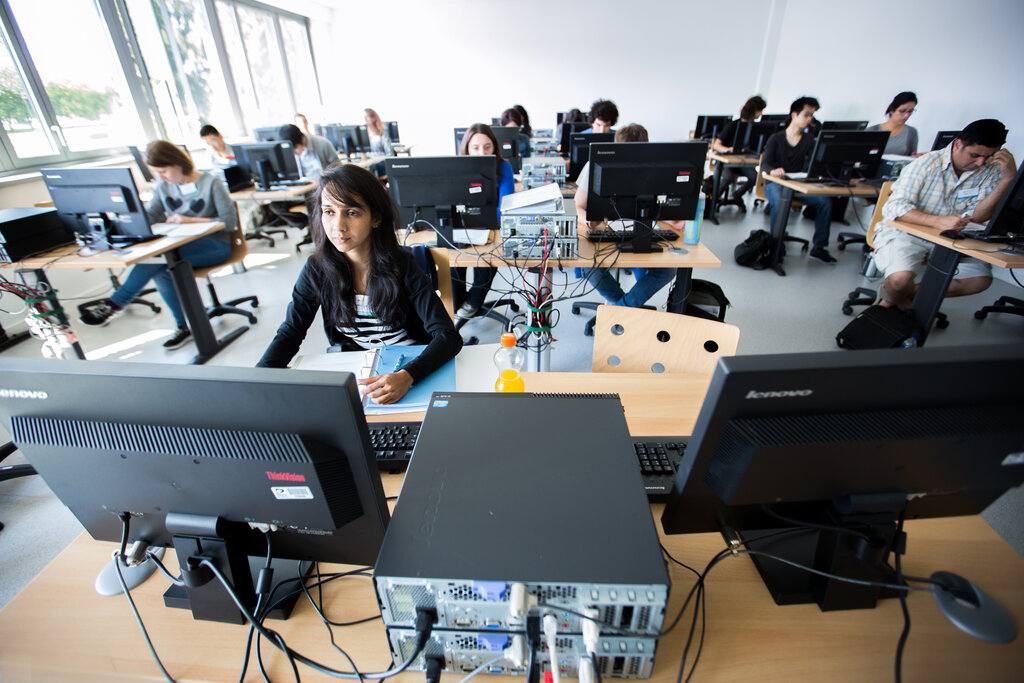
But software is only half the story. Different employees have different needs. A financial analyst running complex models needs more computing power than an administrative assistant. This is where 'bundles' come in.
A WorkSpace bundle combines our golden image (the software) with specific hardware resources (CPU, memory, and storage). It's like ordering a meal combo. The image is the burger you chose, and the hardware is whether you get small, medium, or large fries and a drink. You can create different bundles for different roles, ensuring each user gets the performance they need without overspending on resources they won't use.
| Role | Example Hardware | Image Used |
|---|---|---|
| Financial Analyst | PowerPro (8 vCPU, 32 GB RAM) | 'Global Finance Image v1.0' |
| HR Coordinator | Standard (2 vCPU, 8 GB RAM) | 'Global Finance Image v1.0' |
| Intern | Value (2 vCPU, 4 GB RAM) | 'Global Finance Image v1.0' |
Keeping Desktops Fresh
A golden image is great for deploying new WorkSpaces, but what about the hundreds of desktops already in use? Software is constantly changing. Security patches are released, and new application versions become available. Your golden image from last month is already becoming outdated.
Managing this is called 'image lifecycle management.' Instead of modifying a live image, you create a new one. You'll launch a WorkSpace from your existing golden image, install the necessary updates or new software, and then capture that as a new version (e.g., 'Global Finance Image v1.1'). This ensures you always have a stable, versioned history to fall back on if an update causes problems. All newly launched WorkSpaces will now use this updated image automatically.
Updating existing WorkSpaces is a different challenge. Recreating a user's desktop every time a small patch is needed would be disruptive. For that, we need a tool that can make changes without wiping the machine.
This is where (SSM) becomes essential. SSM is a management service that allows you to automate operational tasks across your AWS resources, including WorkSpaces. Think of it as a remote control for your entire fleet of virtual desktops. You can use SSM to run scripts that silently install a security patch, update an application, or change a configuration setting across hundreds of WorkSpaces simultaneously, all without any user intervention.
By combining versioned golden images for new deployments with SSM for in-place updates, you can manage a large, complex environment efficiently. This dual approach ensures that all users have the tools they need, while the IT team can maintain security and stability across the entire organization.