English for UX and UI Design Professionals
Introduction to UX/UI Design
What Are UX and UI?
You’ve probably heard the terms UX and UI, often used together. While they’re closely related, they refer to different aspects of the design process. Understanding the distinction is the first step in creating products people love to use.
User Experience (UX) design is all about the overall feeling a person has when they use a product. Think of it as the entire journey. Is the app easy to navigate? Does it solve the user's problem efficiently? Is the experience frustrating or delightful? UX designers are like architects, planning the structure and flow to make sure everything makes sense from the user's perspective.
User Interface (UI) design, on the other hand, is focused on the look and feel—the visual and interactive elements of a product. This includes everything from the color of the buttons to the font used for the text. If UX is the architecture of a house, UI is the paint, furniture, and light fixtures. UI designers are the interior decorators, ensuring the product is visually appealing and easy to interact with.
UX is the journey; UI is the scenery.
While UX and UI designers have different focuses, their work is deeply intertwined. A beautiful interface (good UI) is useless if it’s confusing to navigate (bad UX). Similarly, a perfectly logical and easy-to-use product (good UX) might fail if its interface is ugly and unappealing (bad UI). Great products require both to work in harmony.
Thinking Like a Designer
At the heart of both UX and UI is a simple but powerful idea: user-centered design. This principle means that every decision, from the overall structure to the smallest visual detail, is made with the user in mind. Who are they? What are their goals? What challenges do they face? Answering these questions is key.
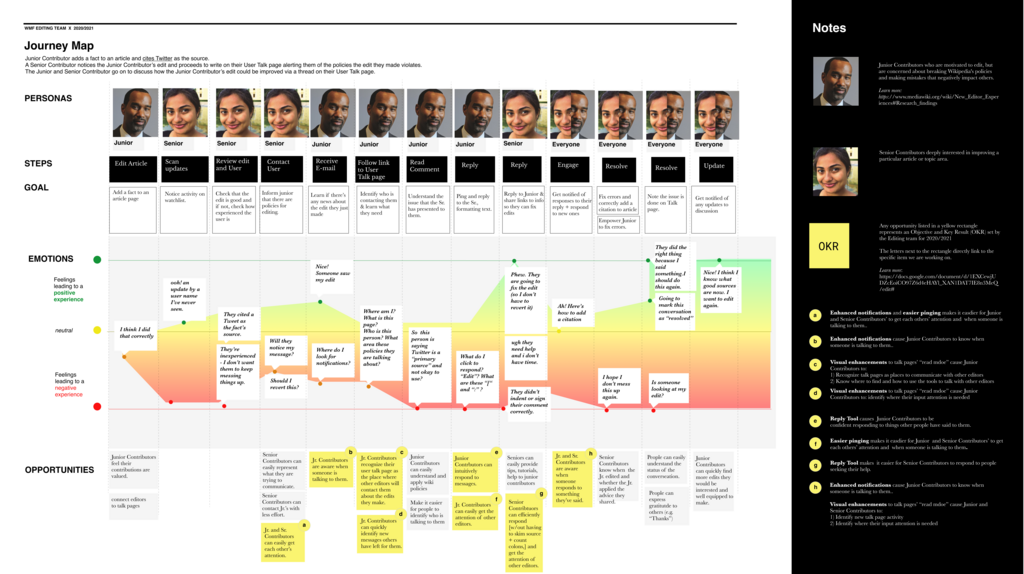
To put this principle into practice, designers often use a framework called the design thinking process. It’s a flexible, iterative approach for solving complex problems. The process generally consists of five stages:
| Stage | Goal |
|---|---|
| 1. Empathize | Understand the user's needs, experiences, and motivations through research and observation. |
| 2. Define | Clearly state the core problem you are trying to solve based on your user research. |
| 3. Ideate | Brainstorm a wide range of creative solutions to the problem. No idea is too wild. |
| 4. Prototype | Build scaled-down, interactive models of the product to test the solutions. |
| 5. Test | Show the prototypes to real users, gather feedback, and identify areas for improvement. |
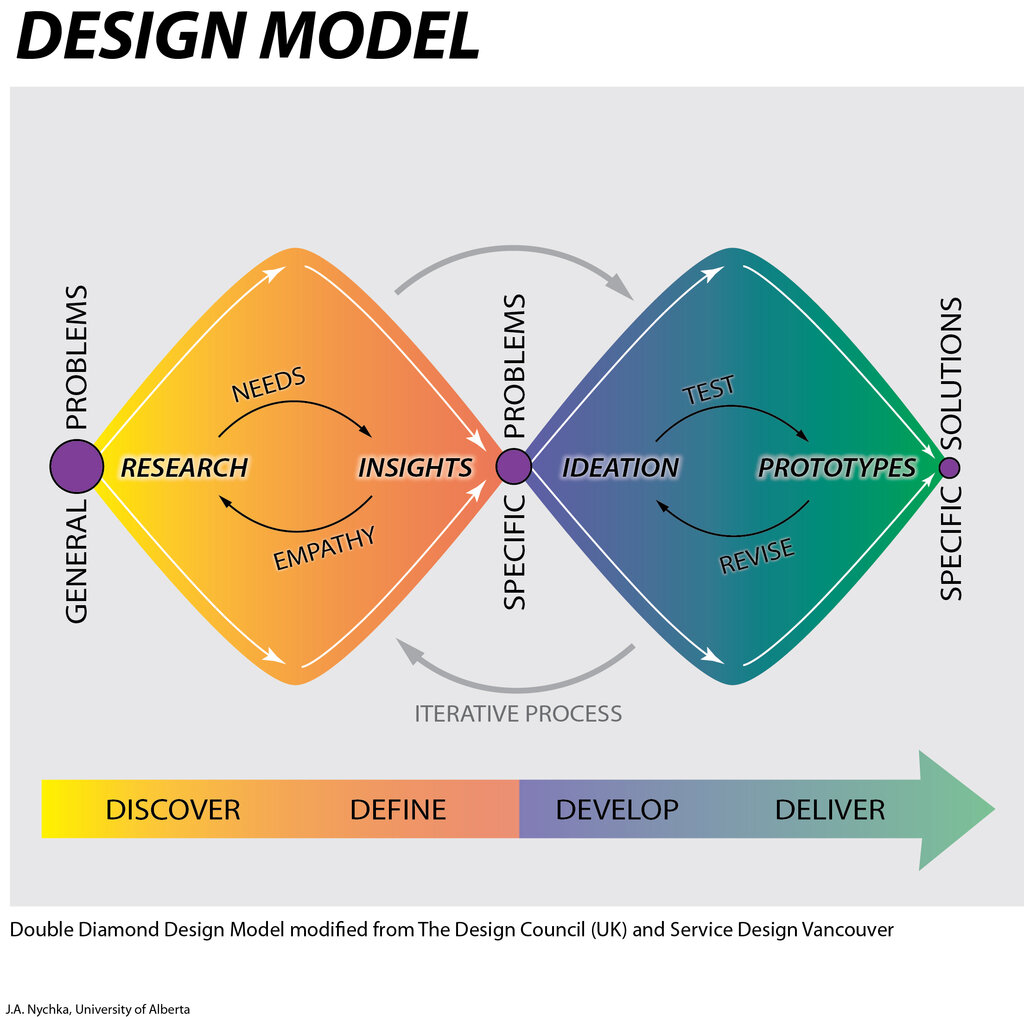
This isn't a strict, linear path. Designers often cycle back to earlier stages. Feedback from testing a prototype might reveal a deeper user need, sending the team back to the empathize and define stages to refine their understanding.
From Idea to Reality
The design thinking process fits within a broader design lifecycle that takes a product from a concept to a finished release. While specifics vary, the journey typically follows a clear path.
It starts with Research, where designers dig deep to understand the users and the problem space. This is the foundation for everything that follows.
Next comes the Design phase, where ideas are turned into tangible plans. This includes creating user flows, wireframes (basic blueprints), and eventually, high-fidelity mockups that look like the final product.
Then, designers build interactive Prototypes. These allow stakeholders and users to click through the design and get a feel for how it works before any code is written.
Testing is where the design is validated with real users. This crucial step helps catch usability issues and ensures the product meets user expectations.
Finally, the polished design is handed off for Implementation, where developers build the final product. But the designer's work isn't done. They continue to gather feedback and work on improvements, making the process a continuous cycle.
Let's review the key concepts we've covered.
Ready to check your understanding?
If UX design is the architecture and structure of a house, UI design is the...
A designer is choosing a color palette and font style to ensure a mobile app looks modern and is easy to read. This work is primarily focused on:
Understanding these core principles of UX and UI provides the foundation for creating experiences that are not only functional but also enjoyable and intuitive for the user.