Embedded Linux Systems Engineering
Cross-Compilation Toolchains
Host vs. Target
When you write code on your laptop, you're usually building it to run on that same laptop. Your development machine and the machine that runs the code are one and the same. This is called native compilation. The compiler on your x86-based PC creates executable files that the x86 processor understands.
Embedded development flips this script. You write and compile code on a powerful desktop or laptop, the host system, but the final program is intended to run on a completely different, often less powerful, device, the target system. The target might be a router, a smart thermostat, or an industrial controller. These devices rarely use the same processor architecture as your PC. They often run on ARM, MIPS, or RISC-V processors.
You can't just copy an x86 executable to an ARM device and expect it to work. It's like trying to play a Blu-ray disc in a VCR. The target's processor speaks a different language. This is where cross-compilation comes in. We need a special compiler that runs on the host but generates machine code for the target's architecture.
The Cross-Toolchain
A cross-compiler is part of a larger collection of tools called a toolchain. For a typical C-based embedded Linux system, this toolchain has three key components.
-
The Cross-Compiler (GCC): The GNU Compiler Collection (GCC) is the star of the show. A cross-compiler version of GCC is configured to output code for a specific target architecture. For example,
arm-linux-gnueabihf-gccis a GCC compiler that runs on an x86 host but produces code for an ARM processor running Linux. -
Binary Utilities (binutils): This is a suite of essential programming tools. The most important for us are the assembler (
as), which converts assembly code into machine code, and the linker (ld), which combines different pieces of compiled code (object files) and libraries into a single executable file. Like GCC, these tools must be built to understand the target's architecture.
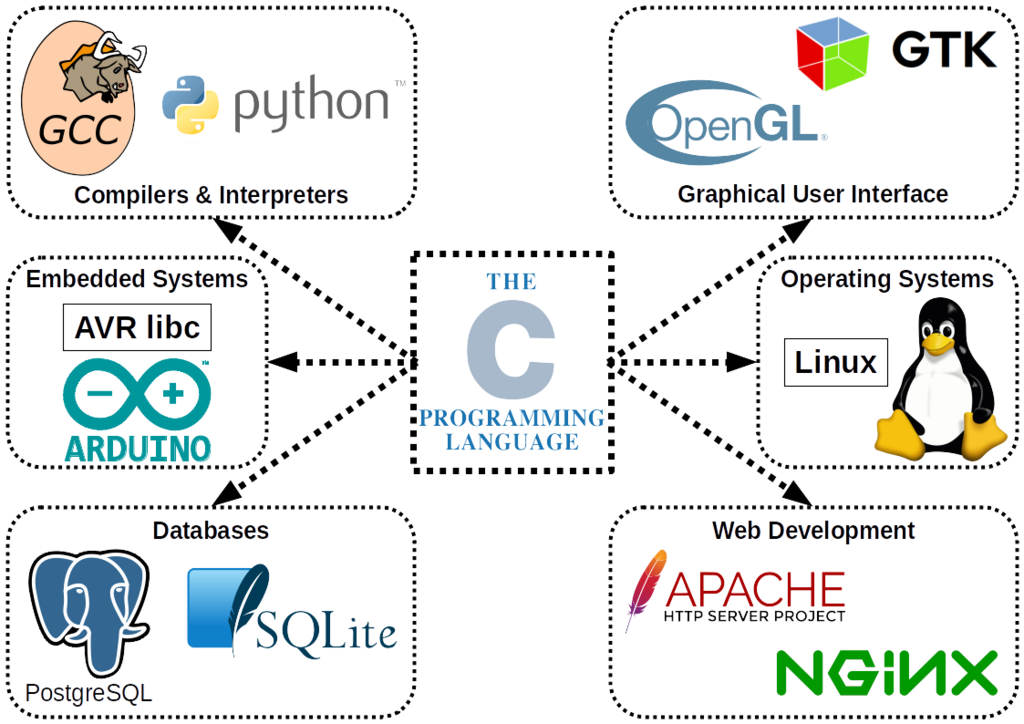
- The C Library (libc): Nearly every program you run on Linux depends on the C library. It provides a standard interface for programs to interact with the kernel for tasks like opening files, managing memory, and networking. The choice of C library is a critical decision in embedded systems because it has a huge impact on the final system's size and features.
The three most common choices are glibc, uClibc, and musl.
| C Library | Key Characteristic | Best For... |
|---|---|---|
| glibc | Full-featured, POSIX compliant | Desktop Linux, powerful embedded systems where compatibility and features are more important than size. |
| uClibc | Lightweight, older, good compatibility | Older or resource-constrained devices that need to be small but still support a wide range of legacy software. |
| musl | Lightweight, modern, statically linkable | New projects for resource-constrained devices where correctness, security, and static linking are priorities. |
When you link your program against a C library, you're tying it to a specific ABI, or Application Binary Interface. The ABI defines the low-level details of how functions are called, how data is passed, and how system calls are made. Your entire system, from the kernel to the user applications, must agree on the same ABI. Mixing components built with different, incompatible ABIs will lead to crashes and undefined behavior.
Getting and Using a Toolchain
So, how do you get one of these magical cross-toolchains? You generally have two options: download a pre-built one or build it yourself.
Many hardware vendors and projects like Arm provide pre-compiled toolchains for common host-target combinations. This is the easiest way to get started. For more specific needs, you might need to build your own. Manually building a toolchain is complex and error-prone. Fortunately, tools exist to automate this.
is a popular tool that allows you to configure and build a custom cross-compilation toolchain for almost any target. You specify the target architecture, kernel version, C library, and other options, and it handles the complex process of downloading and compiling everything correctly.
Once you have a toolchain, you need to tell your build system how to use it. This is typically done with environment variables. The two most important are ARCH and CROSS_COMPILE.
# Example for compiling for an ARM target
export ARCH=arm
export CROSS_COMPILE=arm-linux-gnueabihf-

# Now, when you run 'make', the build system will use these variables
# to call the correct compiler, for example:
# arm-linux-gnueabihf-gcc instead of just gcc
ARCH tells the build system what the target architecture is. CROSS_COMPILE provides the prefix for the toolchain binaries. The build system (like the Linux kernel's Makefile) will prepend this prefix to commands like gcc, ld, and as, automatically invoking the cross-compiler (arm-linux-gnueabihf-gcc) instead of the host's native compiler (gcc). This simple mechanism elegantly redirects the entire build process to your cross-toolchain.
What is the primary difference between native compilation and cross-compilation?
In the context of embedded development, the machine you write code on is the ______, and the device the code will run on is the ______.
Understanding how to select and use a cross-compilation toolchain is a fundamental skill for any embedded Linux developer, bridging the gap between your powerful development machine and the custom hardware you're targeting.