E-book Creation with Images
E-book Basics
What Is an E-book?
An e-book is simply a book in a digital file format. Instead of paper pages, you read it on an electronic screen, like a tablet, smartphone, or a dedicated e-reader. Think of it as the digital equivalent of a printed book, designed for modern devices.
E-book
noun
A book publication made available in digital form, consisting of text, images, or both, readable on the flat-panel display of computers or other electronic devices.
Why Go Digital?
Print books have their charm, but e-books offer some compelling advantages. One of the biggest is portability. You can carry an entire library on a single device that fits in your bag. This makes them perfect for travel or reading on the go.
E-books are also instantly accessible. You can buy and download a new book in minutes without leaving your house. Many e-books are also cheaper than their print counterparts because there are no printing or shipping costs involved. Plus, they're better for the environment, saving trees and reducing the carbon footprint associated with publishing.
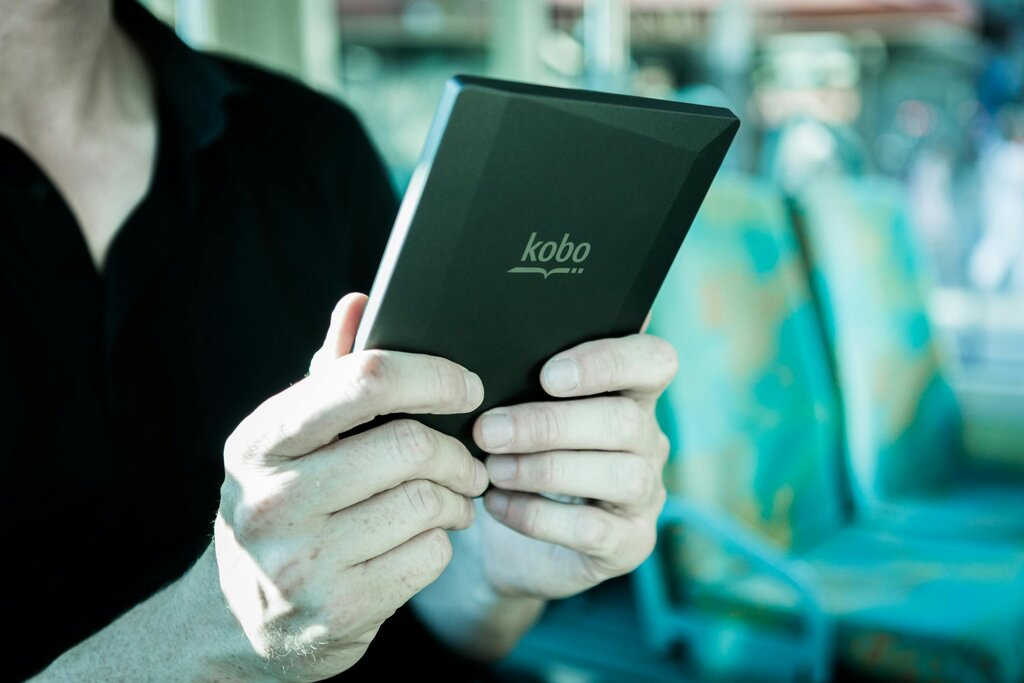
For readers, features like adjustable font sizes, built-in dictionaries, and searchable text make the experience highly customizable. For authors, digital publishing opens up a direct path to readers worldwide.
A Quick Look at Formats
Just as music comes in different file types like MP3 or WAV, e-books also have various formats. The format determines how the book looks and which devices can open it. Understanding the main types is key for any aspiring author.
The three most common formats you'll encounter are EPUB, MOBI, and PDF.
| Format | Stands For | Key Feature | Best For |
|---|---|---|---|
| EPUB | Electronic Publication | Reflowable text. Adapts to any screen size. | Most e-readers (Apple Books, Kobo, Nook) and platforms. |
| MOBI | Mobipocket | Reflowable text. An older Amazon format. | Older Amazon Kindle devices. |
| Portable Document Format | Fixed layout. Looks exactly like a printed page. | Documents with complex designs, like textbooks or magazines. |
What does "reflowable text" mean? It means the text and images can automatically adjust to fit the size of your screen. If you increase the font size, the words wrap differently, so you don't have to scroll left and right to read a sentence. This is why EPUB is the industry standard—it provides a comfortable, flexible reading experience.
A PDF, on the other hand, has a "fixed layout." It's like a digital snapshot of a printed page. The text and images stay in the same place no matter the screen size. This is great for preserving a specific design, but can make for a frustrating reading experience on small screens, where you'll be constantly pinching and zooming.
For most authors, EPUB is the most important format. It’s an open standard that works on almost every major platform except for Amazon's Kindle, which uses its own formats.
Where to Read Them
You can read e-books on a variety of devices. Each has its own pros and cons.
-
Dedicated E-readers: Devices like the Amazon Kindle, Kobo, and Barnes & Noble Nook use a special E-Ink screen that mimics the appearance of paper. It's easy on the eyes, has a long battery life, and is great for distraction-free reading.
-
Tablets and Smartphones: You can download reading apps like Apple Books, Google Play Books, or the Kindle app on your iPad or Android device. These offer a full-color screen, which is great for image-heavy books like comics or cookbooks, but the backlight can cause eye strain.
-
Computers: You can also read on your laptop or desktop using various software or web-based readers. This is often best for reference materials or textbooks you need while working.
Ready to check your understanding? Let's see what you've learned about e-book fundamentals.
What is the primary characteristic of an e-book?
Which e-book format is described as having a "fixed layout," similar to a digital snapshot of a printed page?
With these basics down, you have a solid foundation for moving on to creating and publishing your own e-book.