Dockerize Your Web Application
Introduction to Docker
What is Docker?
Have you ever heard a developer say, "Well, it works on my machine"? This classic phrase highlights a common problem in software development. An application might run perfectly on one computer but fail on another because of differences in operating systems, libraries, or other settings.
Docker solves this problem with something called a container. Think of it like a real-world shipping container. It doesn't matter if you're shipping bananas or car parts; the container's standard shape allows it to be moved by any ship, train, or crane. Docker containers do the same for software.
A Docker container packages an application and all its dependencies—code, libraries, system tools, and settings—into a single, standardized unit. This package can then run consistently on any computer that has Docker installed.
This means you can build your application once and be confident it will run anywhere: on a teammate's laptop, a testing server, or in the cloud. It removes the guesswork and ensures a stable, predictable environment from development to production.
Containers vs Virtual Machines
If you've heard of containers, you might have also heard of virtual machines, or VMs. They both allow you to run isolated applications on a single physical machine, but they do it in very different ways.
A virtual machine emulates an entire computer, including the hardware. On top of your host machine's operating system (like macOS or Windows), you run a piece of software called a hypervisor. The hypervisor then creates VMs, and each VM needs its own complete guest operating system. If you want to run three apps in three VMs, you're running three separate operating systems on top of your main one.
Containers are much more lightweight. Instead of virtualizing the hardware, containers virtualize the operating system. All your containers share the host machine's OS kernel. They only package the specific libraries and settings needed for the application to run, not a whole OS.
This architectural difference has big consequences. Containers are much faster to start than VMs, which have to boot up a full operating system. They also take up significantly less disk space and memory because there's no redundant OS. This efficiency allows you to run many more containers on a machine than you could VMs.
Getting Started
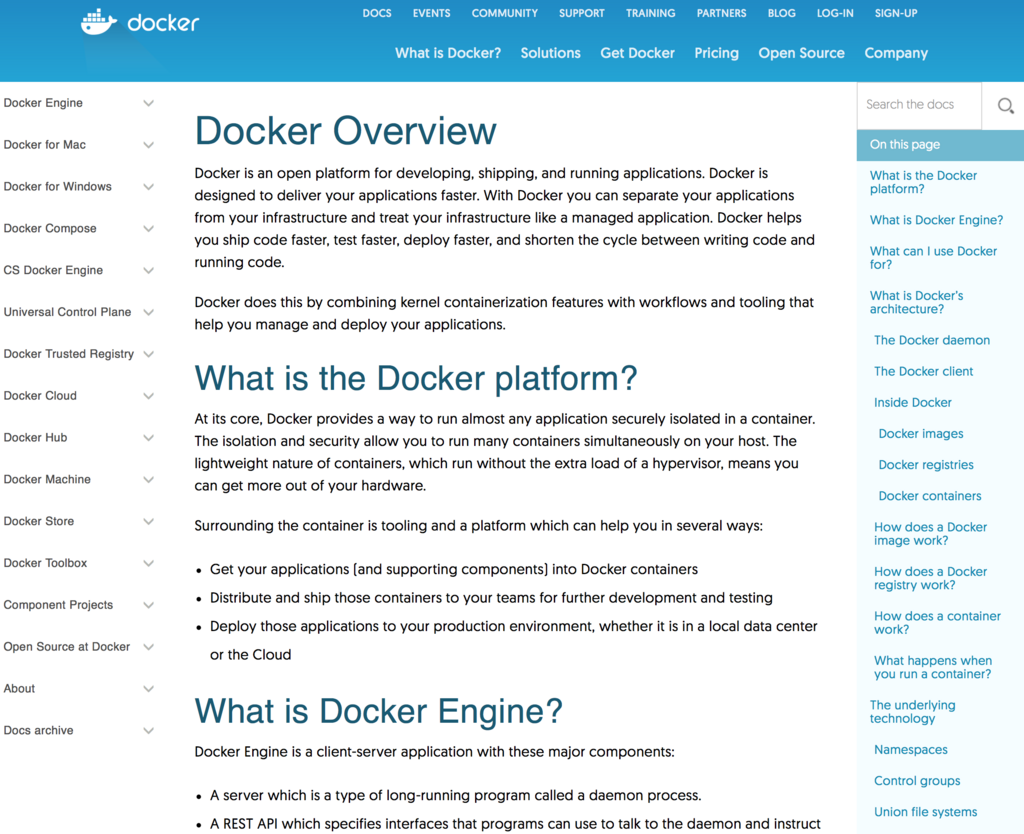
Ready to try it out? The first step is to install Docker on your system. Docker provides a simple installer called Docker Desktop for macOS and Windows. For Linux users, you can install the Docker Engine.
You can find the official installation guides and downloads on the Docker website. Follow the instructions for your specific operating system.
Once the installation is complete, you can verify it's working by opening a terminal or command prompt and running a simple command. This command downloads a tiny test image and runs it in a container. An "image" is a template used to create a container, like a blueprint.
docker run hello-world
If everything is set up correctly, you'll see a message that begins with "Hello from Docker!" This confirms that your installation is successful and you've just run your first container. The message explains what just happened:
- The Docker client contacted the Docker daemon (the background service).
- The daemon pulled the "hello-world" image from the Docker Hub, a public registry for container images.
- The daemon created a new container from that image.
- The daemon ran the executable inside the container, which produced the output you see.
Congratulations! You've taken your first step into the world of containerization.
What common software development problem, often summarized by the phrase "Well, it works on my machine," does Docker primarily solve?
What is the primary architectural difference between a Docker container and a Virtual Machine (VM)?
That's the basic idea behind Docker. By packaging applications into isolated, portable containers, it makes building and deploying software simpler and more reliable.