Docker Mastery from Beginner to Advanced
Introduction to Docker
What Is Docker?
Docker is a tool that makes it easier to create, deploy, and run applications by using containers. Think of a container as a standardized, self-contained package. This package includes everything an application needs to run: the code, system tools, libraries, and settings.
This solves the classic problem of 'it works on my machine.' By bundling the application with its environment, Docker ensures that it runs the same way everywhere, from a developer's laptop to a production server.
The core idea is called containerization. It allows developers to isolate their application from its surroundings. This means you can have multiple containers, each running a different application, on the same machine without them interfering with each other. It’s like having several neat, tidy apartments in one building, instead of one messy, open-plan house.
Containers vs Virtual Machines
People often confuse containers with virtual machines (VMs). They both provide isolated environments, but they do it in fundamentally different ways.
A virtual machine emulates an entire computer system, including the hardware. A program called a hypervisor runs on a host machine and creates multiple guest operating systems. Each VM has its own complete OS, which takes up a lot of space and resources.
Containers, on the other hand, virtualize the operating system itself. They sit on top of a single host operating system and share its kernel. The Docker Engine is what makes this possible. This approach is much more lightweight and efficient. Containers start faster, use less memory, and require less disk space than VMs.
Why Use Docker?
The lightweight nature of containers leads to several key benefits.
Consistency and Portability: Docker containers run the same regardless of where they are deployed. A developer can build and test a container on their laptop, and then deploy that exact same container to a testing environment, a staging server, or the cloud, confident that it will work identically.
Efficiency: Because containers share the host operating system's kernel, they are much smaller than VMs. They don't need a full operating system for each application. This means you can run more containers on a single server than you could VMs, making better use of your hardware.
Scalability and Speed: Containers can be started, stopped, and replicated in seconds. This makes it incredibly easy to scale an application up to meet demand or scale it down to save resources. New code can be deployed quickly by simply starting up new containers with the updated application.
Installing Docker
Getting started with Docker involves installing Docker Desktop on your personal computer. Docker provides tailored installers for Windows, macOS, and Linux.
For Windows and macOS, the best way to install Docker is by downloading Docker Desktop from the official Docker website. It’s an easy-to-install application that includes the Docker Engine, the Docker CLI client, and other tools.
For Linux, you can also use Docker Desktop, or you can install the Docker Engine using your distribution's package manager. The official Docker documentation provides specific instructions for popular distributions like Ubuntu, Debian, and CentOS.
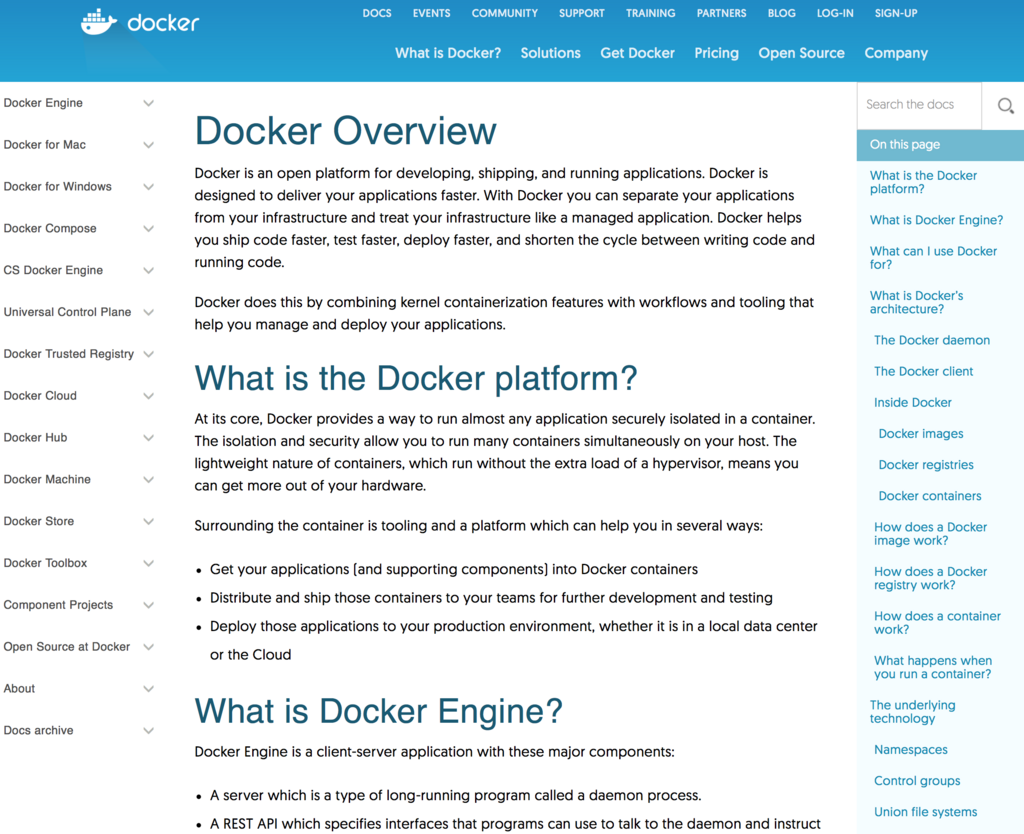
Once the installation is complete, you can verify that Docker is running correctly by opening a terminal or command prompt and running a simple command.
# Check the installed Docker version
docker --version
If Docker is installed correctly, this command will print the installed version of Docker. Now you're ready to start working with containers.
What is the fundamental difference between a Docker container and a virtual machine (VM)?
Which core benefit of Docker directly solves the problem of an application working on a developer's laptop but failing in a production environment?
Now that you understand what Docker is and why it's so useful, you're ready to dive deeper into how to use it.