Docker Image Security with DevSecOps Tools
Docker Image Security Basics
Why Image Security Matters
Docker images are the blueprints for your containers. If the blueprint has a flaw, every container built from it inherits that same flaw. This is why securing your images is the first and most critical step in container security. A vulnerability in your image can be exploited by attackers to gain control of your application, access sensitive data, or disrupt your services.
Think of it like building a house. You wouldn't use faulty materials for the foundation. In the same way, you shouldn't build your applications on insecure images. Let's cover the foundational practices for keeping your Docker images secure.
Start with a Trusted Base
Every Dockerfile starts with a FROM instruction, which specifies the base image. This is the foundation upon which you build your application's environment. The security of your entire image depends heavily on the security of this base layer.
Always use official and verified images from trusted sources like Docker Hub. These images are maintained by the software's developers or a dedicated community. They are regularly updated to patch security vulnerabilities and are built following best practices.
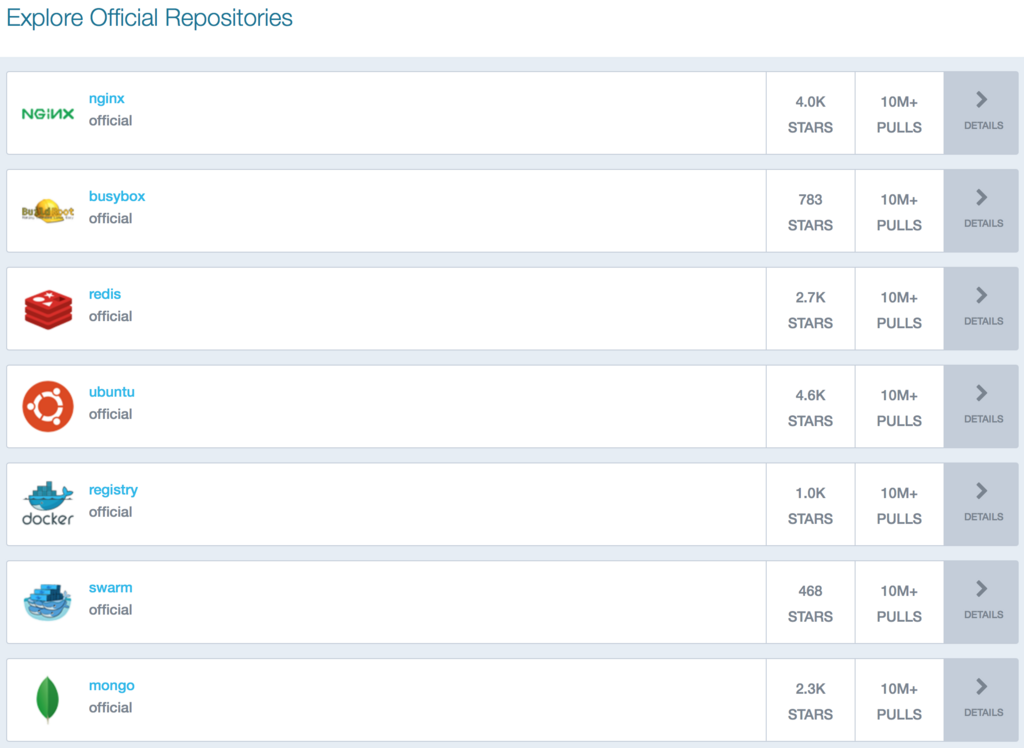
Using an unofficial image from an unknown publisher is risky. It could contain malware, be poorly configured, or have known vulnerabilities that have not been patched. Stick to the official sources to build on a solid, secure foundation.
Keep Images Lean
Smaller images are not just faster to pull and deploy; they're also more secure. The principle is simple: the less you have in your image, the smaller your attack surface. Every extra library, package, or tool you install is another potential entry point for an attacker.
A minimal image reduces the attack surface, making it harder for vulnerabilities to be exploited.
Aim to include only what your application absolutely needs to run. You can achieve this by:
- Choosing a minimal base image: Instead of a full-featured OS like Ubuntu, consider a lightweight distribution like Alpine Linux. Alpine images are significantly smaller and contain fewer packages.
- Cleaning up after installation: In your Dockerfile, remove package manager caches and unnecessary files after you've installed your dependencies.
- Using multi-stage builds: This technique allows you to use one container for building your application (with all its build-time dependencies) and a separate, smaller container for running it, containing only the final compiled artifact and its runtime dependencies.
# Example of cleaning up apt cache
FROM ubuntu:22.04

RUN apt-get update && apt-get install -y --no-install-recommends \
    python3 \
    # Clean up the cache to reduce image size
    && rm -rf /var/lib/apt/lists/*
Update and Scan Regularly
Software is constantly evolving, and new vulnerabilities are discovered daily. An image that is secure today might be vulnerable tomorrow. That's why it's essential to regularly update your images and scan them for potential threats.
Rebuilding your images frequently ensures that you are using the latest security patches from your base image and any packages you've installed. This simple habit can protect you from newly discovered exploits.
Beyond updating, you should actively look for vulnerabilities. This is where vulnerability scanning tools come in. These tools analyze the layers of your Docker image and compare the software packages within it against a database of known vulnerabilities, often called Common Vulnerabilities and Exposures (CVEs).
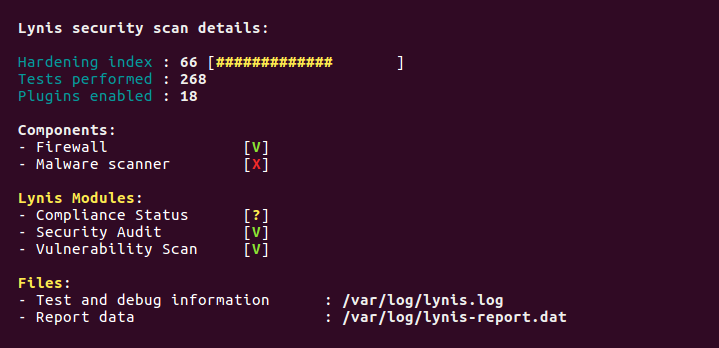
Tools like Trivy, Clair, and Docker Scout can be used to automatically scan your images. They provide reports that list any found vulnerabilities, their severity level, and often suggest a path to remediation, such as updating a package to a specific version. Integrating scanning into your development process helps you catch and fix security issues before they ever reach production.
Now, let's test your knowledge on these foundational concepts.
What is the primary security reason for choosing official base images from trusted sources like Docker Hub?
Reducing the size of a Docker image by including only necessary components primarily enhances security by:
By following these basic principles—using trusted bases, keeping images small, and regularly updating and scanning—you can significantly improve the security of your containerized applications.