Docker Fundamentals for Beginners
Introduction to Containers
The “It Works on My Machine” Problem
Every software developer has heard it, and most have said it: “But it works on my machine!” A program runs perfectly on one computer but fails spectacularly on another. This happens because the two environments are different. Maybe one has a newer version of a programming language, a missing library, or a different operating system configuration.
This inconsistency creates headaches. It slows down development, makes testing unreliable, and turns deployments into a gamble. For years, the industry searched for a better way to package and run applications so they would behave predictably everywhere.
The solution came from an unlikely place: the shipping industry.
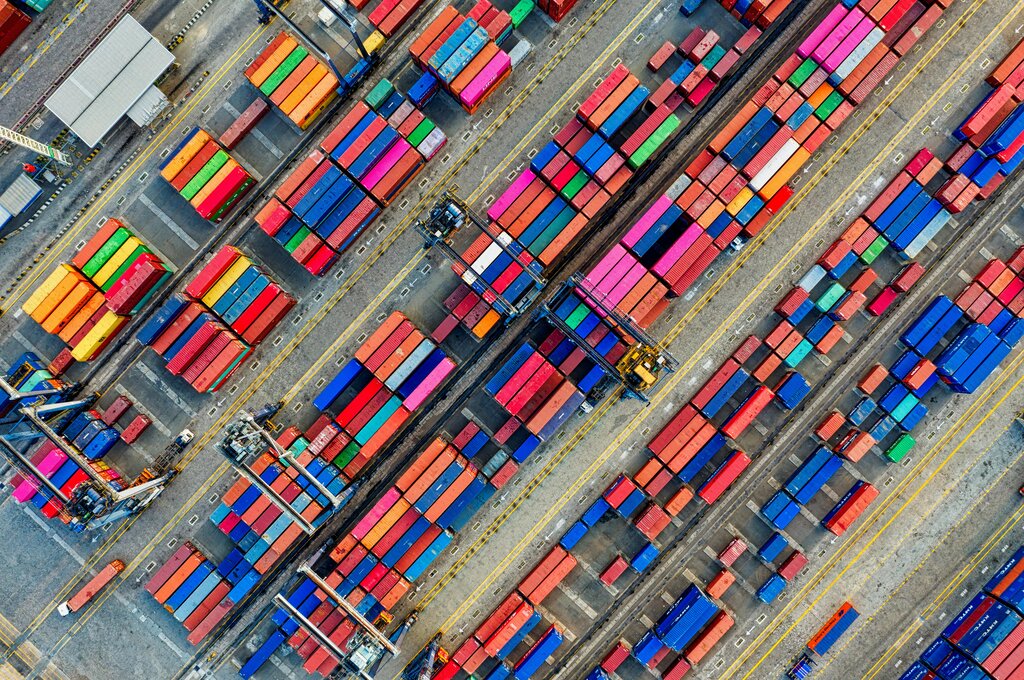
Before shipping containers, loading cargo was slow and inefficient. Goods of all shapes and sizes had to be handled individually. The invention of the standardized steel container changed global trade forever. It didn't matter what was inside; the container could be moved easily from a ship to a train to a truck.
Software containers do the same thing for code. A container is a standard unit of software that packages up code and all its dependencies, so the application runs quickly and reliably from one computing environment to another.
A container bundles an application's code with all the files and libraries it needs to run. The result is a self-contained package that behaves the same way everywhere.
Containers vs. Virtual Machines
If you're familiar with virtualization, you might be thinking of virtual machines (VMs). Both containers and VMs solve the problem of running applications in isolated environments, but they do it in fundamentally different ways.
A virtual machine emulates an entire computer system. It includes a complete copy of an operating system, the application, necessary libraries, and the virtual hardware it runs on. This makes VMs very large and slow to start up.
Containers, on the other hand, virtualize the operating system itself. Instead of bundling a full guest OS, containers share the kernel of the host machine’s operating system. They only package the application and its direct dependencies. This makes them incredibly lightweight and fast.
The Benefits of Containerization
This lightweight architecture gives containers several major advantages.
| Benefit | Description |
|---|---|
| Consistency | Containers run the same everywhere. A developer can build a container on their laptop, and it will run identically on a testing server, a production server, or a different developer's machine. |
| Resource Efficiency | Since containers don't need a guest OS, they use far less memory and CPU. You can run many more containers on a single host than you could virtual machines. |
| Speed | Containers can be started, stopped, and duplicated in seconds. This speed is a huge advantage for development, testing, and scaling applications to meet demand. |
| Isolation | Each container runs in its own isolated space, unaware of other containers on the same machine. This improves security and prevents conflicts between application dependencies. |
When to Use Containers
Containers have become a fundamental tool in modern software development. Their flexibility makes them suitable for a wide range of applications.
One common use is for microservices architecture, where a large application is broken down into smaller, independent services. Each service can be built, deployed, and scaled in its own container, making the entire system more resilient and easier to manage.
They are also essential for creating CI/CD pipelines (Continuous Integration/Continuous Deployment). Developers can package their code into a container, which is then automatically tested and deployed, streamlining the release process.
Finally, containers make it simple to lift and shift existing applications to modern cloud infrastructure. By placing an older application inside a container, you can run it on new hardware without having to rewrite it from scratch.
By providing a consistent, efficient, and portable way to package software, containers solve long-standing problems in development and operations, allowing teams to build and ship applications faster and more reliably than ever before.
Ready to check your understanding? Let's review the key ideas.
What is the primary problem that software containers are designed to solve?
How does a container differ from a virtual machine (VM)?
Now you know the 'what' and 'why' of containers. Next, we'll look at the tools you use to work with them.