Docker Fundamentals
Docker Basics
What is Docker?
Think about global shipping. Before the standardized shipping container, moving goods was a chaotic process. Items of all shapes and sizes were packed onto ships, making loading and unloading slow and inefficient. Then came the simple, rectangular steel box. Suddenly, everything from cars to bananas could be packed into the same type of container, moved by the same cranes, and carried on the same ships and trucks. It revolutionized trade.
Docker does for software what the shipping container did for transport. It's a tool that packages an application and all its dependencies—libraries, system tools, code, and runtime—into a standardized unit called a container.
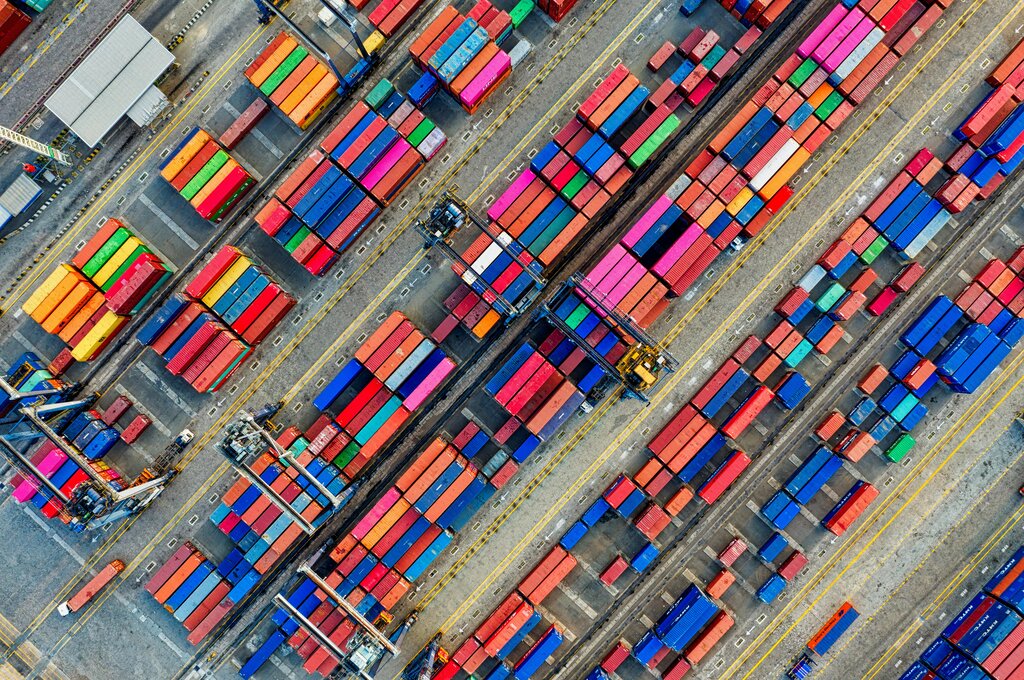
This package is a complete, self-sufficient environment. Everything the application needs to run is bundled inside. The container can then be shipped to any other machine running Docker and it will work exactly the same way, regardless of the underlying operating system or configuration.
This solves the classic developer problem: "It works on my machine!" By packaging everything together, Docker ensures that if an application works in development, it will work in testing and in production, too.
Containers vs Virtual Machines
You might be thinking this sounds a lot like a virtual machine (VM). Both provide isolated environments to run software, but they do it in fundamentally different ways.
A virtual machine emulates an entire computer, including the hardware. A program called a hypervisor runs on a host machine and creates a guest machine with its own full operating system. This guest OS has its own kernel, libraries, and dependencies, on top of which your application runs. This is effective, but it's also resource-intensive. Each VM needs its own OS, which consumes significant CPU, memory, and disk space.
Containers take a different approach. They virtualize the operating system, not the hardware. All containers on a host machine share that machine's OS kernel. They are just isolated processes running on the host. Because they don't need a full guest OS, containers are incredibly lightweight and fast.
A container might be only a few megabytes in size and can start in seconds, whereas a VM can be gigabytes and take minutes to boot up. This efficiency means you can run many more containers on a single server than you could VMs, leading to better resource utilization and cost savings.
The Docker Ecosystem
Docker is more than just a container runtime; it's a full platform with several key components that work together.
Docker Engine: This is the core of Docker. It's a background service (a daemon) that runs on your host machine and manages containers. You interact with it using a command-line interface (CLI). The engine handles building images, running containers, and managing networking and storage.
Docker Hub: This is a public registry for Docker images, similar to how GitHub is a registry for code. It hosts a vast library of official images for popular software (like databases, programming languages, and web servers) and countless more images shared by the community. You can pull these pre-built images to use as a base for your own applications or push your own images to share them.
Docker Compose: While the Docker CLI is great for managing single containers, most real-world applications consist of multiple services working together. For example, a web application might have a web server, a database, and a caching service. Docker Compose is a tool that lets you define and run multi-container applications using a simple configuration file. With a single command, you can start, stop, and manage your entire application stack.
The provided text introduces Docker by drawing an analogy to what real-world innovation that revolutionized its industry?
What is the fundamental difference in how Docker containers and virtual machines (VMs) achieve isolation?