Docker Fundamentals
Introduction to Docker
What Is Docker?
Docker is a tool that packages an application and all its dependencies into a single, standardized unit called a container. This makes it easy to develop, ship, and run applications anywhere.
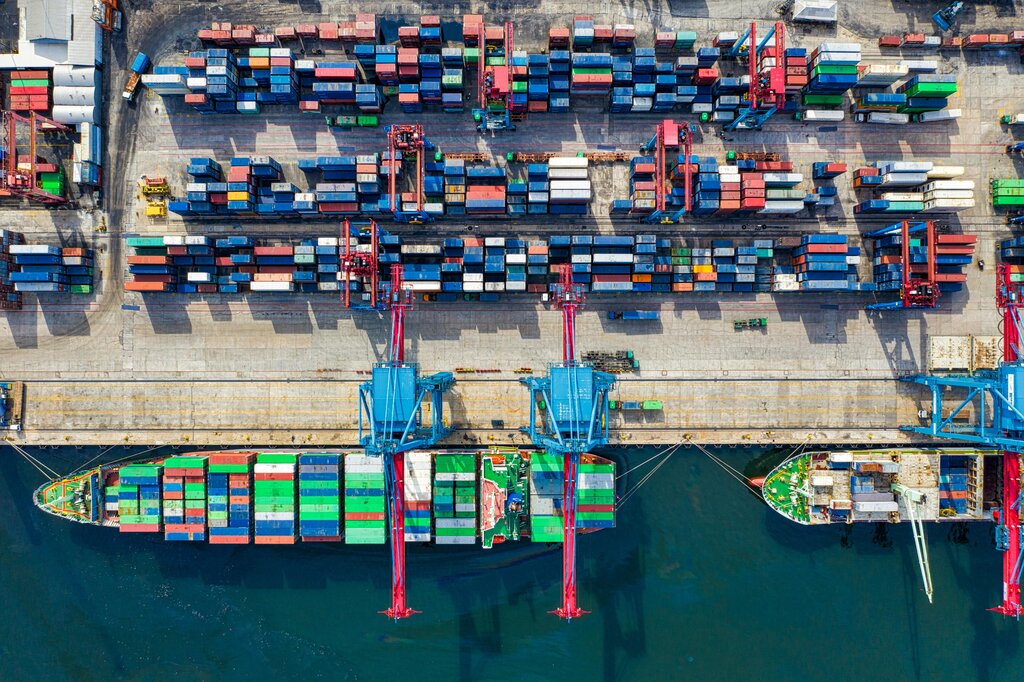
Think of modern shipping containers. Before they existed, loading a ship was a chaotic process. Goods of all shapes and sizes had to be packed individually. The standardized container changed everything. It didn't matter what was inside; the container could be moved by any crane, truck, or ship in the world. Docker does the same thing for software.
Solving the 'Works on My Machine' Problem
A common headache in software development is when code works perfectly for the developer but fails on another machine. This usually happens because of tiny differences between environments, like the operating system version, installed libraries, or configuration settings. This inconsistency creates delays and frustration.
For a long time, the solution was virtual machines.
Containers vs. Virtual Machines
A Virtual Machine (VM) is an emulation of a complete computer system. To run an application, a VM packages it with an entire guest operating system. This is effective but heavy. It consumes a lot of resources because you're running multiple operating systems on one physical machine.
Containers take a more lightweight approach. Instead of bundling a whole OS, a container packages just the application and its libraries. It runs directly on the host machine's operating system kernel, which it shares with other containers. This makes them much smaller, faster, and more efficient.
| Feature | Virtual Machine | Container |
|---|---|---|
| Size | Large (Gigabytes) | Small (Megabytes) |
| Startup Time | Minutes | Seconds |
| Resource Use | High (Full OS) | Low (Shared OS) |
| Isolation | Full hardware virtualization | Process-level isolation |
How Docker Works
Docker's architecture has a few key parts that work together to build, run, and share applications.
First, there are images and containers. An image is a read-only template with instructions for creating a container. You can think of it as a recipe or a blueprint. A container is a runnable instance of an image. You can have many running containers from the same image, just like you can bake many cookies from one recipe.
A Docker container is a lightweight, standalone, executable package that includes everything needed to run a piece of software, including the code, runtime, system tools, libraries, and settings.
These components are managed by the Docker platform, which consists of:
- Docker Engine: This is the core of Docker. It's a background service (also called a daemon) that runs on the host machine and manages the containers.
- Docker CLI (Command Line Interface): This is the tool you use to interact with the Docker Engine. You type commands like
docker runordocker buildto tell the engine what to do. - Docker Hub: This is a public registry where developers can find and share container images. It's like a GitHub for Docker images, containing thousands of pre-built images for common software.
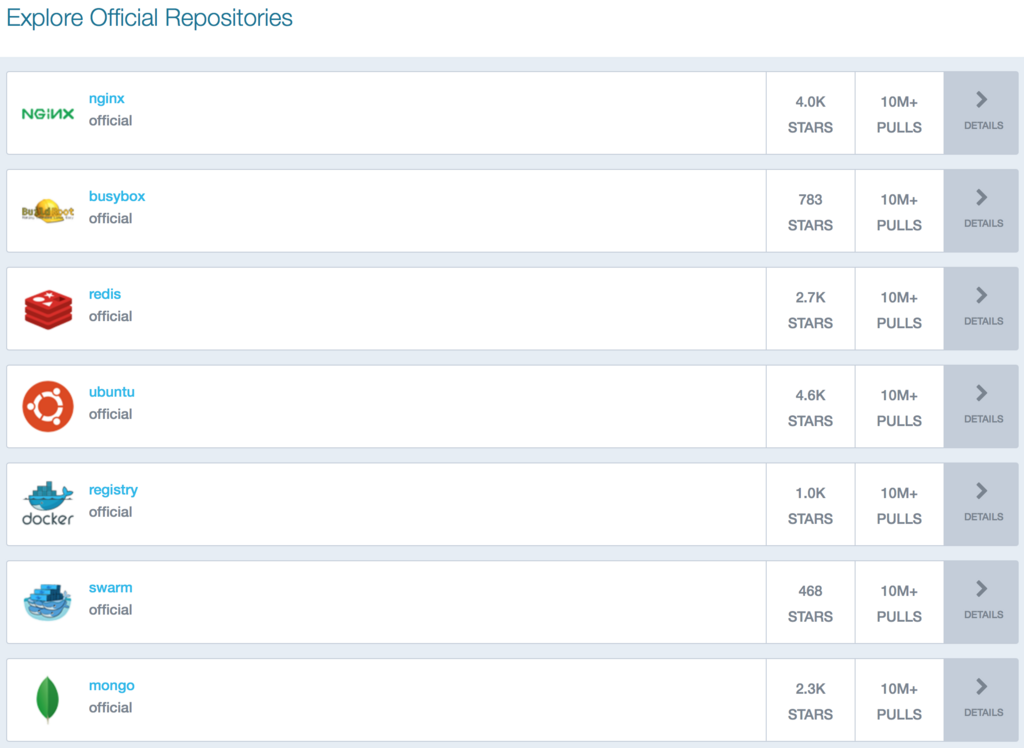
Here’s a simple command you would use with the Docker CLI. This command tells the Docker Engine to download the hello-world image from Docker Hub (if it's not already on your machine) and run it as a container.
# Pulls and runs the hello-world image
docker run hello-world
The benefits of this approach are significant. Docker provides a consistent environment from development to production, which eliminates surprises. Containers are portable and can run on any machine that has Docker installed, whether it's a laptop, a server, or in the cloud. They are also incredibly efficient, allowing you to run more applications on the same hardware compared to VMs.
Time to check what you've learned.
What is the primary problem Docker is designed to solve in software development?
How does a Docker container differ from a traditional Virtual Machine (VM)?
This setup makes Docker a powerful tool for modern software development, simplifying how applications are built and deployed.