Docker Fundamentals
Docker Basics
What is Docker?
Think about how global trade works. Goods are packed into standard-sized shipping containers. It doesn't matter if the container holds electronics or coffee beans; it can be loaded onto any ship, train, or truck that supports the standard. This system makes shipping efficient and predictable.
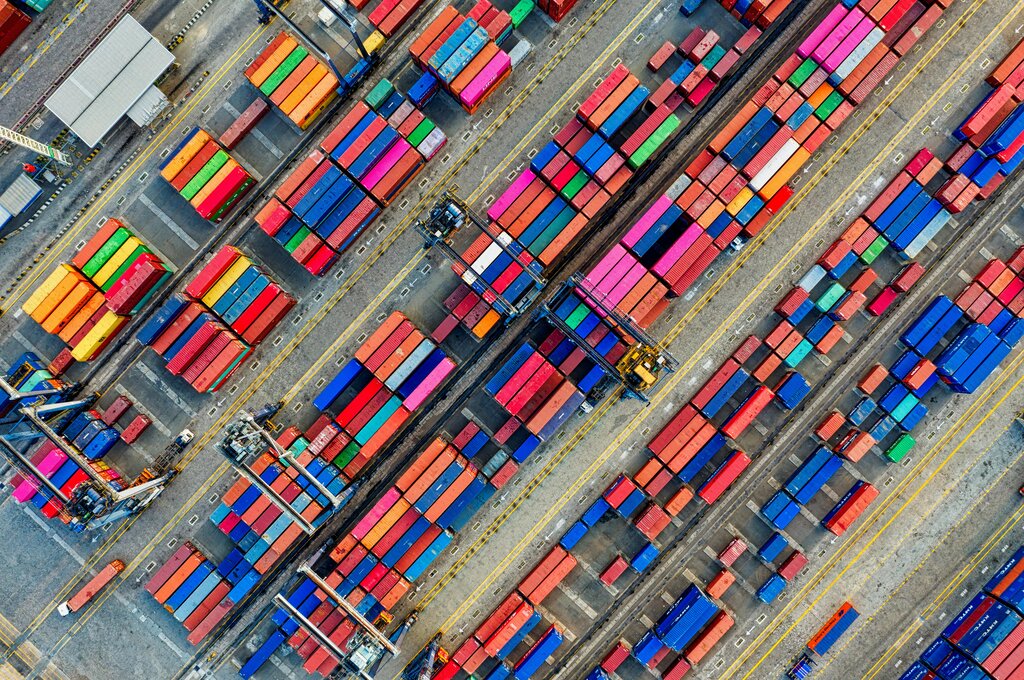
Docker does the same thing for software. It packages an application and all its dependencies—like libraries, system tools, and settings—into a single, standardized unit called a container. Just like a shipping container, a Docker container can run on any computer that has Docker installed, regardless of the underlying operating system. This solves the classic developer problem: "It works on my machine, but not on yours."
With Docker, the application and its environment are bundled together, ensuring it runs the same way everywhere.
A Docker container is a lightweight, standalone package that includes everything needed to run a piece of software.
Containers vs. Virtual Machines
You might be thinking, "This sounds like a virtual machine (VM)." They are similar, but a key difference makes containers much more efficient.
A VM virtualizes the hardware. It runs a complete, independent operating system on top of the host machine's OS. Each VM includes not only the application and its dependencies but also an entire guest operating system. This makes them large, slow to start, and resource-intensive.
Containers, on the other hand, virtualize the operating system. They share the host machine's OS kernel. Instead of bundling a full OS, a container only includes the specific libraries and settings required by the application. This makes them incredibly lightweight, fast, and efficient.
Because they are so much lighter, you can run many more containers on a given machine than you could VMs. This efficiency is a game-changer for deploying applications.
| Feature | Virtual Machine (VM) | Container |
|---|---|---|
| Isolation | Complete (Hardware) | Process-level (OS) |
| Size | Gigabytes | Megabytes |
| Startup Time | Minutes | Seconds |
| Overhead | High (Full OS) | Low (Shared Kernel) |
| Density | Low | High |
Installing Docker
To get started, you'll need to install Docker Desktop. It's a single application that includes the Docker Engine, the Docker command-line tool, and other features in a user-friendly package. The installation process is straightforward for all major operating systems.
Visit the official Docker website to download the correct version for your system: Windows, macOS, or Linux. Follow the installation instructions provided.
Once installed, open Docker Desktop. You should see an icon in your system tray or menu bar indicating that the Docker daemon (the background service) is running. To verify the installation, open your terminal or command prompt and run a simple command:
docker --version
If Docker is installed correctly, this will print the installed version number. Now you're ready to run your first container.
Running Your First Container
Let's run a simple "hello-world" container. This is the traditional first step to confirm everything is working. In your terminal, type the following command and press Enter:
docker run hello-world
When you run this command, here’s what happens behind the scenes:
- The Docker client contacts the Docker daemon.
- The daemon checks if you have the
hello-worldimage locally. An image is a blueprint for a container. - Since you don't have it yet, the daemon pulls the image from Docker Hub, a public registry of Docker images.
- Once the image is downloaded, the daemon creates a new container from that image.
- The container runs, executing a simple program that prints a message to your terminal.
- The container then stops and exits.
Your terminal output should look something like this:
Hello from Docker! This message shows that your installation appears to be working correctly. ...
Congratulations! You've just downloaded a Docker image and run your first container. You've taken the first step into the world of containerization.
What is the primary benefit of using Docker, as illustrated by the shipping container analogy?
What is the key architectural difference that makes Docker containers more lightweight than Virtual Machines (VMs)?