Docker Essentials for Developers
Docker Basics
What is Docker?
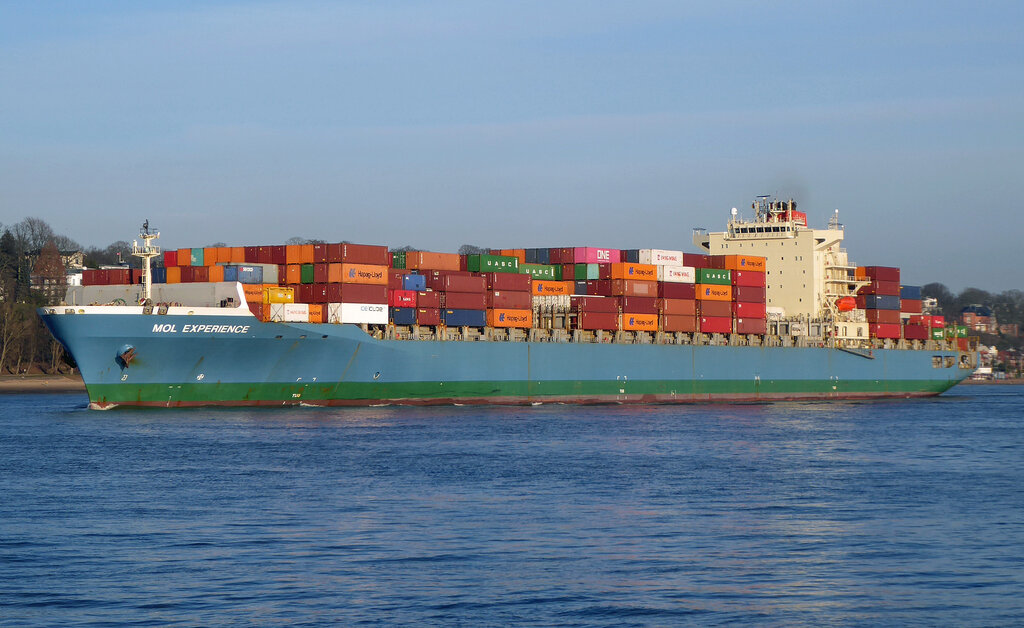
Think about how global shipping works. Goods of all shapes and sizes are packed into standard metal boxes, the shipping containers you see on trains and ships. Because the containers are all the same size, any port in the world can handle them with the same equipment. It doesn't matter if a container holds bananas or car parts; the process for moving it is identical.
Docker does the same thing for software. It’s a tool that packages an application and all its necessities—like libraries, system tools, and other code—into a single, standardized unit called a container.
This container has everything the application needs to run, all bundled up. Once you've created a container, you can run it on any computer that has Docker installed, whether it's your personal laptop, a server in your office, or a machine in the cloud.
By packaging applications and their dependencies into standardized units called containers, Docker ensures that software runs seamlessly across different environments.
This solves a classic problem for developers: the dreaded “but it works on my machine!” scenario. With Docker, if an application works inside its container, it will work exactly the same way wherever that container is run.
Containers vs. Virtual Machines
Before containers became popular, the standard way to run multiple applications on a single server was with virtual machines, or VMs. A VM is essentially an entire computer emulated in software. It includes a full copy of an operating system (like Linux or Windows), which then runs your application.
Containers take a more lightweight approach. Instead of creating a whole virtual operating system, containers share the operating system of the host computer. They only package the specific bits of code and dependencies that the application needs to run. This makes them much smaller and faster than VMs.
Because they don't carry the baggage of a full operating system, containers are measured in megabytes, while VMs are often gigabytes in size. This difference has a huge impact on performance and efficiency.
The Advantages of Docker
So why has Docker become so popular? The benefits boil down to a few key areas:
Consistency and Portability: As we've seen, containers run the same everywhere. This consistency means developers can build and test an application on their laptop and be confident it will behave identically when it's deployed to a production server.
Resource Efficiency: Since containers share the host OS kernel and don't require a guest OS, they use far less memory and storage. You can run many more containers on a single server than you could virtual machines, which saves money and energy.
Speed: A container can be started in seconds. A VM, which has to boot an entire operating system, can take several minutes. This speed makes it much faster to deploy, test, and scale applications.
Scalability: Need to handle more traffic? Just spin up more copies of your application's container. When traffic dies down, you can shut them off. This process is much faster and more automated with containers than with traditional infrastructure.
Docker containers are lightweight, portable, and self-sufficient environments that include everything needed to run an application.
These advantages have made Docker a fundamental tool for modern software development, allowing teams to build and ship applications faster and more reliably than ever before.
What is the primary advantage of Docker's containerization, as explained by the shipping container analogy?
Which statement accurately describes a key difference between Docker containers and Virtual Machines (VMs)?
In short, Docker simplifies the entire process of creating, deploying, and running applications by using these efficient, portable containers.