Docker Essentials for Developers
Introduction to Docker
The “Works on My Machine” Problem
Every developer has said it. You build a new feature, test it, and everything works perfectly. Then, you send it to a teammate, and it breaks. Or worse, it gets deployed to production and crashes. This frustrating cycle happens because the developer's computer is different from the production server or a colleague's machine.
Different operating systems, software versions, and configurations can cause the same code to behave unpredictably.
Docker solves this problem. Think of it like a standardized shipping container for software. Before shipping containers, loading a ship was a chaotic puzzle of different-sized boxes, barrels, and sacks. Now, everything goes into a standard container that can be moved easily by any crane, truck, or ship in the world. Docker does the same for applications.
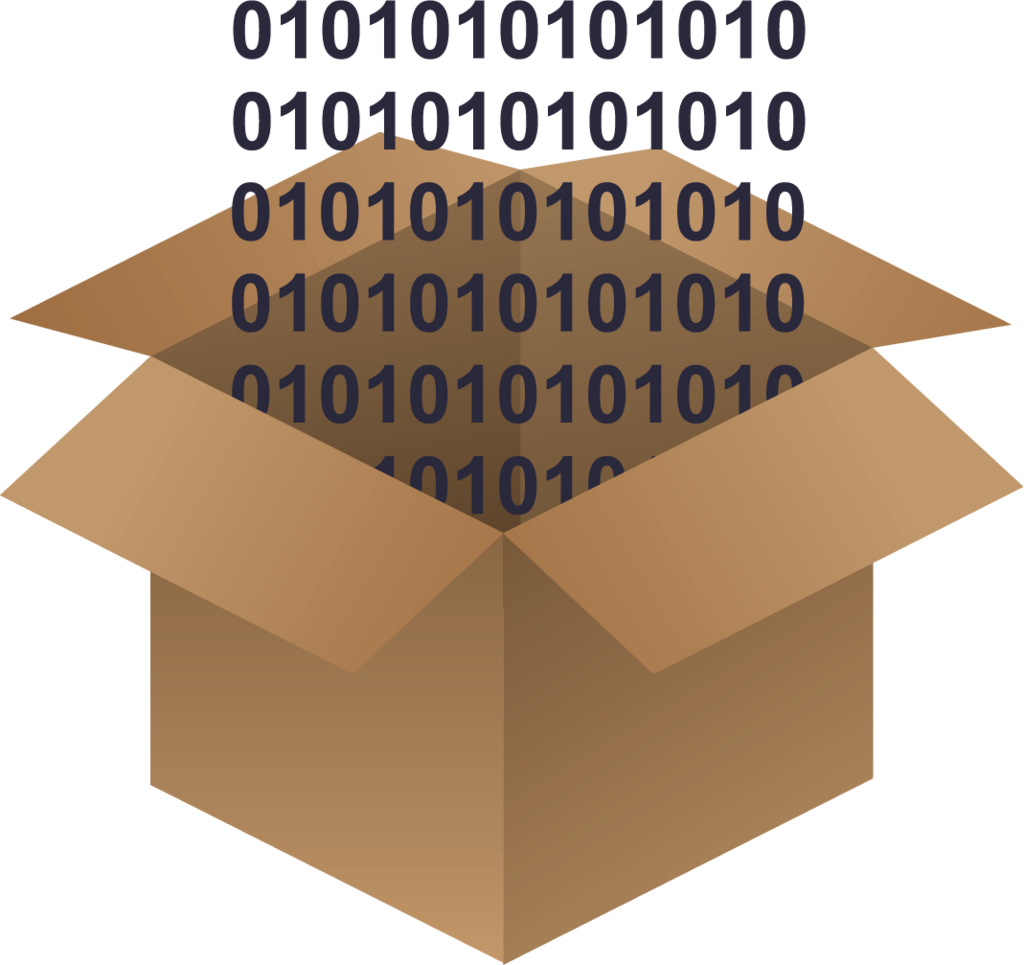
It packages an application with all of its parts, like libraries and other dependencies, and ships it all out as one bundle. This bundle is called a container. Because the container includes everything the software needs to run, it works the same way everywhere, from a laptop to a cloud server.
Containers vs. Virtual Machines
You might be thinking this sounds like a virtual machine (VM). A VM is an emulation of an entire computer system. To run an application on a VM, you have to boot up a full guest operating system on top of your host operating system. It’s like running a computer inside your computer.
Containers are different. They are much more lightweight because they share the host computer's operating system kernel. Instead of virtualizing the entire hardware stack, Docker only virtualizes the operating system. This means containers don't need a whole guest OS. They just need the specific code and dependencies for the application they're running.
This key difference makes containers much smaller, faster to start, and less demanding on system resources. You can run many more containers on a single server than you could virtual machines, which makes them incredibly efficient for both development and deployment.
Unlike virtual machines (VMs), which include an entire operating system (OS) along with the application, Docker containers share the host operating system's kernel but run in isolated user spaces.
The Benefits of Docker
The impact of this technology is huge, especially in the world of DevOps, a practice that aims to shorten the development lifecycle and provide continuous delivery with high software quality.
- Consistency: Docker eliminates the "it works on my machine" problem by creating a consistent environment. What runs on a developer's laptop will run the exact same way in testing and production.
- Speed: Containers can be started and stopped in seconds, compared to the minutes it can take to boot a full VM. This speeds up development, testing, and deployment cycles dramatically.
- Portability: A container can run on any system that has Docker installed, whether it's a personal computer, an on-premise server, or a cloud platform like AWS or Azure.
- Efficiency: Because they are so lightweight, containers allow for better use of hardware. More applications can run on the same server, saving money and energy.
By packaging applications into standardized containers, Docker smooths the path from development to production, making the entire process faster, more reliable, and more efficient for everyone involved.
What is the primary problem that Docker is designed to solve?
How does a Docker container differ from a traditional virtual machine (VM)?