Docker Essentials
Docker Basics
What is Docker?
Think about how global shipping works. Goods of all shapes and sizes, from toys to electronics, are packed into standard metal containers. Because the containers are all the same size and shape, any ship, train, or truck can move them. This standardization revolutionized trade.
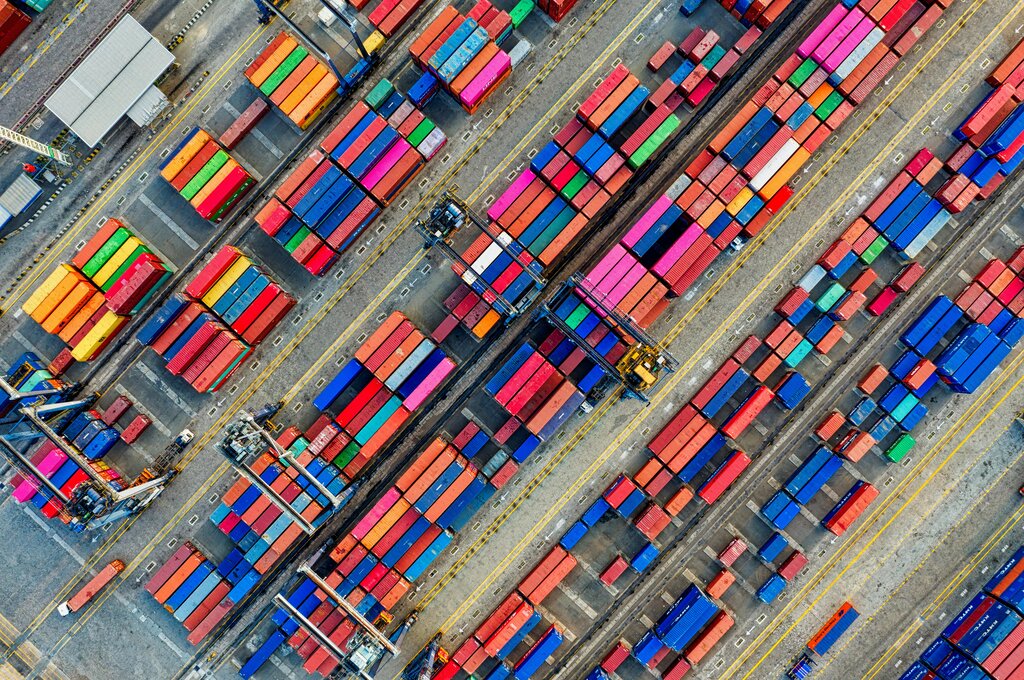
Docker does the same thing for software. It's a platform that lets developers package an application with all of its parts, like libraries and other dependencies, and ship it all out as one package: a container.
This container can run on any other computer with Docker, regardless of its settings or operating system. This simple idea solves a huge, long-standing problem in software development: a program working perfectly on a developer's computer but failing on someone else's.
Docker eliminates the "it works on my machine" problem by providing a consistent execution environment across development, testing, and production.
Understanding Containers
So, what exactly is a software container? It’s a standard unit of software that bundles up code and all its dependencies so the application runs quickly and reliably from one computing environment to another. A Docker container is a lightweight, standalone, executable package of software that includes everything needed to run an application: code, runtime, system tools, system libraries, and settings.
Because everything the application needs is inside the container, the environment it runs in is isolated and predictable. This consistency is a massive benefit. Developers can be confident that if the container works on their laptop, it will also work on a testing server, a production server, or a colleague’s machine.
Containers vs. Virtual Machines
You might be thinking this sounds a lot like a Virtual Machine (VM). VMs also create self-contained environments to run software. While they serve a similar purpose, they work in fundamentally different ways.
A VM virtualizes the computer's hardware. It runs a complete, independent guest operating system on top of the host operating system. This guest OS has its own kernel, libraries, and the application itself. This approach is effective but heavy; each VM takes up gigabytes of space and can be slow to start.
Containers, on the other hand, virtualize the operating system. Instead of bundling a full OS, containers share the kernel of the host operating system. They only package the application and its specific libraries and settings. This makes them incredibly lightweight, often measured in megabytes, and they can start up in seconds.
Docker's Architecture
Understanding Docker's structure helps clarify how it all works. There are three main components:
-
The Docker Client: This is how you interact with Docker. When you type a command like
docker runinto your terminal, you're using the Docker client. It sends your instructions to the Docker daemon. -
The Docker Daemon (or Engine): This is the brains of the operation. It's a background service that runs on your machine (the Docker host) and manages everything. It listens for commands from the client and handles the building, running, and distribution of your containers.
-
The Docker Registry: This is where Docker images are stored. An image is a template used to create a container. A registry is like a library of these images. Docker Hub is the main public registry, but you can also run your own private one.
In short, the client tells the daemon what to do. The daemon pulls the necessary image from a registry (if it's not already local) and uses it to create and run a new container. This simple but powerful architecture is what makes Docker so efficient and easy to use.
What is the primary problem Docker was designed to solve?
What is a key difference between a Docker container and a Virtual Machine (VM)?
That's the basic idea behind Docker. It's a tool that standardizes how we package and run software, making development and deployment faster, more efficient, and more reliable.