Digital Security Essentials
Understanding Digital Security
Your Digital Front Door
Think of your digital life like your home. You have valuable things inside—photos, conversations with friends, bank account details, and private documents. Digital security is the practice of locking your doors and windows to keep all that personal information safe from unwanted visitors. It's about protecting your identity and your data across all the devices and online services you use.
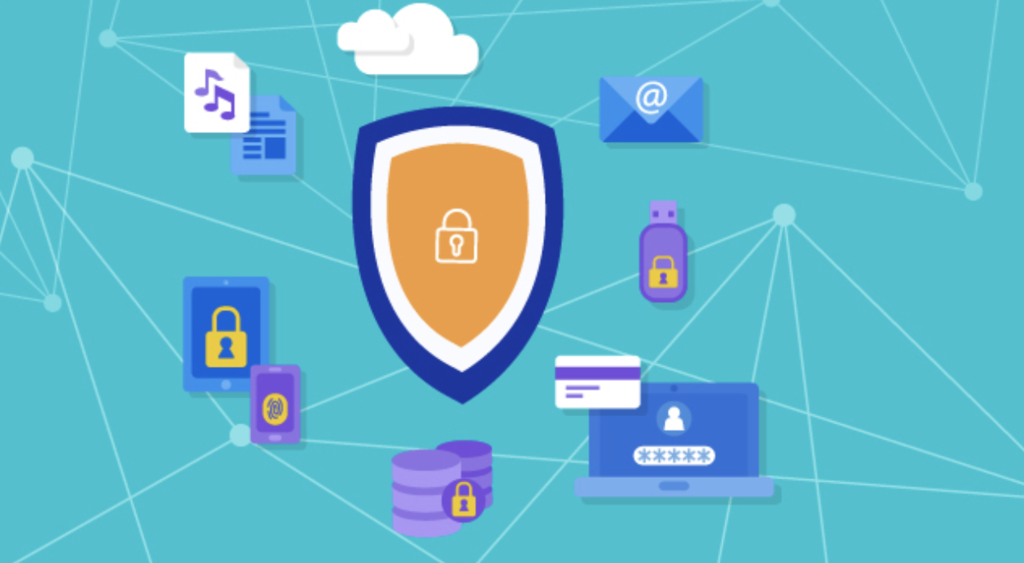
Every time you sign up for a new app, post on social media, or shop online, you create more data. This information is valuable, not just to you, but to others who might want to misuse it. Good digital security helps ensure you're the only one in control of your accounts and information.
Common Online Threats
Understanding how attackers operate is the first step toward defending yourself. While cyber threats can seem complex, most fall into a few common categories. Knowing their names and how they work makes them much easier to spot.
Phishing
noun
An attempt to trick someone into giving up personal information, like passwords or credit card numbers, by pretending to be a trustworthy source in an email, text, or message.
Phishing attacks often create a sense of urgency. They might claim your account has been compromised or that you've won a prize you need to claim immediately. The goal is to make you click a link and enter your details on a fake website without thinking.
Always check the sender's email address and hover over links before clicking to see the actual web address. If something feels off, it probably is.
Malware
noun
Short for 'malicious software,' this is any software intentionally designed to cause damage to a computer, server, client, or computer network.
Malware is a broad category that includes viruses, spyware (which spies on your activity), and ransomware (which locks your files until you pay a fee). It can get onto your device through suspicious downloads, infected email attachments, or even by visiting a compromised website.
A data breach is when sensitive or confidential information is copied, transmitted, or stolen from an organization's secure environment without authorization. This is how lists of usernames and passwords often end up for sale on the dark web.
Your First Line of Defense
Your password is the key to your digital accounts. If a criminal gets your key, they can walk right in. This is why having a strong, unique password for every account is one of the most effective things you can do to protect yourself.
A strong password has a few key ingredients:
- Length: Aim for at least 12 characters. The longer, the better.
- Complexity: Use a mix of uppercase letters, lowercase letters, numbers, and symbols.
- Uniqueness: Never reuse passwords across different websites. If one site has a data breach, a reused password gives attackers the key to all your other accounts.
Avoid using personal information like your name, birthday, or pet's name. Don't use common words like "password" or simple sequences like "12345678".
Thinking up strong, unique passwords for dozens of accounts is difficult, which is why we'll explore tools that can help in a later section. For now, the important thing to remember is that a weak or reused password is like leaving your front door unlocked.
Verifying It's Really You
A password is just one way to prove who you are online. This process is called authentication. It's how a website or app confirms your identity before letting you in. Think of it like a security guard asking for your ID.
Traditionally, this has been something you know, like a password or a PIN. But there are other, more secure methods that add extra layers of protection. These methods are based on:
- Something you have: This could be your phone, which receives a one-time code, or a physical security key.
- Something you are: This refers to biometrics, like your fingerprint or your face.
Utilizing security-oriented browsers, regularly updating privacy settings on social media platforms, and employing strong, unique passwords combined with Two-Factor Authentication are key steps in safeguarding personal information.
When you combine two or more of these methods, it's called multi-factor authentication (MFA). This makes it much harder for an unauthorized person to access your accounts, because even if they steal your password, they won't have your phone or your fingerprint. We'll dive into how to set this up soon.
Ready to check your understanding of these core concepts?
What is the primary goal of digital security?
You receive an email with the subject 'URGENT: Your Account is Locked!' It asks you to click a link immediately to verify your identity. This is a common tactic used in what type of attack?
These fundamentals are the building blocks of a secure digital life. By understanding the threats and the simple, powerful role of passwords and authentication, you're already on your way to being safer online.