Digital Security Essentials
Understanding Digital Security
Your Digital Front Door
Every online account you create—email, social media, banking, shopping—is a door into your digital life. Behind these doors are your personal conversations, financial information, photos, and private documents. Just as you wouldn't leave the front door to your home unlocked, protecting these digital entry points is essential.
When someone gains unauthorized access to one of your accounts, the consequences can be serious. They could steal your money, impersonate you to scam your friends and family, or access sensitive information. Protecting your online accounts isn't just a technical task; it's a fundamental part of keeping your personal life safe and secure.
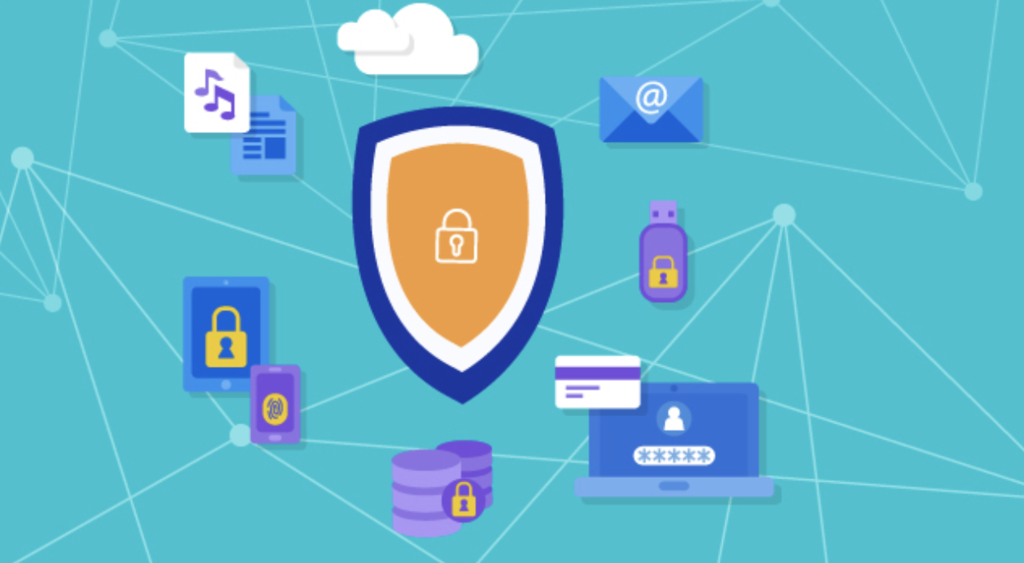
Unwanted Digital Guests
Hackers and scammers use a variety of tricks to get through your digital doors. Understanding their methods is the first step toward defending against them.
Phishing
noun
A fraudulent attempt to obtain sensitive information such as usernames, passwords, and credit card details by disguising as a trustworthy entity in an electronic communication.
Phishing attacks are like a wolf in sheep's clothing. You might get an email that looks like it's from your bank, asking you to click a link and "verify" your account details. The website it takes you to looks real, but it's a fake designed to steal your login information. These scams can also come through text messages or social media.
Always be skeptical of unexpected requests for your personal information, no matter how legitimate they seem.
Malware
noun
Software specifically designed to disrupt, damage, or gain unauthorized access to a computer system.
Malware is a broad term for viruses, spyware, and other harmful software. It can get onto your device if you click a malicious link, download an infected file, or even visit a compromised website. Once inside, it can track your keystrokes, steal your files, or use your device to attack others.
Finally, there are data breaches. This is when a company you have an account with gets hacked, and large amounts of user data are stolen—including usernames, email addresses, and passwords. Even if you do everything right, a breach at a company you use can expose your information. This is why using the same password for multiple sites is so dangerous. If one site is breached, criminals can use that same password to try to access your accounts on other, more important sites.
The Keys to Your Kingdom
So how do you protect these doors? The primary method is authentication. This is the process of proving you are who you claim to be. When you type in your password to log into a service, you are authenticating your identity.
Think of your password as a key. A simple, common password like "123456" is like leaving a key under the doormat. A long, complex, and unique password is like a high-tech key that's much harder to copy or break. A strong password is your first and most critical line of defense against someone trying to break into your account.
By implementing three core practices—using strong, unique passwords; storing them in a password manager; and enabling two-factor authentication—you'll protect yourself from the vast majority of password-related threats.
But in today's world, sometimes a single key isn't enough. Strong authentication involves using methods that make it significantly harder for an unauthorized person to gain access, even if they manage to steal your password. It's about layering your security so that one point of failure doesn't compromise everything.
You receive an urgent email, supposedly from your bank, asking you to click a link to verify your account details. This is a classic example of what type of attack?
Which of the following best describes the primary danger of a data breach for an individual?