Digital Security Essentials
Understanding Digital Security
Your Digital Front Door
Think of your online life like your home. You have doors, windows, and personal belongings inside. Digital security is the practice of locking those doors and closing the windows to protect what's yours. It’s about keeping your personal information, online accounts, and devices safe from unwanted visitors.
Just as you wouldn't leave your house key under the doormat, you shouldn't leave your digital life exposed. The goal is to create barriers that prevent others from accessing your private spaces online. This includes everything from your email and social media to your bank accounts.
Common Online Threats
The internet has its share of tricksters and traps. Understanding the most common ones is the first step toward avoiding them.
Phishing
noun
A fraudulent attempt to obtain sensitive information such as usernames, passwords, and credit card details by disguising as a trustworthy entity in an electronic communication.
Phishing is like a wolf in sheep's clothing. You might get an email, text, or direct message that looks like it's from a familiar company or even a friend. It might create a sense of urgency, telling you to click a link to claim a prize or avoid an account shutdown. The link, however, leads to a fake website designed to steal the login details you enter.
Always be skeptical of unexpected messages that ask for personal information or urge you to click a link.
Another common threat is malware, short for “malicious software.” This is code designed to harm your device or steal your information. Malware can get onto your computer or phone if you download a suspicious file, visit an unsafe website, or click a malicious link. It can secretly record your keystrokes, lock your files until you pay a ransom, or use your device to attack others.
Finally, there's unauthorized access. This is when someone gets into your online accounts without your permission. It often happens because of a weak, stolen, or reused password. Once inside, an intruder can read your private messages, steal your contacts, or even impersonate you to scam your friends and family.
Protecting Your Information
You might not think your data is that valuable, but to criminals, it's gold. Your name, email address, birthdate, and phone number are all pieces of a puzzle. With enough pieces, someone can assemble a full picture of your identity and use it to open credit cards, take out loans, or commit other types of fraud in your name.
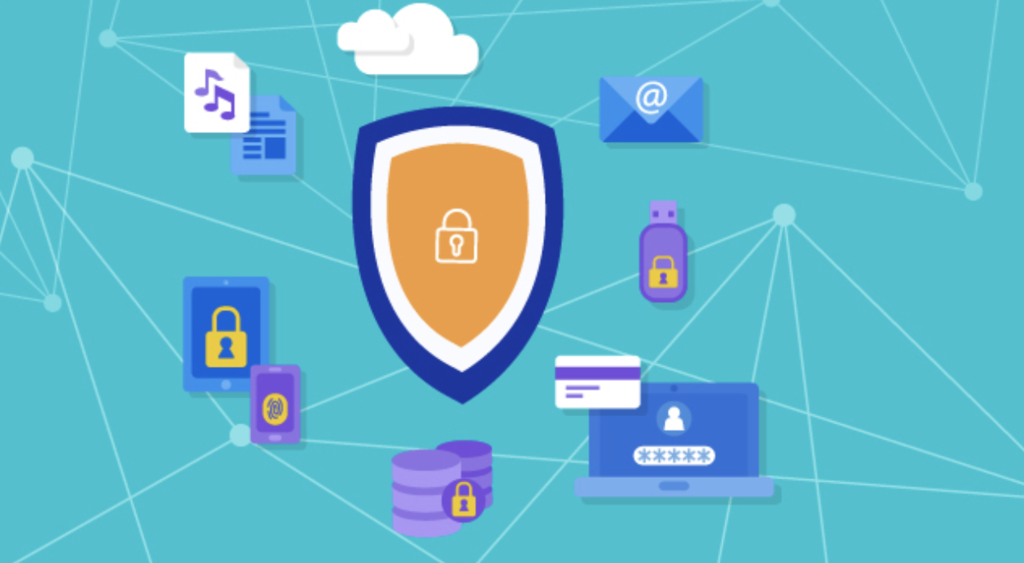
Every piece of information you share online can be stored, copied, and potentially exposed. That's why it's so important to be mindful of what you share and who you share it with. Protecting your personal information is the core of digital security.
The Role of Authentication
So, how do you prove you are who you say you are online? That process is called authentication. It's the digital equivalent of showing your ID. The most common form of authentication is the username and password.
Your password is your first line of defense. A strong, unique password for each of your accounts acts like a complex lock on your digital front door. If you use the same simple password everywhere, it's like using the same flimsy lock on your house, your car, and your safe. Once a thief figures it out, they have access to everything.
Utilizing security-oriented browsers, regularly updating privacy settings on social media platforms, and employing strong, unique passwords combined with Two-Factor Authentication are key steps in safeguarding personal information.
As the quote mentions, stronger methods like Two-Factor Authentication (2FA) add another layer of security. Think of it as needing both a key and a secret handshake to get inside. Even if someone steals your password, they still can't get in without that second piece of proof, which is usually a code sent to your phone. We'll dive deeper into creating strong passwords and setting up 2FA later on.
Now that you understand the basics, let's review what we've covered.
The provided text compares digital security to securing your home. In this analogy, what does using the same simple password for all your accounts represent?
You receive an email that looks like it's from your bank, warning that your account has been compromised and you must click a link immediately to reset your password. This is a classic example of what type of threat?
Understanding these core ideas is the foundation for building strong digital security habits.