Digital Security Essentials
Understanding Digital Security
Your Digital Front Door
Think of digital security as the lock on your front door, but for your online life. It's the practice of protecting your personal information, from emails and photos to bank accounts and social media profiles. In the physical world, you have keys, locks, and alarms to keep your belongings safe. In the digital world, you need a different set of tools to protect your data.
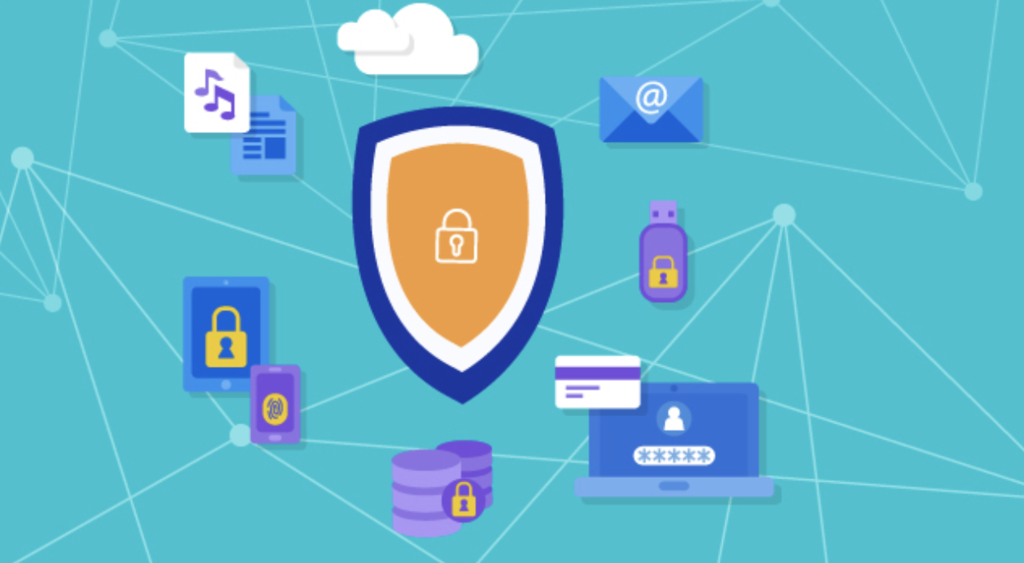
Every time you sign up for a service, post a photo, or send an email, you're creating a piece of your digital identity. This information is valuable, and just like you'd protect your wallet, it's crucial to protect your online presence.
Common Online Threats
Protecting your information starts with understanding the common threats. You don't need to be a security expert, but knowing what to look for is a powerful first step.
Phishing
noun
A fraudulent attempt to get you to share sensitive information, like passwords or credit card numbers, by pretending to be a trustworthy company or person.
Phishing often comes in the form of an email or text message that seems urgent. It might claim your account has been compromised or that you've won a prize. The goal is to trick you into clicking a malicious link and entering your details on a fake website. Always be skeptical of unexpected messages that ask for personal information.
Malware
noun
Short for "malicious software," it's any software intentionally designed to cause damage to a computer, server, client, or computer network.
Malware includes viruses, spyware, and ransomware. It can get onto your device if you download a file from an untrustworthy source or click a suspicious link. Once installed, it can steal your data, slow down your device, or even lock you out of your files until you pay a ransom.
A data breach happens when sensitive information is stolen from a company's database by an unauthorized person. Your username, email, and password for a specific website could be exposed, making your other accounts vulnerable if you reuse passwords.
Your First Line of Defense
Your passwords are the keys to your digital life. Using the same simple password for everything is like using one key to unlock your house, your car, and your office. If a thief gets that one key, they have access to everything.
To protect your digital footprint and secure private information, use strong, unique passwords that combine letters, numbers, and symbols, and enable two-factor authentication (2FA) for added security.
A strong password is long and random. It doesn't contain personal information like your name or birthday. The best passwords are hard to guess but don't have to be hard to remember. Think of a short, memorable phrase and turn it into a password, like "I ate 3 tacos today!" becoming "Ia3t!".
Adding a Second Lock
Even with a strong password, your accounts can still be at risk. That's where two-factor authentication, or 2FA, comes in. It's like adding a second lock to your digital door.
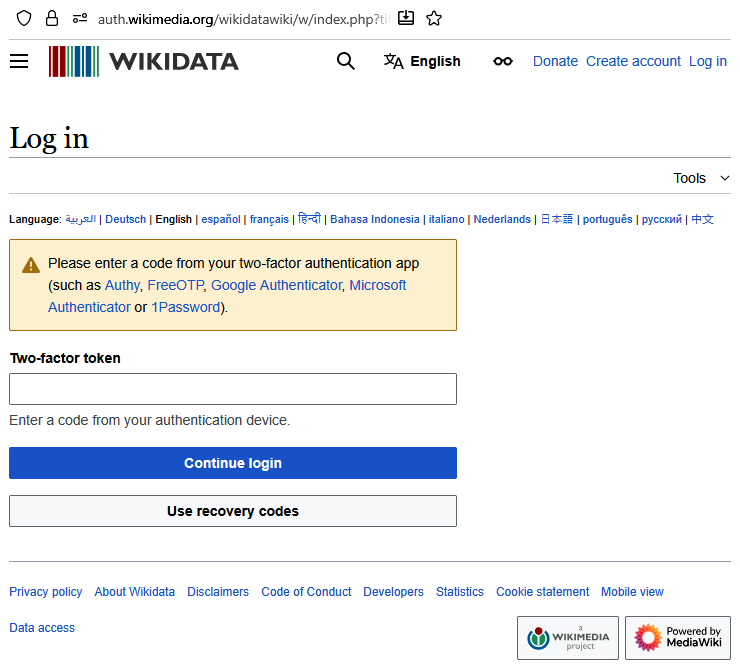
2FA requires you to provide two different types of proof that it's really you logging in. The first is something you know—your password. The second is something you have—usually a temporary code sent to your phone or generated by an app.
Even if a thief steals your password, they can't get into your account without also having your phone. This simple step makes it dramatically harder for anyone to gain unauthorized access to your accounts.
If you want to keep your online accounts safe, adding two-factor authentication (2FA) is the single most important step you can take.
Understanding these basic concepts—common threats, strong passwords, and 2FA—is the foundation of staying safe online. By putting them into practice, you can build a strong defense for your digital life.