Digital Security Essentials
Understanding Digital Security
Your Digital Front Door
Think of digital security as the lock on your front door, but for your online life. It's the practice of protecting your information, devices, and accounts from people who shouldn't have access to them. Every day, you use services that hold sensitive data, from your bank account to your personal emails and social media profiles. Without good security, that data is left vulnerable.
digital security
noun
The protection of digital identity, information, and assets. It involves the tools and practices used to secure online accounts, networks, and devices from unauthorized access or attack.
Just like a physical lock, digital security isn't just one thing. It's a combination of habits and tools that work together to keep you safe. Strong passwords are your first line of defense, acting as the key to your digital world. But understanding the threats you face is just as important as having a strong key.
Common Online Threats
Cybercriminals use various tactics to try and steal your information. Two of the most common methods you'll encounter are phishing and malware. Recognizing them is the first step toward avoiding them.
phishing
noun
A fraudulent attempt, usually made through email, text, or phone call, to trick someone into revealing sensitive information such as passwords, credit card numbers, or personal details.
A phishing attack often creates a sense of urgency. You might get an email saying your account has been compromised and you must click a link immediately to fix it. That link, however, leads to a fake website designed to steal the login details you enter. The goal is to fool you into handing over your keys.

Another common threat is malware, which is short for malicious software.
malware
noun
Software intentionally designed to cause damage to a computer, server, client, or computer network. It can steal data, disrupt operations, or spy on your activity without your knowledge.
Malware can infect your device if you download a compromised file or visit an unsafe website. Once inside, it can do things like record your keystrokes to capture passwords, lock your files and demand a ransom, or use your device to attack others.
The Problem with Passwords
Passwords are the primary gatekeepers for almost every online account. When they are weak or reused, they become a major security risk. A weak password, like password123 or 111111, is easy for an attacker's software to guess in seconds.
Using the same password for multiple accounts is like using one key for your house, car, and safe deposit box. If a thief gets that single key, everything you own is at risk.
Data breaches happen frequently. When a company you have an account with is hacked, lists of usernames and passwords can be stolen and sold online. If you've reused your password, criminals can then use that stolen password to try and log into your other accounts, like your email or online banking. This is known as a "credential stuffing" attack.
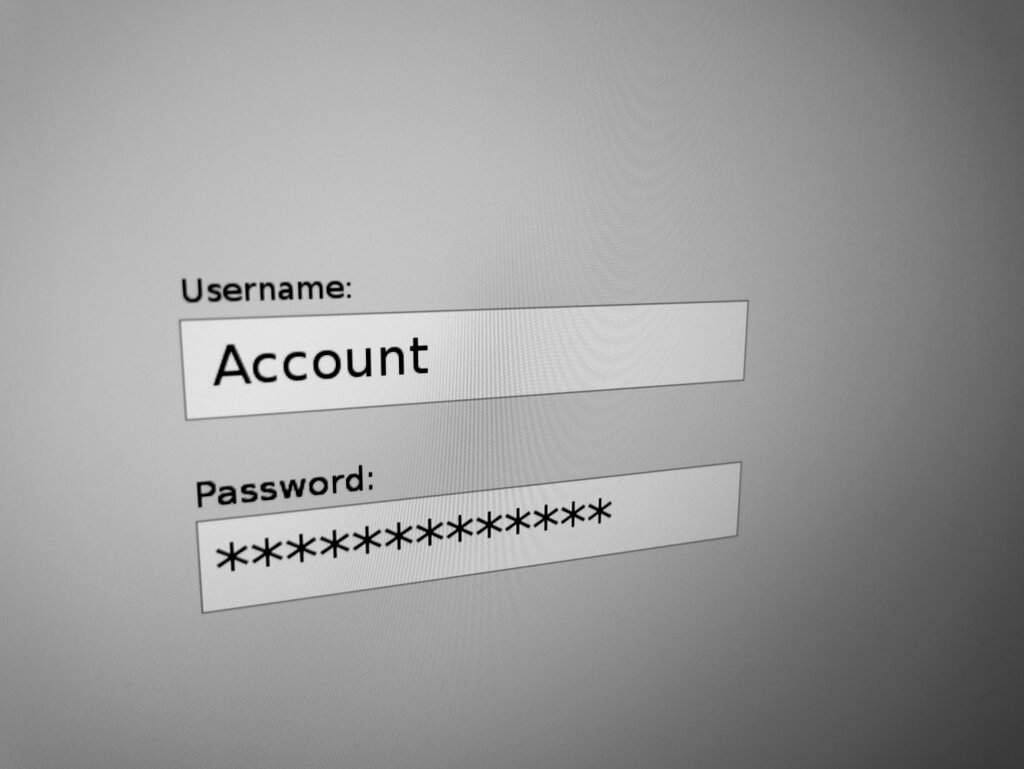
The consequences can be severe. A compromised account can lead to financial loss, identity theft, and the exposure of your private messages and photos. Taking password security seriously is a simple but powerful step to protect yourself.
Building Better Habits
Good digital security isn't about becoming a tech expert. It's about adopting a few smart, consistent habits that significantly reduce your risk.
To better protect yourself against cybercrime and account takeovers, create secure passwords by leveraging length, originality, and passphrases.
Here are a few foundational practices to start with:
-
Create strong, unique passwords. A strong password is long and includes a mix of uppercase letters, lowercase letters, numbers, and symbols. More importantly, every account should have its own password. A long, memorable passphrase (like
BlueDinosaurAteMyTaco!) is often stronger and easier to remember than a short, complex one (likeB@d9!tT). -
Be skeptical of unsolicited messages. If an email or text message seems suspicious, it probably is. Don't click links or download attachments from unknown senders. Go directly to the company's website instead of using a link in a message.
-
Keep your software updated. Software updates often include critical security patches that fix vulnerabilities discovered by developers. Regularly updating your operating system, web browser, and other applications closes these gaps before attackers can exploit them.
Now, let's test what you've learned about the fundamentals of digital security.
What is the primary purpose of digital security?
You receive an email that looks like it's from your bank, warning that your account will be locked unless you click a link and confirm your details immediately. This is a common sign of what kind of threat?
These simple practices create a strong foundation for your digital security, helping you stay safer online.