Digital Security Essentials
Understanding Password Managers
What Is a Password Manager?
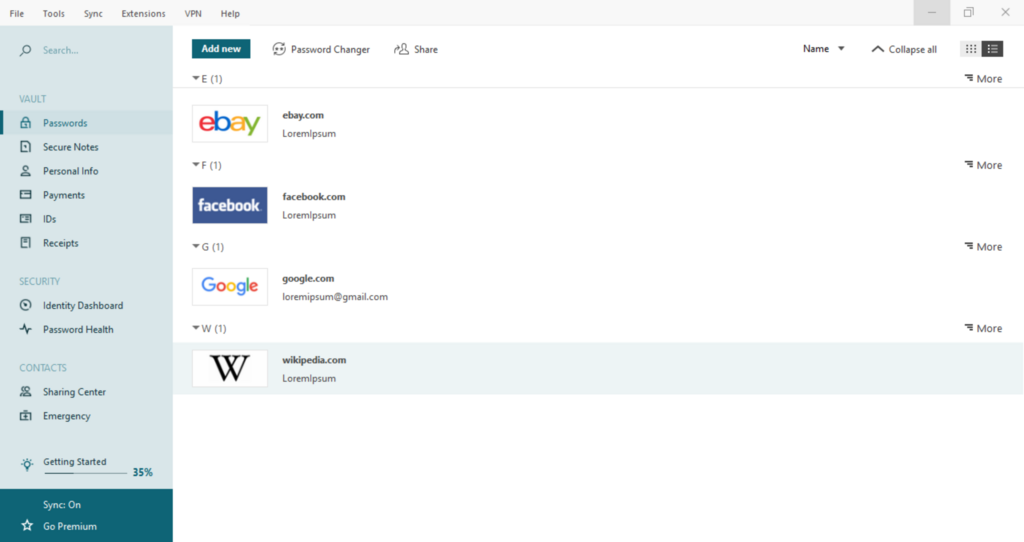
Think of a password manager as a secure digital vault for all your login information. Instead of trying to remember dozens of unique, complex passwords for every website and app, you only need to remember one: the master password to your vault.
Password Manager
noun
A software application designed to store and manage online credentials. It helps users generate strong, unique passwords, store them in an encrypted database, and automatically fill them in when logging into websites or applications.
This single master password is the key to unlocking all your other passwords. The manager handles the heavy lifting of creating and remembering the rest.
Why Bother Using One?
The biggest weakness in online security is often human behavior. We tend to use simple, memorable passwords like password123 or reuse the same password across multiple accounts. This is a huge risk. If a single website is breached, criminals can use your leaked password to try and access your email, banking, and social media accounts.
A password manager solves this problem by creating long, random, and unique passwords for every site. Something like w8$z#Jk!vP@2rG is nearly impossible for a human to guess or a computer to crack quickly, but it's easy for a password manager to create and store.
By using a unique password for each account, you contain the damage if one of your passwords is ever exposed in a data breach.
These tools not only boost your security but also add a layer of convenience. They can automatically fill in your login details, saving you the time and frustration of typing them in yourself.
Common Features
While different password managers have their own unique touches, most share a core set of features designed to make your digital life safer and easier.
| Feature | Description |
|---|---|
| Password Generator | Creates strong, random passwords based on criteria you can set, like length and character types (letters, numbers, symbols). |
| Secure Vault | An encrypted database where your passwords and other sensitive information are stored. It's protected by your single master password. |
| Autofill | Automatically fills in your username and password on login pages. Many also store and fill credit card details and addresses. |
| Cross-Device Sync | Keeps your password vault synchronized across your devices, like your computer, phone, and tablet, so you always have access. |
Most password managers integrate directly with your web browser, either as an extension or as a built-in feature. When you create a new account, they will prompt you to save the new login details, making the process seamless.
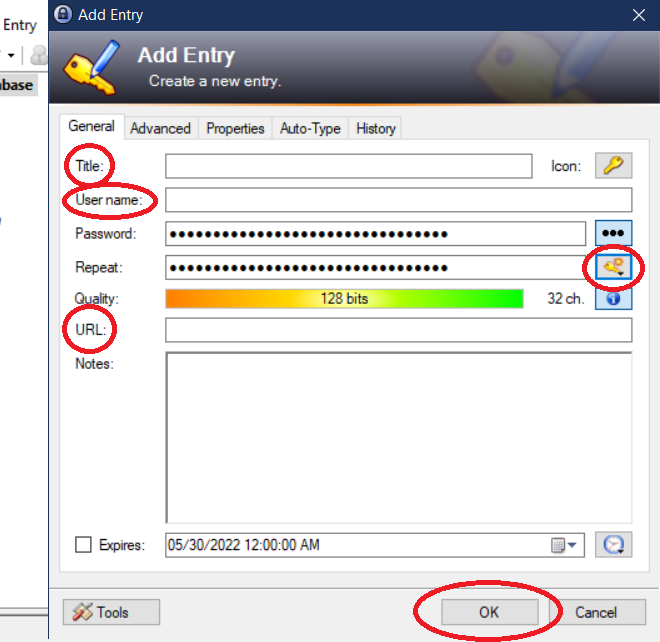
There are many options available. Some are standalone applications you can download, like 1Password, Bitwarden, and Dashlane. Others are built directly into your web browser, such as Google Password Manager or Apple's iCloud Keychain. Both types offer significant security advantages over trying to manage passwords on your own.
Ready to check what you've learned?
What is the primary function of a password manager?
What is the role of a 'master password'?
Using a password manager is one of the most effective steps you can take to protect your digital identity. It automates good security habits, giving you peace of mind.