Digital Security Essentials
Understanding Digital Security
What is Digital Security?
Think of digital security as the locks, alarms, and common sense you use to protect your home. Instead of protecting a physical building, you're protecting your online identity and information. This includes everything from your emails and photos to your bank account details and social media profiles.
Digital Security
noun
The practice of protecting electronic information and assets from unauthorized access, use, or disclosure. It involves safeguarding your online identity, data, and devices.
Every time you log into an app, send an email, or shop online, you're sharing pieces of your digital self. Good digital security ensures that you control who gets to see and use that information. It's about building a safe online environment for yourself.
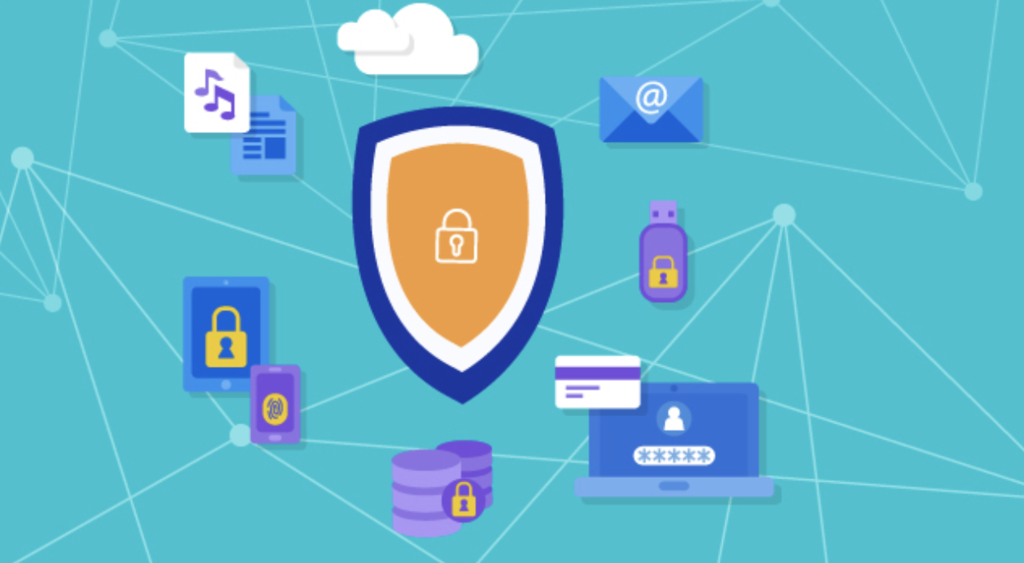
Common Online Threats
The internet is a powerful tool, but it's not without its dangers. Understanding the most common threats is the first step toward avoiding them. You don't need to be a tech expert to stay safe, just an informed user.
Phishing
noun
A fraudulent attempt, usually made through email, to steal your personal information. Attackers disguise themselves as a trustworthy source to trick you into sharing passwords, credit card numbers, or other sensitive data.
Phishing attacks are a form of social engineering. They prey on our trust and sense of urgency. An attacker might send an email that looks like it's from your bank, claiming there's a problem with your account and you need to log in immediately through their link. That link, however, leads to a fake website designed to steal your credentials.
Example Phishing Message: "Your package has a shipping issue. Click here to update your address and avoid delays."
Another common threat is malware, which is short for malicious software. It's an umbrella term for any software designed to harm or disrupt your computer. This includes viruses that can corrupt your files, spyware that secretly records your activity, and ransomware that locks up your data and demands a payment to release it.
Malware
noun
Software intentionally designed to cause damage to a computer, server, client, or computer network. This includes viruses, worms, Trojan horses, ransomware, and spyware.
Phishing and malware often lead to unauthorized access, where someone gains entry to your accounts or devices without your permission. Once they're in, they can steal your information, impersonate you, or cause other damage. Strong defenses make this much harder for them.
Your First Line of Defense
Knowing the threats is one thing; defending against them is another. Luckily, the most effective defenses are quite simple to understand and implement.
Your passwords are your first line of defence.
Passwords are the keys to your digital life. A weak, easily guessed password is like leaving your front door unlocked. A strong password should be long (at least 12-15 characters) and use a mix of uppercase letters, lowercase letters, numbers, and symbols.
Just as important, every password you use should be unique. If you use the same password for your email and your social media, a breach at one service means an attacker now has the key to both.
Strong passwords are long, complex, and unique to each account.
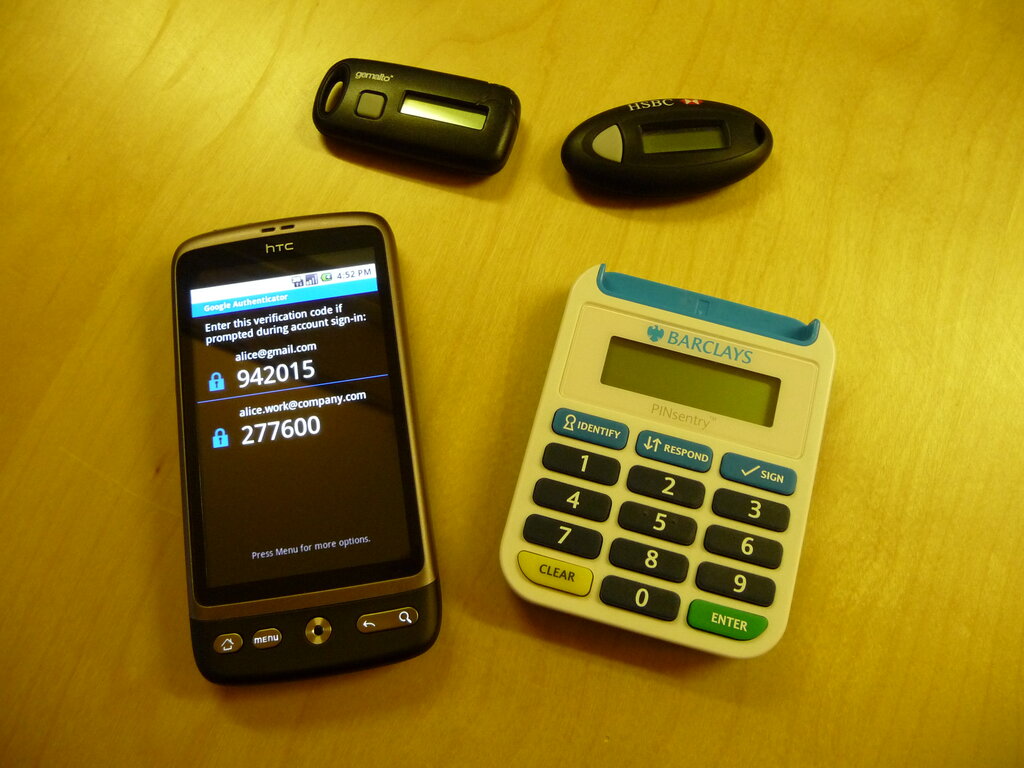
But what if someone steals your key? That’s where multi-factor authentication, or MFA, comes in. It's a second layer of security that protects your account even if your password is stolen.
Multi-factor Authentication
noun
A security process that requires users to provide two or more verification factors to gain access to an account or application. This adds an additional layer of security beyond just a username and password.
MFA works by combining something you know (your password) with something you have (like your phone) or something you are (like your fingerprint). When you log in, after entering your password, you'll be asked for a temporary code generated by an app on your phone, or to tap a physical security key. Without that second piece, an attacker can't get in, even with your password.
Understanding these basic concepts is the foundation of staying safe online. By being aware of threats and using strong, layered defenses, you can take control of your digital security.