Digital Security Essentials
Understanding Digital Security
What is Digital Security?
Digital security is about protecting your online identity and information. Think of it like securing your home. You lock your doors and windows to keep intruders out. In the digital world, you use tools and habits to protect your personal data, like emails, bank accounts, and photos, from unauthorized access.
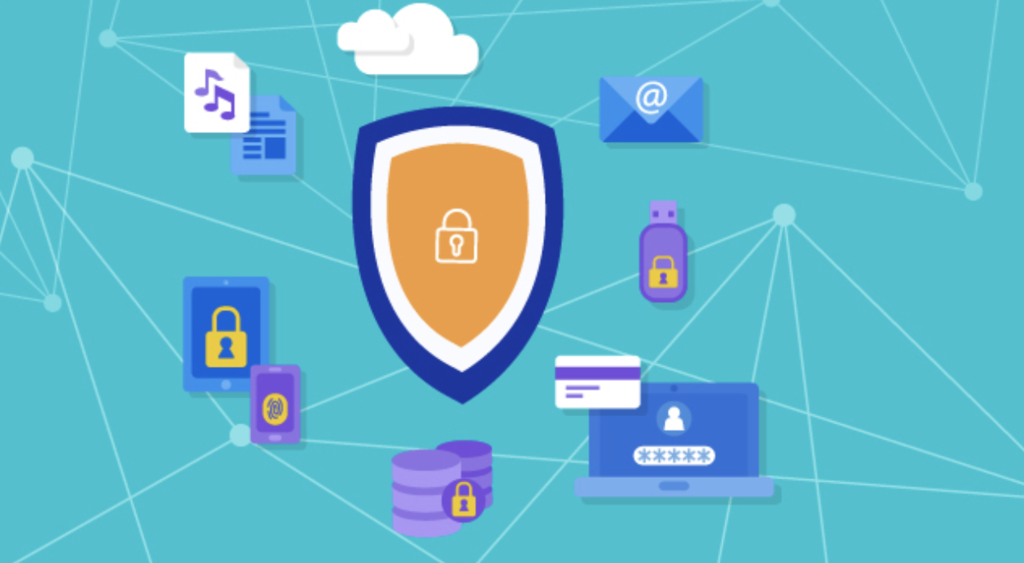
Every time you connect to the internet, you leave behind a trail of data known as a digital footprint. This information can be valuable to companies and, unfortunately, to criminals. Good digital security practices help you control who sees your information and what they can do with it.
Common Online Threats
The internet has its share of risks. Understanding the most common threats is the first step toward avoiding them. They often come in the form of deceptive messages or malicious software.
Phishing
noun
An attempt to trick someone into revealing sensitive information, such as usernames, passwords, and credit card details, by disguising as a trustworthy entity in an electronic communication.
Phishing attacks are a form of social engineering. They prey on our trust. An attacker might send an email that looks like it's from a service you use, like Netflix or your email provider, warning you about an issue with your account. The link in the email leads to a fake website designed to steal your login credentials.
Malware
noun
Short for "malicious software," it's any software intentionally designed to cause damage to a computer, server, client, or computer network.
Malware includes viruses, spyware, and ransomware. It can secretly install itself on your device when you click a suspicious link or download an untrustworthy file. Once inside, it can steal your data, spy on your activity, or even lock you out of your device until you pay a ransom.
Another major threat is a data breach. This is when sensitive, protected, or confidential data is copied, transmitted, or stolen from an organization. Think of a company you do business with as having a digital filing cabinet with your information in it. A data breach is like a thief breaking in and stealing those files. These breaches can expose everything from your email address to your financial information.
Your First Line of Defense
While threats exist, you have powerful and simple tools to protect yourself. Your first and most important line of defense is a strong password.
A weak password is like leaving your front door unlocked. A strong one is like a complex lock that's hard to pick.
A strong password is long, complex, and unique.
- Long: Aim for at least 12 characters. The longer, the better.
- Complex: Use a mix of uppercase letters, lowercase letters, numbers, and symbols.
- Unique: Never reuse passwords across different websites. If one site has a data breach, criminals won't be able to use your stolen password to access your other accounts.
To add another layer of security, you can use two-factor authentication, or 2FA.
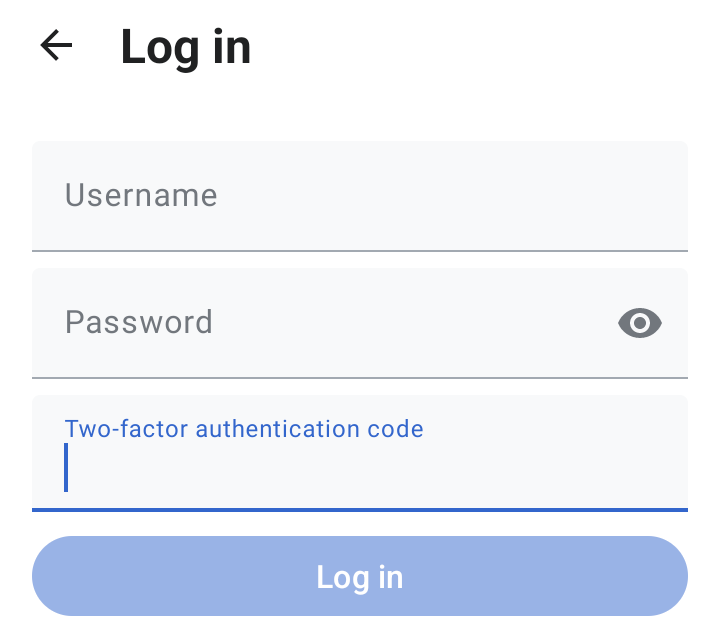
2FA is like needing two keys to open a door instead of just one. The first factor is your password (something you know). The second factor is typically a temporary code sent to a device you own, like your phone (something you have). Even if a thief steals your password, they can't get into your account without also having access to your phone.
By implementing three core practices—using strong, unique passwords; storing them in a password manager; and enabling two-factor authentication—you'll protect yourself from the vast majority of password-related threats.
These foundational practices are the bedrock of personal digital security. By understanding the threats and using strong, unique passwords with 2FA, you make yourself a much harder target for attackers.