Digital Security Essentials
Understanding Digital Security
Guarding Your Digital Life
Think about all the important information you have online. Your email, bank accounts, photos, and private messages are all stored behind a digital door. Just like you lock the front door to your home, you need to secure your online accounts. Unfortunately, there are digital thieves who are constantly trying to find ways in.
Understanding the most common threats is the first step to protecting yourself. It's not about being paranoid; it's about being prepared.
Common Online Threats
One of the most common tricks is called phishing. Imagine getting an email that looks like it's from your bank, asking you to click a link and confirm your password. The website looks real, but it's a fake designed to steal your information. Attackers use these deceptive messages to bait you into giving up your login details.
phishing
noun
A fraudulent attempt to obtain sensitive information such as usernames, passwords, and credit card details by disguising as a trustworthy entity in an electronic communication.
Another threat is malware, which is short for malicious software. Think of it as a digital virus. It can get onto your computer if you click a bad link or download an unsafe file. Once inside, malware can do all sorts of damage, from stealing your data to slowing down your device.
malware
noun
Software that is specifically designed to disrupt, damage, or gain unauthorized access to a computer system.
Finally, there are data breaches. This happens when a company you have an account with gets hacked, and user data like names, emails, and passwords are stolen. Even if you do everything right, a breach at a company you trust can expose your information. This is why your personal security habits are so important.
The Power of a Strong Password
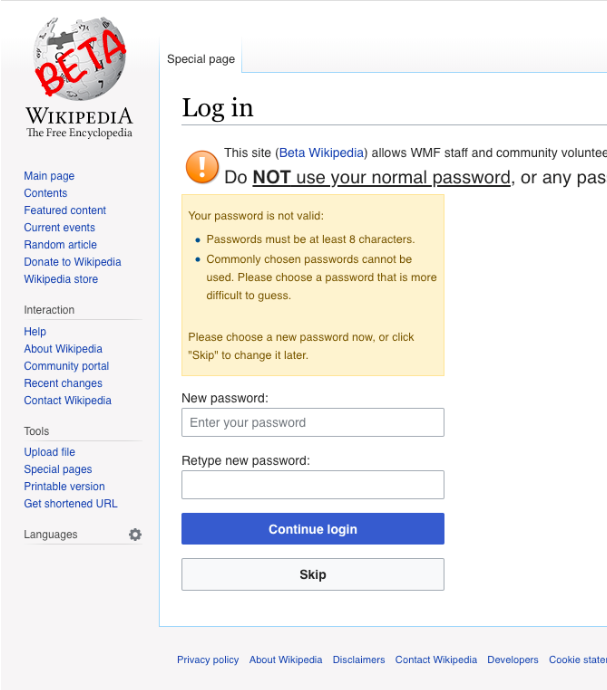
Your first line of defense is a strong password. A weak password is like leaving your key under the doormat. So what makes a password strong? Length and complexity.
A long password is much harder to guess than a short one. Aim for at least 12 characters. Also, mix in uppercase and lowercase letters, numbers, and symbols to make it even tougher to crack. Avoid obvious choices like “password123,” your name, or your birthday.
The biggest mistake people make is reusing the same password across multiple websites. Remember those data breaches? If a hacker steals your password from one website, they will try using it on many other popular services, like your email and banking accounts. Using a unique password for every account ensures that if one is compromised, the rest remain safe.
One leaked password can give a thief the keys to your entire digital life. Always use a unique password for every account.
Adding a Second Lock
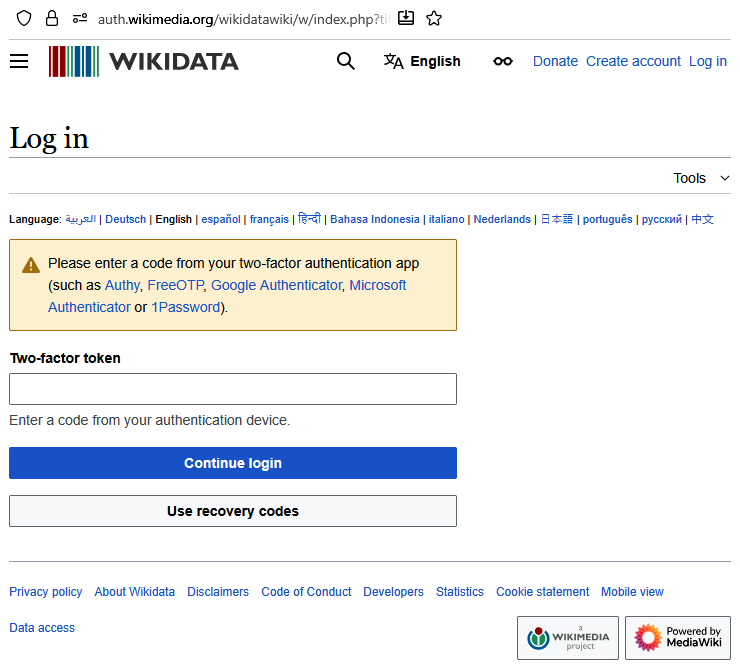
Even a strong password can be stolen. That's why there's a second layer of security called two-factor authentication, or 2FA. It's like having two different locks on your front door. Even if a thief steals your key, they still can't get in without the second one.
With 2FA enabled, after you enter your password, you'll have to provide a second piece of information to prove it's really you. This is usually a temporary code sent to your phone or generated by an authenticator app. This simple step makes it dramatically harder for anyone else to access your account, even if they have your password.
Two-factor authentication (2FA) has emerged as an essential security measure that provides a critical additional layer of protection for your online accounts.
Now that you understand the basic threats and the most powerful ways to defend against them, you're ready to start securing your digital life.