Digital Security Essentials
Understanding Digital Security
What Is Digital Security?
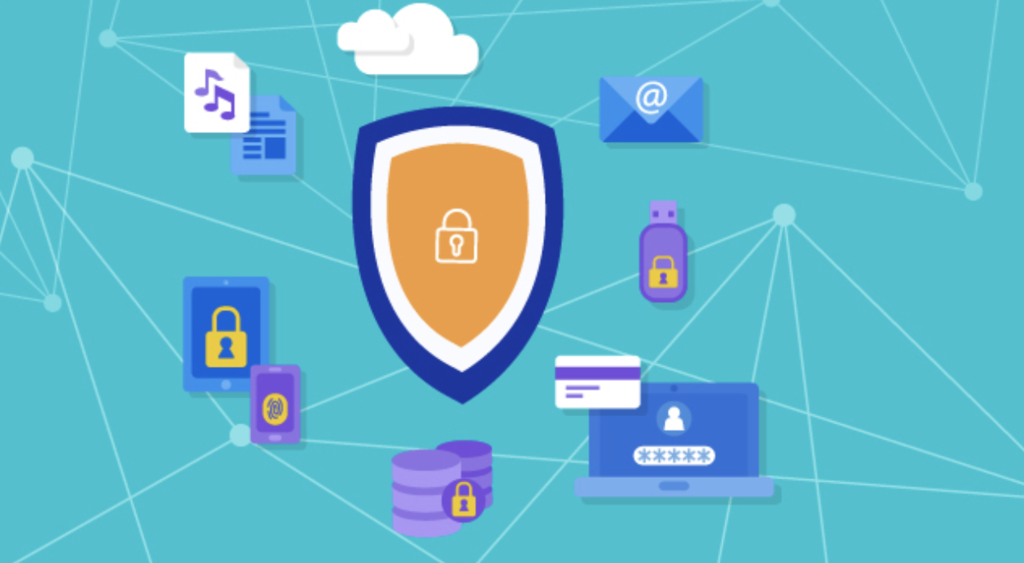
Think about all the things you do online. You bank, you shop, you talk to friends, and you share parts of your life. Your digital life is a huge part of your actual life. Digital security is simply the practice of protecting all of that information. It's like locking the front door to your house, but for your online accounts and personal data.
Without good security, you leave your digital door unlocked. This can expose you to identity theft, financial loss, and privacy invasions. The goal isn't to be scared of the internet, but to be smart about how you use it. By understanding a few key ideas, you can build strong defenses to keep your information safe.
Common Online Threats
Just like in the physical world, the digital world has its share of risks. Knowing what they look like is the first step toward avoiding them. Let's look at three of the most common threats you'll encounter.
Phishing
noun
An attempt to trick someone into revealing sensitive information, such as usernames, passwords, and credit card details, by disguising as a trustworthy entity in an electronic communication.
Phishing attacks are like a wolf in sheep's clothing. You might get an email that looks like it's from your bank, a social media site, or another service you trust. It might say there's a problem with your account and ask you to click a link to fix it. That link, however, leads to a fake website designed to steal the login information you enter.
Malware is short for malicious software. It's a broad term for any software designed to harm your computer or steal your information. This includes viruses that can corrupt your files, spyware that can watch what you do, and ransomware that locks up your files and demands payment to get them back.
Data breaches happen when a company's security is broken and customer data is stolen. You might hear about them on the news. While you can't prevent a company from being hacked, you can limit the damage. If you use a different password for every service, a breach at one company won't give attackers the key to your other accounts.
Building Your Defenses
Knowing the threats is one thing, but defending against them is what really matters. Luckily, the most effective defenses are quite straightforward. It starts with your passwords.
Passwords are our first and best line of defense against unauthorized access to our online information.
A strong password is your digital lock. A weak one, like password123 or your pet's name, is easy for attackers to guess or crack with software. A strong password should be:
- Long: Aim for at least 12 characters. The longer, the better.
- Complex: Use a mix of uppercase letters, lowercase letters, numbers, and symbols.
- Unique: Never reuse passwords across different websites.
But what if someone steals your password, even a strong one? That's where a second layer of defense comes in.
Authentication
noun
The process of verifying the identity of a user or process.
Two-factor authentication (2FA) adds a second step to your login process to verify you are who you say you are. After you enter your password (the first factor), you have to provide a second piece of information. This second factor is usually something only you have access to, like:
- A code sent to your phone via text message.
- A code generated by an authenticator app.
- A physical security key that you plug into your computer.
With 2FA enabled, even if a hacker steals your password, they can't get into your account without also having your phone or security key. This single step dramatically increases your security.
Think of it this way: a password is like the key to your front door. Two-factor authentication is like the deadbolt that requires a separate key. It makes breaking in much, much harder.
Understanding these basic concepts of threats and defenses is the foundation of good digital security. By using strong, unique passwords and enabling 2FA wherever possible, you protect yourself from the most common types of attacks.
Ready to check your understanding? This quiz will cover the key concepts we've just discussed.
What is the primary goal of digital security?
You receive an email that looks like it's from a popular social media site. It claims your account has been compromised and urges you to click a link to reset your password immediately. This is a classic example of what?
Now you have a solid foundation for protecting your digital life. Next, we'll look at the tools that make managing all of this simple and effective.