Digital Photography Workflow for Solo Photographers
Understanding Digital Photography Storage
Where Your Photos Live
Every photo you take has to be stored somewhere. Choosing the right place isn't just a technical detail—it's about protecting your work. Think of storage as the digital version of a fireproof safe for your photo negatives. The options can seem overwhelming, but they boil down to two main categories: physical devices you own and online cloud services.
Let's start with the storage you can hold in your hand. These are typically hard drives, and they come in a few flavors.
Physical Storage Devices
The most common forms of physical storage are hard disk drives (HDDs) and solid-state drives (SSDs). Both can be either internal (living inside your computer) or external (plugged in via a cable).
Hard Disk Drives (HDDs) are the traditional workhorses. Inside, a spinning platter reads and writes data, much like a tiny record player. Their biggest advantage is cost. You can get massive amounts of storage space for a relatively low price, making them great for archiving large photo libraries.
Solid-State Drives (SSDs) are the newer, faster technology. They have no moving parts and use flash memory, similar to a USB stick or your phone's storage. This makes them significantly faster, more durable, and quieter than HDDs. The trade-off is a higher price per gigabyte.
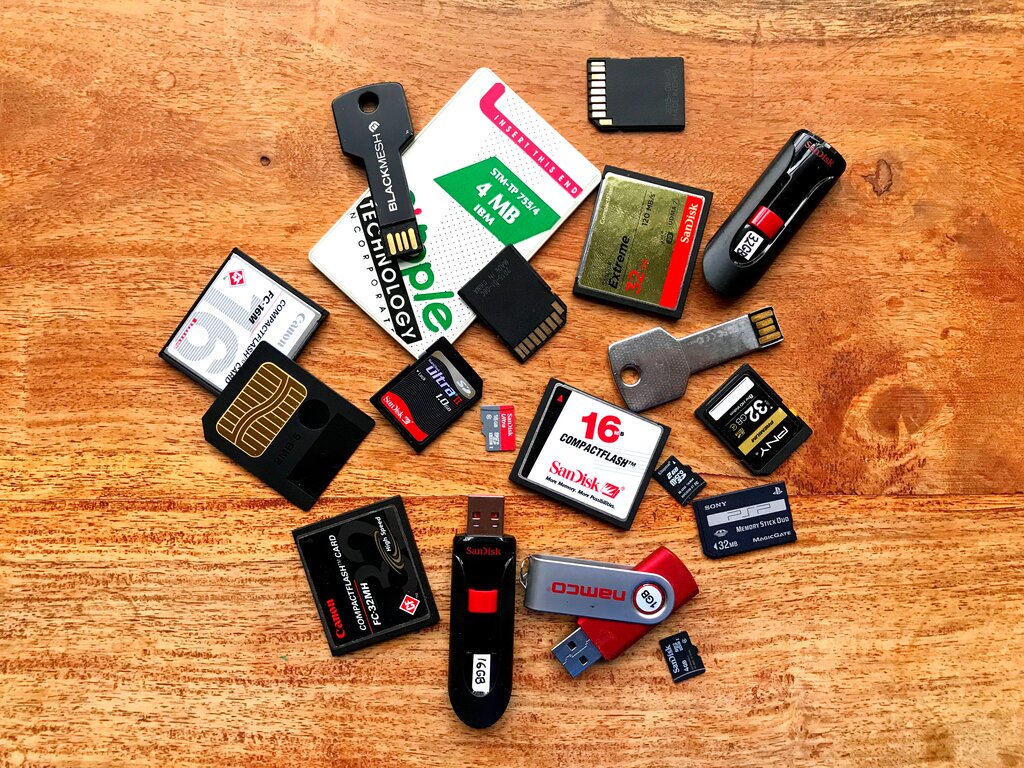
Editing photos directly from an external SSD is a breeze, while doing the same from an HDD can sometimes feel sluggish. Here’s a quick comparison:
| Feature | Hard Disk Drive (HDD) | Solid-State Drive (SSD) |
|---|---|---|
| Speed | Slower | Much Faster |
| Cost | Less expensive per GB | More expensive per GB |
| Durability | More fragile due to moving parts | More durable, shock-resistant |
| Best For | Archiving, large-capacity backups | Active projects, fast editing, travel |
The Cloud Option
Cloud storage means saving your files on remote servers accessed via the internet. Services like Dropbox, Google Drive, and Backblaze offer plans specifically for storing large amounts of data, including photos. The primary benefit is that your photos are no longer tied to a single physical location.
If your computer and external drive are both stolen or destroyed in a fire, your cloud backup is safe and sound, accessible from any device with an internet connection.
This makes the cloud an essential part of any photographer's workflow, especially for off-site backups. Many services can automatically sync folders from your computer, creating a seamless, hands-off backup process. You pay a recurring fee, but the peace of mind is often worth it.
Your Backup Strategy
A single hard drive is not a backup; it's a time bomb. All drives eventually fail. The question is not if, but when. That’s why a solid backup strategy is non-negotiable.
A widely accepted best practice is the 3-2-1 rule.
This strategy means you should have:
- Three total copies of your important files.
- On two different types of storage media (e.g., an SSD and cloud storage).
- With one of those copies located off-site (like the cloud or a hard drive at a friend's house).
This approach protects you from almost any conceivable disaster, from a simple drive failure to a major event like a house fire. By combining fast local storage for your active work with reliable, redundant backups, you build a system that keeps your photos safe for years to come.