Digital File Organization Mastery
Understanding Digital File Organization
Why Bother Organizing Files?
Think of your computer's storage as a workshop. When tools are scattered everywhere, finding a specific wrench becomes a frustrating treasure hunt. But when every tool has its place, you can grab what you need instantly and get to work. Digital file organization is the same principle applied to your information. A well-structured system isn't just about tidiness; it's about efficiency.
Organizing your files saves you time and mental energy. Instead of frantically searching for that one report from last quarter, you know exactly where to look. This clarity reduces stress, especially when deadlines are looming. It also makes collaboration smoother, as teammates can navigate your shared folders without needing a map.
Digital file management will look different for each organization but they should all reach the same goal: find what you need, when you need it.
The Cost of Digital Clutter
An unorganized digital environment creates unnecessary friction in your daily work. We've all been there: digging through a “Downloads” folder overflowing with cryptically named files, trying to find a document we saved last week. This digital clutter costs more than just a few minutes of searching.
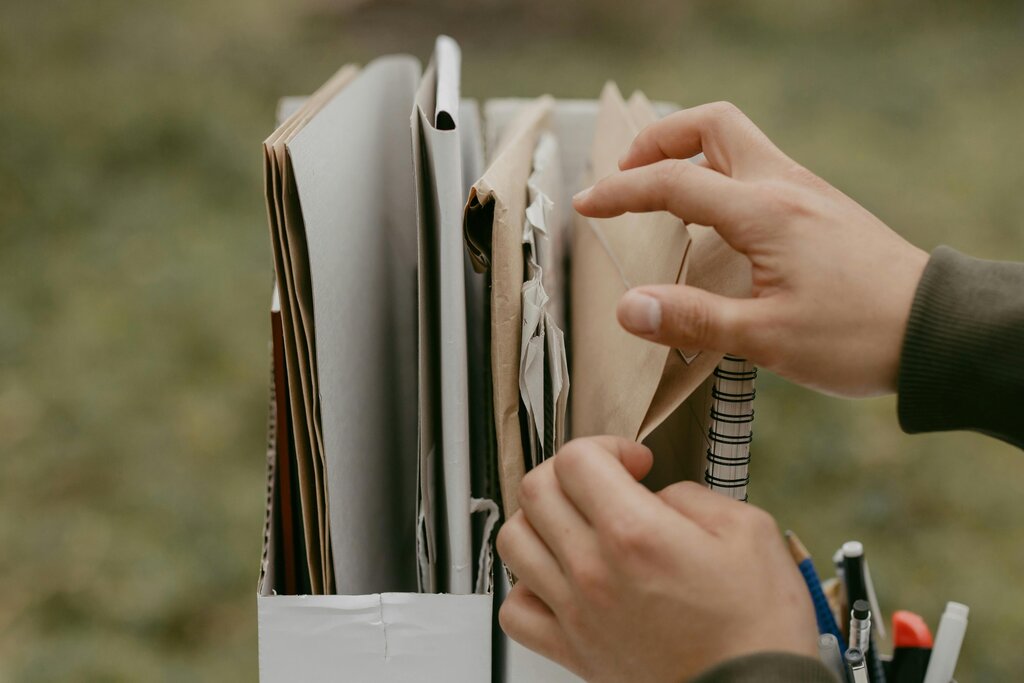
Without a system, you're likely to encounter a few common problems:
- Wasted Time: The minutes spent searching for files add up quickly over a week or a month.
- Version Confusion: Multiple copies of the same file lead to chaos. It's hard to know which one is the most recent, leading to mistakes and rework.
- Duplicate Files: Storing the same file in multiple places eats up valuable storage space.
- Lost Information: Files saved without a logical home are easily forgotten or accidentally deleted.
Ever saved a file as
Report_final_v2_final_FINAL.docx? That's a classic sign of a system that isn't working.
Building a Better System
Creating an effective file management system rests on a few simple, foundational principles. You don't need complex software, just a clear plan and the discipline to stick with it.
The first principle is structure. Your files should live in a logical hierarchy of folders. Think of it like a filing cabinet. The main drawers are your top-level categories, and inside each drawer are folders for more specific topics.
The second principle is naming. A file's name should tell you what it is without you having to open it. Be descriptive and consistent. For example, instead of meeting_notes.docx, a better name would be 2024-08-15_Project-Alpha_Kickoff-Meeting-Notes.docx. This name includes the date, the project, and a clear description.
| Bad Name | Good Name |
|---|---|
scan.pdf | 2024-08-01_Invoice_ClientXYZ.pdf |
report_final.docx | 2024-Q3_Sales-Report_v1.docx |
presentation.pptx | 2024-09-20_Marketing-Presentation.pptx |
The final principle is consistency. A system is only useful if you use it every time. Get into the habit of saving new files in their proper home immediately. Don't let your “Desktop” or “Downloads” folder become a dumping ground. A few seconds of effort when you save a file will save you minutes or hours of searching later.
What is the primary benefit of having a well-organized digital file system?
Which of the following is NOT a common problem caused by poor file organization?
These core ideas form the bedrock of good digital organization. By understanding the 'why' and embracing these principles, you're ready to build a system that works for you.