Digital File Organization Mastery
Understanding Digital File Management
What Is Digital File Management?
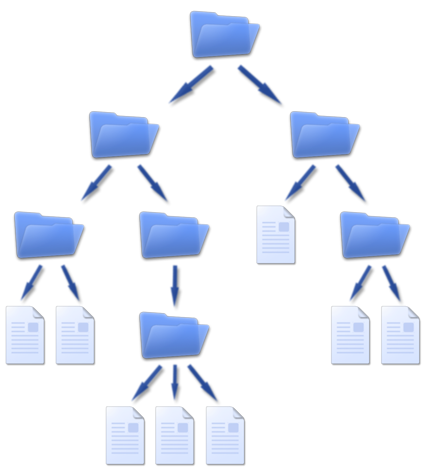
Think of digital file management as the way you organize your stuff on a computer. It’s the digital equivalent of having a tidy desk or a well-organized filing cabinet. Instead of papers, you have documents, images, and spreadsheets. Instead of folders, you have… well, digital folders.
The goal is simple: create a system where you can find what you need, when you need it, without a frantic search. It’s about creating a logical structure for your files so that your digital workspace supports you instead of slowing you down. Without a system, your computer can quickly become a digital junk drawer, overflowing with randomly named files and duplicates.
The Payoff of a Tidy Digital Space
Taking a little time to organize your digital files pays off in big ways. The most immediate benefit is a boost in productivity. You'll spend less time hunting for a specific report or presentation and more time actually working on it. When you know exactly where to find something, your workflow becomes smoother and less frustrating.
Collaboration also gets a major upgrade. When a team shares a logical folder system, everyone knows where to save new files and find existing ones. This prevents confusion, reduces the chances of team members working from outdated versions, and makes handoffs much cleaner.
A good system makes it easier to follow company or legal guidelines for data management. When files are organized, it’s simpler to manage access, track versions, and ensure sensitive information is stored securely.
The Problem with Digital Clutter
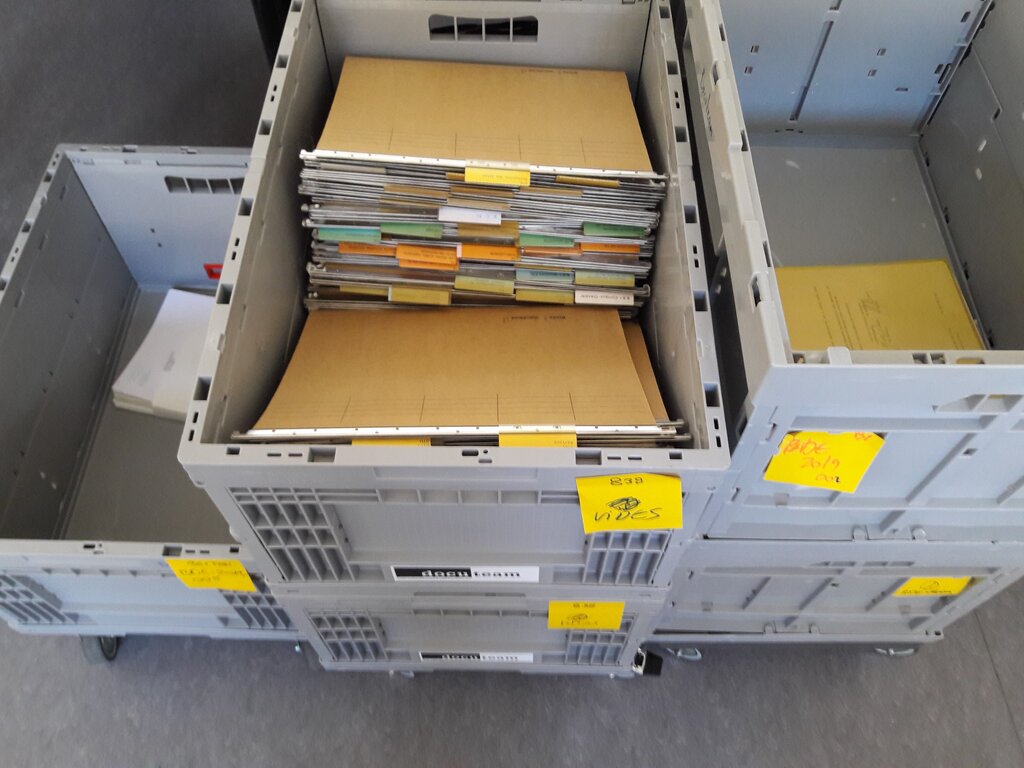
We've all been there. Your desktop is covered in stray files, your downloads folder is a chaotic mess, and you have multiple documents with names like "Report_Final" and "Report_Final_v2_USE THIS ONE."
This digital clutter isn't just an eyesore; it actively works against you. It wastes time, creates stress, and increases the risk of mistakes. You might accidentally delete the wrong version of a file or share an outdated document with a client. Duplicate files also eat up valuable storage space. A disorganized system makes it nearly impossible to manage your digital assets effectively.
Simple Habits for Success
You don’t need complex software or a rigid, complicated system to get started. The best practices are often simple habits. The key is consistency. A system only works if you use it.
One of the most effective ways to prevent file management chaos is to adopt the “file-as-you-go” approach.
This means dealing with files as they arrive. When you download a document or create a new one, put it in the correct folder immediately. Don’t just save it to your desktop with the intention of filing it later. That's how clutter begins.
Another core practice is to perform regular cleanups. Set aside a few minutes each week to tidy up your digital workspace. Delete files you no longer need, archive old projects, and make sure everything is in its proper place. This small investment of time prevents small messes from turning into overwhelming chaos.
Now, let's test your understanding of these core concepts.
What is the primary goal of digital file management?
You've just downloaded a report for a team project. According to best practices, what should you do immediately?
Building these simple habits is the first step toward a more organized and productive digital life. By understanding the basics, you're ready to create a system that works for you.