Digital File Organization Mastery
Understanding Digital File Organization
Why Bother Organizing?
Think about trying to cook in a kitchen where ingredients are scattered everywhere, with no labels and no designated shelves. You'd spend more time searching for the flour than actually baking. A disorganized digital workspace is no different. Every file, from a simple document to a critical project proposal, is an ingredient in your work. When they're in disarray, your workflow slows to a crawl.
We've all felt that rising panic of searching for a file we know we saved. You check your desktop, rummage through your downloads folder, and try every possible search term you can imagine. This isn't just frustrating; it's a significant drain on your time and mental energy.
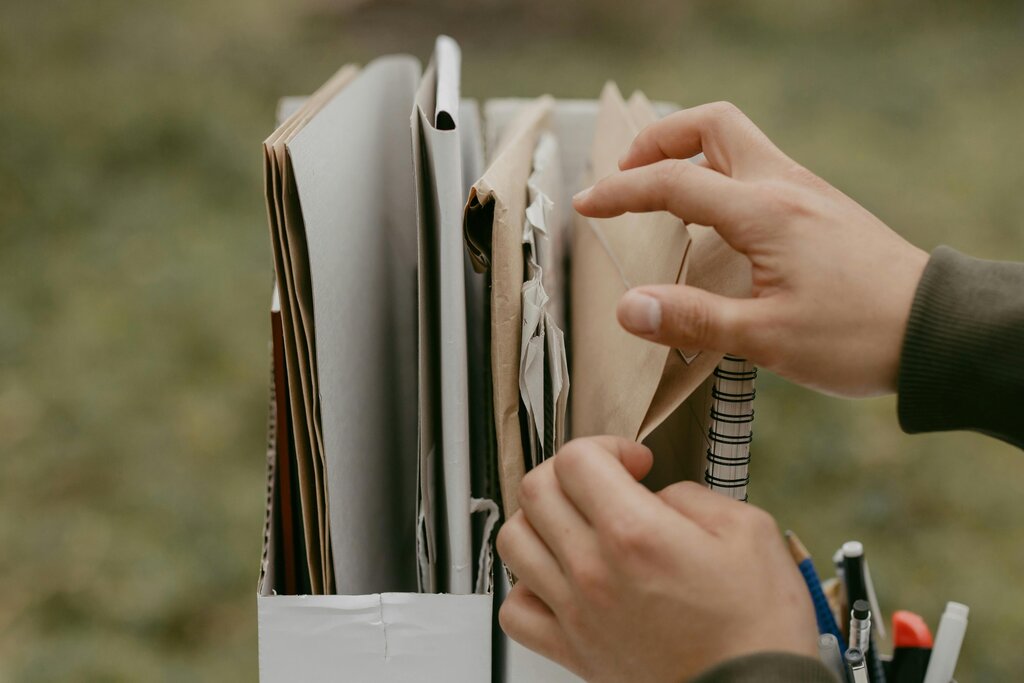
Just like a well-organized kitchen makes cooking a pleasure, a structured digital environment makes work smoother and more efficient. It transforms your computer from a source of stress into a powerful tool that supports your goals.
The Cost of Digital Clutter
A messy digital space does more than just waste a few minutes here and there. The costs add up quickly. Constantly searching for files breaks your concentration, making it harder to get into a state of deep work. It also creates a risk of using outdated information. Grabbing the wrong version of a report or presentation can lead to embarrassing mistakes and rework.
This problem gets even bigger when you work with others. If your files are a maze that only you can navigate (sometimes), sharing work and collaborating effectively becomes nearly impossible. Teammates are left waiting for you to find what they need, stalling entire projects.
Digital clutter isn't just messy—it's a drag on your productivity and peace of mind.
Finding a System
Getting organized doesn't require complex software. It starts with a simple plan. The goal is to create a predictable structure where every file has a logical home. There are a few common approaches people use as a starting point.
| Method | Description | Best For... |
|---|---|---|
| By Project/Client | Folders are organized around specific projects or clients. | Freelancers, consultants, project managers. |
| By Date | Files are grouped into folders by year, month, or even day. | Archiving, tracking progress over time. |
| By File Type | All documents go in one folder, all images in another, etc. | Storing reference materials or personal files. |
| By Status | Folders are based on the stage of a workflow (e.g., 'Drafts', 'In Review', 'Final'). | Collaborative work with clear stages. |
Most people find that a hybrid approach works best. For example, you might have a main folder for each client, and within each client folder, you organize subfolders by project, and then by date. The key is consistency. Once you decide on a system, stick to it.
Organizing your files with a clear, hierarchical folder structure is an effective way to manage them.
With a clear system in place, you can file new documents in seconds and retrieve old ones just as quickly. This small investment of effort pays off every single day.