Digital Electronics Fundamentals
Number Systems
The Language of Computers
We live in a decimal world. We count with ten digits (0 through 9), which comes naturally because we have ten fingers. This system, also called base-10, works by assigning value to a digit based on its position. In the number 327, the 7 is in the ones place (), the 2 is in the tens place (), and the 3 is in the hundreds place ().
Computers, however, don't have fingers. They have transistors, which can be either on or off. This two-state system is perfect for a different kind of counting: binary.
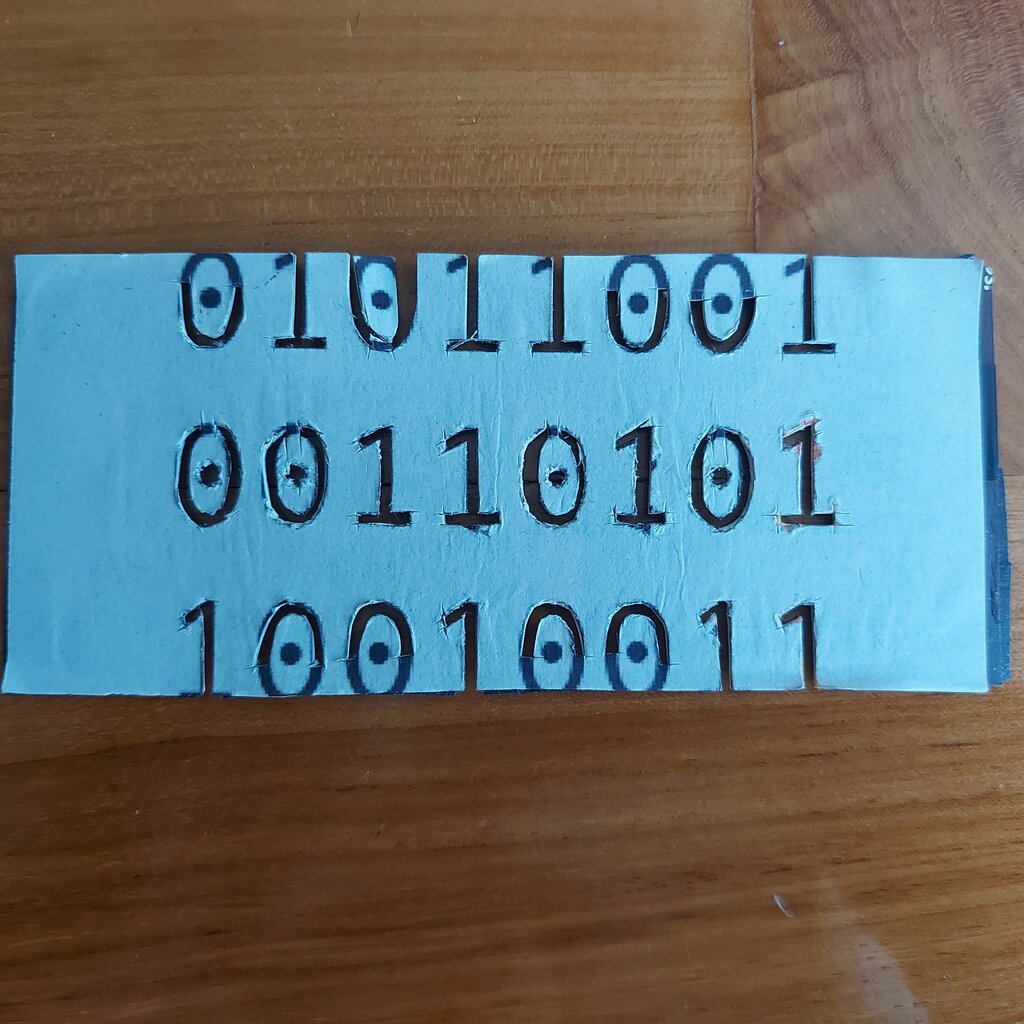
Digital electronics rely on a few key number systems to represent and process information. While they all handle the same values, each has a specific purpose.
The Core Systems
Beyond the familiar decimal system, there are three other systems you'll constantly encounter in digital electronics and programming.
Binary (Base-2): This is the native language of all digital systems. It uses only two digits: 0 and 1. Each position represents a power of 2. For example, the binary number isn't one thousand, one hundred and one. It's , which equals , or 13 in decimal.
Octal (Base-8): Uses eight digits (0–7). Octal is sometimes used as a more compact way to represent binary numbers, because each octal digit corresponds exactly to a group of three binary digits. It's less common today but still appears in some systems, like file permissions on Unix-based computers.
Hexadecimal (Base-16): This is the most common shorthand for binary. It uses 16 symbols: the digits 0–9 and the letters A–F to represent values 10 through 15. Each hexadecimal digit corresponds to a group of four binary digits, making it a very efficient way to display long binary strings. You'll see it used for memory addresses, color codes (like #FF0000 for red), and error codes.
| Decimal | Binary | Octal | Hexadecimal |
|---|---|---|---|
| 0 | 0000 | 0 | 0 |
| 1 | 0001 | 1 | 1 |
| 2 | 0010 | 2 | 2 |
| 3 | 0011 | 3 | 3 |
| 4 | 0100 | 4 | 4 |
| 5 | 0101 | 5 | 5 |
| 6 | 0110 | 6 | 6 |
| 7 | 0111 | 7 | 7 |
| 8 | 1000 | 10 | 8 |
| 9 | 1001 | 11 | 9 |
| 10 | 1010 | 12 | A |
| 11 | 1011 | 13 | B |
| 12 | 1100 | 14 | C |
| 13 | 1101 | 15 | D |
| 14 | 1110 | 16 | E |
| 15 | 1111 | 17 | F |
Converting Between Bases
Being able to switch between these systems is a crucial skill. The process is straightforward once you understand positional values.
To convert any number to decimal, you multiply each digit by its base raised to its positional power, then sum the results. Positions are counted from the right, starting at 0.
Let's convert the hexadecimal number $1AF$ to decimal:
To convert a decimal number to another base, you use repeated division. Divide the decimal number by the target base, note the remainder, and then divide the result (the quotient) by the target base again. Repeat until the quotient is 0. The new number is the sequence of remainders, read from bottom to top.
Let's convert the decimal number 43 to binary:
Binary Arithmetic
Since computers operate in binary, they must also perform arithmetic in binary. The rules are much simpler than in decimal.
For addition: $0 + 0 = 0$ $0 + 1 = 1$ $1 + 0 = 1$ $1 + 1 = 0$, carry the 1
Let's add (11) and (6). We work from right to left, just like in decimal addition.
  1 1 1   (carry)
  1 0 1 1   (11)
+ 0 1 1 0   (6)
-----------
1 0 0 0 1   (17)
Subtraction, multiplication, and division also have binary equivalents. Subtraction involves "borrowing" from the next place value, similar to decimal. Multiplication is a series of shifts and additions, while division is a series of shifts and subtractions. These operations form the bedrock of all calculations a computer performs.
Now that you've seen the different ways numbers are represented, let's review the key terms.
Time to test your knowledge on these foundational concepts.
Why do computers primarily use the binary number system?
In which of the following applications would you most likely encounter a hexadecimal number?
Understanding how to work with binary, decimal, octal, and hexadecimal systems is the first step in understanding digital logic. Every complex operation a computer performs ultimately boils down to these simple numbers and rules.