Desktop Applications Explained
Introduction to Desktop Applications
What Are Desktop Applications?
A desktop application is a program that runs directly on your personal computer, whether it's a desktop or a laptop. Unlike websites you visit in a browser, you have to install a desktop app on your machine. Think of it like buying a physical book versus reading an article online. The book is yours, it lives on your shelf, and you don't need an internet connection to read it. The online article lives on a server somewhere else, and you need to be connected to access it.
Because they're installed locally, desktop applications use your computer's own resources—its processor (CPU), memory (RAM), and storage (hard drive). This direct access allows them to be very powerful and responsive.
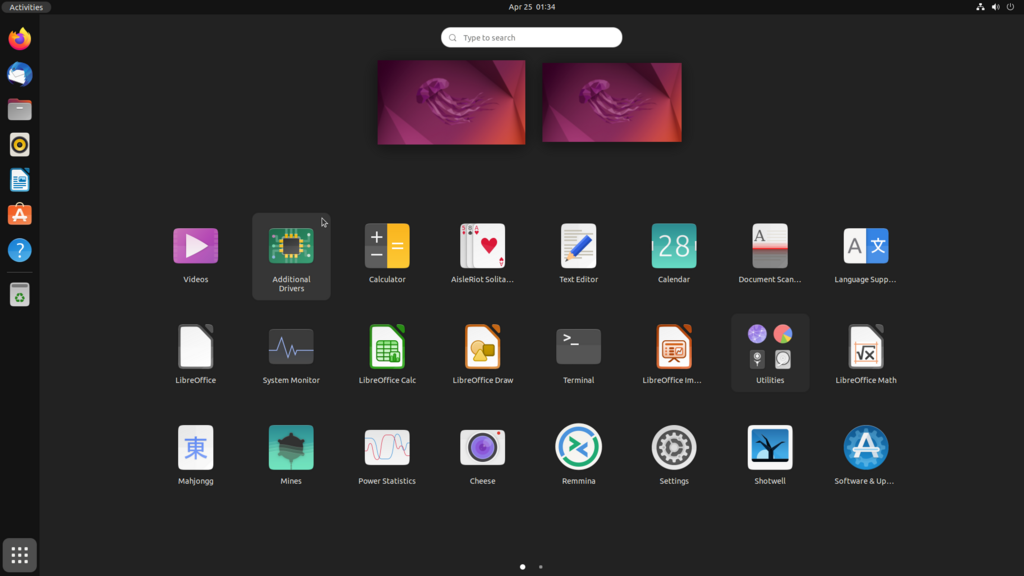
Common examples include word processors like Microsoft Word, image editors like Adobe Photoshop, video games, and music players. They are launched from your operating system, like Windows, macOS, or Linux, and they live on your computer until you decide to uninstall them.
The Core Components
Most desktop applications are built with a few key parts that work together. Understanding them helps clarify how these programs function.
First is the User Interface (UI). This is everything you see and interact with: the windows, buttons, menus, and text boxes. It's the visual layer that allows you to communicate with the application.
Behind the scenes is the Application Logic, sometimes called the backend. This is the engine of the program. It takes your input from the UI, performs calculations, processes data, and carries out the app's main functions. When you click "Save," the application logic is what actually writes the file to your hard drive.
Finally, there's Data Storage. This is where the application keeps its information. It could be as simple as a single file on your computer (like a text document) or a more complex local database that organizes large amounts of information.
Desktop vs. Web and Mobile
Desktop, web, and mobile apps each serve different purposes and have unique strengths. The main differences come down to where they run, how you get them, and whether they need an internet connection.
| Feature | Desktop Application | Web Application | Mobile Application |
|---|---|---|---|
| Installation | Required; installed on local machine | None; accessed via a web browser | Required; installed from an app store |
| Resource Use | Uses the computer's local resources | Uses server resources; light on local PC | Uses the mobile device's resources |
| Connectivity | Often works offline | Requires an internet connection | Can have both online and offline features |
| Platform | OS-specific (Windows, macOS, etc.) | Works on any OS with a browser | OS-specific (iOS, Android) |
| Updates | Usually requires manual updates | Updated automatically on the server | Updated through the app store |
Desktop apps are ideal when performance and offline access are critical. Web applications offer amazing accessibility, since you can use them from any computer without installing anything. Mobile apps are designed for the on-the-go experience, leveraging features like GPS and cameras.
When Are Desktop Apps Used?
While web and mobile apps are incredibly popular, desktop applications remain essential for certain tasks.
They excel in situations that demand high performance and heavy use of a computer's hardware. Think of professional video editing software, complex 3D modeling programs for architecture, or high-end PC gaming. These applications need direct, fast access to the computer's processor and graphics card to run smoothly.
Another key use case is for work that needs to be done without a reliable internet connection. If you're writing a report on a plane, you'll use a desktop word processor. Spreadsheets for financial modeling or software development tools also fit this category, as they benefit from the stability and power of a local machine.
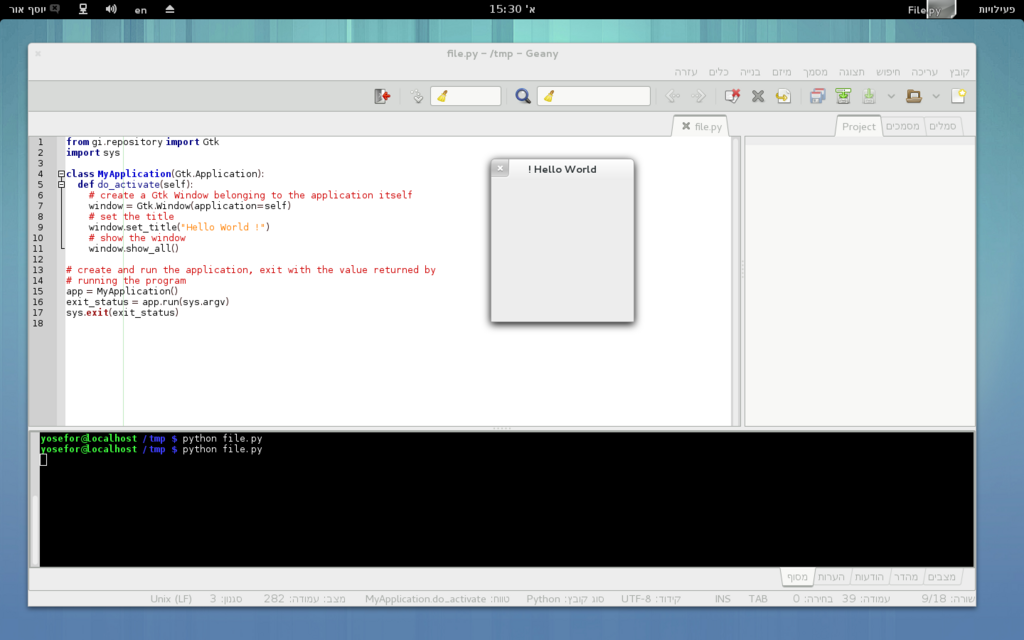
Finally, any application that requires deep integration with the operating system, like managing files or controlling system settings, is best suited as a desktop app. They have a level of access to the computer's core functions that web and mobile apps simply don't.
What is the primary characteristic that distinguishes a desktop application from a web application?
In a desktop application, which component is responsible for processing user input, performing calculations, and executing the program's core functions?
That's a quick look at the world of desktop applications. They are powerful, locally-installed programs that form the backbone of many professional and creative workflows.