Database Fundamentals Explained
Introduction to Databases
What Is a Database?
At its heart, a database is just an organized collection of data. Think of it like a digital filing cabinet, but much smarter and more efficient. Instead of stuffing papers into folders, you store information electronically in a structured way. This structure makes it incredibly easy to find, update, and manage information, whether it's for a small business tracking customers or a massive social media site handling billions of posts.
The main purpose of a database is to store and process data in an efficient manner.
Imagine running an online store. You need to keep track of products, customer details, and orders. A database allows you to store all this information in one central place, ensuring everything is organized and easily accessible. When a customer places an order, the database can quickly pull up their shipping address, check if the product is in stock, and record the sale—all in a fraction of a second.
From Files to Systems
Before modern databases, people stored information in simple computer files, much like you use folders and documents on your own computer. A business might have had one text file for customer names, a spreadsheet for inventory, and another document for sales records.
This worked, but it was messy. What if a customer changed their address? You'd have to remember to update their information in every single file where it appeared. If you missed one, the data would become inconsistent. It was also difficult to connect related information. To see which products a specific customer bought, you'd have to manually cross-reference several different files, which was slow and prone to errors.
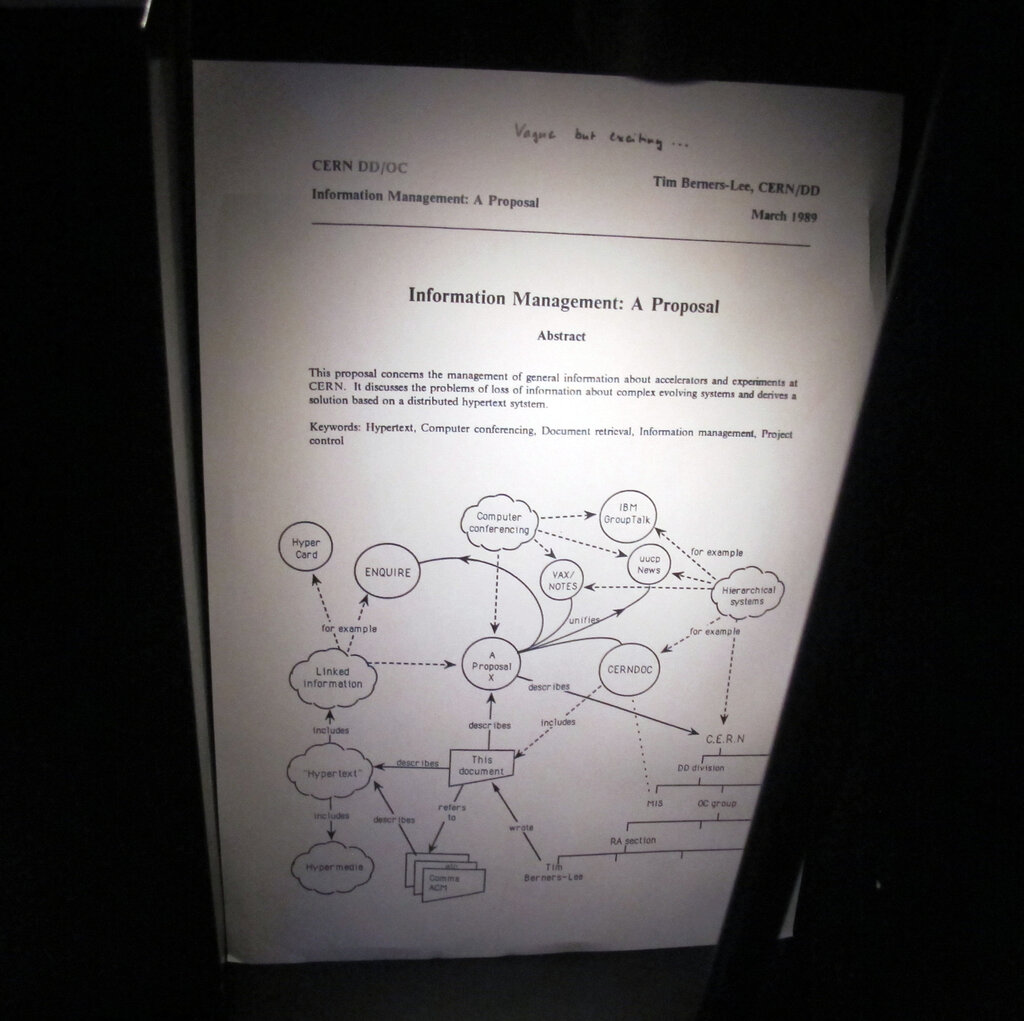
Databases solve these problems by creating a single, reliable source of truth. They provide a systematic way to create, retrieve, update, and manage data, eliminating the chaos of scattered files.
The Core Advantages
So why is using a database so much better than just using a bunch of spreadsheets? It comes down to a few key benefits.
Data Integrity: This means the data is reliable and accurate. In a database, you can set rules to ensure information is consistent. For example, you can prevent an order from being created for a nonexistent customer. When a customer's address is updated, it's changed in one central place, so every part of the system has the correct information.
Reduced Redundancy: Databases are designed to minimize duplicate data. Instead of typing out a customer's full details on every order they place, you store the customer's information once and simply link it to each of their orders. This saves space and improves consistency.
Security: You can control exactly who can see and modify your data. An inventory manager might have permission to update product stock levels, but not to view sensitive customer payment information. This level of control is difficult to achieve with simple files.
Scalability: Databases are built to grow. They can handle enormous amounts of data and thousands of simultaneous users without breaking a sweat, making them the foundation for applications of all sizes.
The Building Blocks
Databases organize information using a few simple components. If you've ever used a spreadsheet, these concepts will feel familiar.
Table
noun
A collection of related data organized in rows and columns. A database usually contains multiple tables. For example, you might have one table for 'Customers' and another for 'Products'.
Record
noun
A single entry in a table, also known as a row. Each record contains all the information about one specific item. For instance, in a 'Customers' table, one record would represent a single customer.
Field
noun
A single piece of data within a record, also known as a column. Fields define what kind of information is stored in a table. In our 'Customers' table, the fields would be things like 'CustomerID', 'FirstName', 'LastName', and 'Email'.
Here’s how these pieces fit together in a simple 'Customers' table:
| CustomerID | FirstName | LastName | |
|---|---|---|---|
| 1 | Maria | Garcia | m.garcia@example.com |
| 2 | John | Smith | j.smith@example.com |
| 3 | Aisha | Khan | a.khan@example.com |
In this example:
- The whole thing is the table.
- Each row (like the one for Maria Garcia) is a record.
- Each column header (like 'FirstName' or 'Email') represents a field.
Understanding these fundamental components is the first step toward working with any kind of database. They provide the simple, powerful structure needed to manage data effectively.