Database Fundamentals and SQL Queries
Introduction to Databases
What Is a Database?
Think of a database as a highly organized digital filing cabinet. Instead of paper files, it stores electronic information. Its main job is to keep this information safe, organized, and easy to find whenever you need it.
A database is a structured collection of data. It’s designed to make storing, managing, and retrieving information simple and efficient.
Imagine you run an online store. You need to keep track of customers, products, and orders. A database would store all this information in one central place. When a customer places an order, the database quickly finds their details, checks if the product is in stock, and records the sale. Without a database, this process would be chaotic and slow.
The Digital Librarian
A database doesn't manage itself. It needs a special piece of software to act as its gatekeeper and organizer. This software is called a Database Management System, or DBMS.
DBMS stands for Database Management System. It is software that allows users to define, create, maintain, and control access to a database.
The DBMS is like a librarian for your data. It knows exactly where everything is stored and can fetch it for you in an instant. It also handles important tasks like ensuring only authorized users can access the data, preventing data from becoming corrupted, and making backups.
One of the most common types is a Relational Database Management System (RDBMS). The key idea here is “relational.” An RDBMS organizes data in a way that shows how different pieces of information relate to each other. For our online store, it would link a customer's record to the orders they've placed.
Building Blocks of a Database
Relational databases have a simple, grid-like structure that might remind you of a spreadsheet. This structure is built from three main components.
Table
noun
A collection of related data organized in rows and columns. A database usually contains multiple tables. For example, you might have one table for Customers and another for Products.
Record
noun
A single entry in a table, also known as a row. Each record represents one item. In a Customers table, each record would represent one customer.
Field
noun
A single piece of information within a record, also known as a column. Each field describes a characteristic of the record. In a Customers table, fields might include FirstName, LastName, and Email.
Let's look at a simple Customers table to see how this works.
| CustomerID | FirstName | LastName | |
|---|---|---|---|
| 1 | Maria | Rodriguez | m.rod@email.com |
| 2 | David | Chen | d.chen@email.com |
| 3 | Fatima | Khan | f.khan@email.com |
In this example:
- The entire grid is the table.
- Each row (like the one for Maria Rodriguez) is a record.
- Each column heading (
CustomerID,FirstName, etc.) defines a field.
Why Databases Matter
Almost every application you use relies on a database. Your social media app uses a database to store your posts and friends list. Your banking app uses one to track your transactions. Even the game on your phone uses a database to save your progress.
Databases are crucial because they provide a reliable and structured way to handle information. They ensure data integrity, meaning the information stays accurate and consistent. They also make it possible for many users to access and modify data at the same time without causing conflicts.
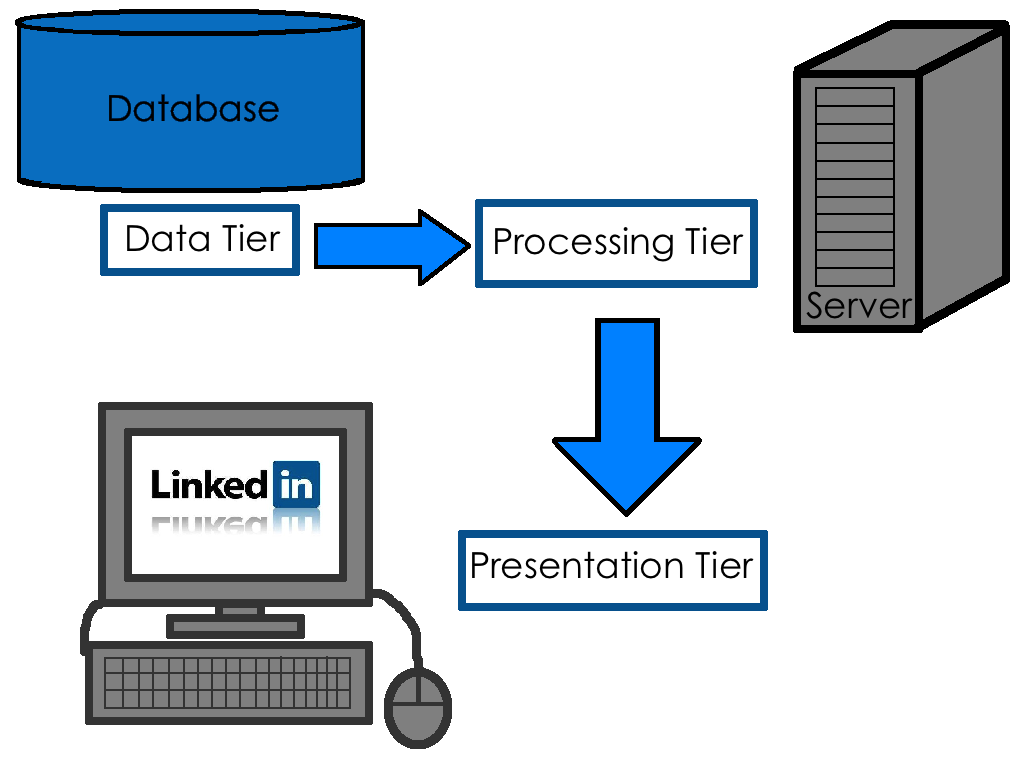
By organizing data effectively, databases turn raw information into a powerful asset. They allow businesses to analyze trends, governments to manage public services, and scientists to process vast amounts of research data. Understanding their basic structure is the first step toward working with data effectively.
Ready to test your knowledge on these core concepts?
What is the primary function of a database?
The software that acts as the "gatekeeper" or "librarian" for a database, managing access and ensuring data integrity, is known as a...
Now that you have the fundamentals down, you're ready to explore how we interact with these powerful systems.