Dark Mode Design and JavaScript Implementation
Introduction to Dark Mode
What is Dark Mode?
You’ve probably seen it on your phone, your favorite social media app, or even your computer’s operating system. Dark mode, sometimes called night mode or light-on-dark, is a display setting that changes the app’s color scheme to a darker landscape.
Fundamentally, dark mode reverses the standard color scheme of user interfaces, substituting lighter text for darker hues and bright backgrounds for darker tones.
Instead of the default black text on a white background, you get light-colored text (like white or gray) on a black or dark gray background. This simple inversion has become a popular feature in modern digital design, offering users a choice in how they view their screens.
More Than Just a Look
The rise of dark mode isn't just about aesthetics. It offers practical benefits that have driven its widespread adoption. For many, the primary advantage is comfort.
Staring at a bright white screen for hours, especially in a dimly lit room, can cause eye strain and fatigue. Dark mode reduces the overall brightness, creating a less harsh viewing experience that can feel easier on the eyes.
Another key benefit relates to your device's battery. If your screen is an OLED (Organic Light-Emitting Diode) or AMOLED type, dark mode can actually save power. On these screens, each pixel lights up individually. To display black, the pixels simply turn off, consuming no energy. The more black on the screen, the less power is used.
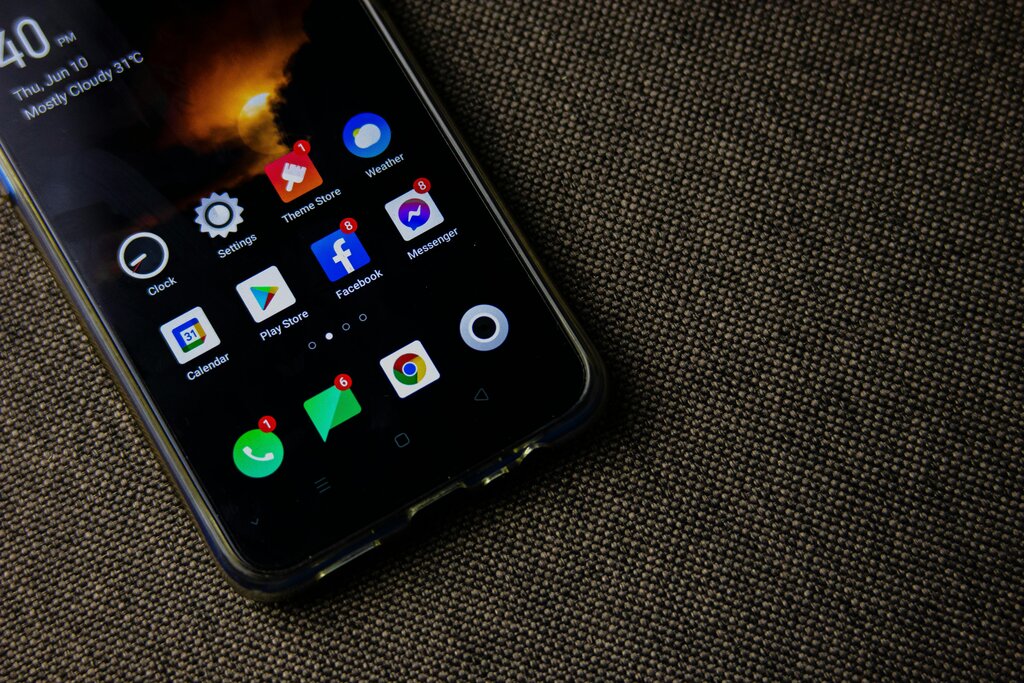
Beyond the technical perks, many people simply prefer the sleek, modern look of a dark interface. It can make colors and graphics pop, creating a different and sometimes more focused visual experience.
A Modern Standard
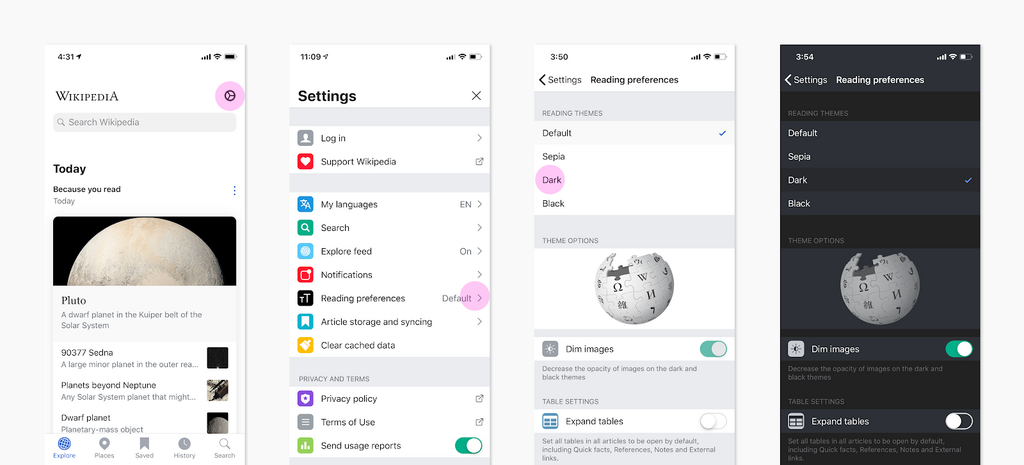
What started as a niche feature for developers and night owls is now a standard option in countless applications and operating systems. From giant platforms like Wikipedia and Google to small indie apps, offering a dark theme has become an expected part of good user experience design.
This shift reflects a broader trend in technology: user choice and personalization. People want to control their digital environments, and choosing a light or dark theme is a simple yet powerful way to do that. As a result, designers and developers are increasingly building this option in from the start.
Time for a quick check-in on these concepts.
What is the primary characteristic of dark mode?
On which type of screen does dark mode significantly save battery life?
This move towards more comfortable and customizable interfaces shows how design is evolving to better meet user needs in different contexts, whether it's saving battery on the go or reducing eye strain during a late-night work session.