Cybersecurity and Digital Education for Teens
Introduction to Cybersecurity
What Is Cybersecurity?
Cybersecurity is the practice of protecting your digital life. Think about all the things you do online: chat with friends, play games, do schoolwork, and share photos. Just like you lock the door to your house to keep your physical belongings safe, cybersecurity helps you lock the door to your personal information online.
Cybersecurity is the practice of protecting systems, networks, and data from cyber threats, unauthorized access, and attacks.
It involves a set of practices and tools designed to shield everything from your computer and phone to large networks from digital attacks. These attacks are often aimed at accessing, changing, or destroying sensitive information, extorting money, or interrupting normal business.
Your Digital Footprint
Every time you go online, you leave behind a trail of information known as your digital footprint. This includes your posts on social media, your search history, and information you provide to websites and apps. A key part of this footprint is your personal information.
Personal information is any data that can be used to identify you. This includes your full name, address, phone number, birthday, school name, photos, and even your location.
Why does it matter? This information is valuable. To you, it's just your life. To a cybercriminal, it's a key that can unlock your accounts, impersonate you, or even steal from you. Protecting it is the first step to staying safe online.
Common Online Threats
Knowing how to protect yourself starts with understanding the threats you might face. While there are many types of cyber threats, a few are especially common.
Malware
noun
Short for "malicious software," it's any software intentionally designed to cause damage to a computer, server, client, or computer network.
Malware is an umbrella term for things like viruses, spyware, and ransomware. It can be hidden in suspicious downloads, email attachments, or even ads. Once on your device, it can steal your passwords, spy on your activity, or lock your files and demand payment.
Phishing
noun
The fraudulent practice of sending emails or messages pretending to be from reputable companies to trick individuals into revealing personal information.
Phishing attacks often create a sense of urgency. You might get an email that says your account has been compromised or that you've won a prize. The goal is to get you to click a link and enter your login details or other personal info on a fake website.
Example Phishing Message: "Warning! Your account has been locked due to suspicious activity. Click this link immediately to verify your identity and unlock your account."
Identity Theft
noun
The fraudulent acquisition and use of a person's private identifying information, usually for financial gain.
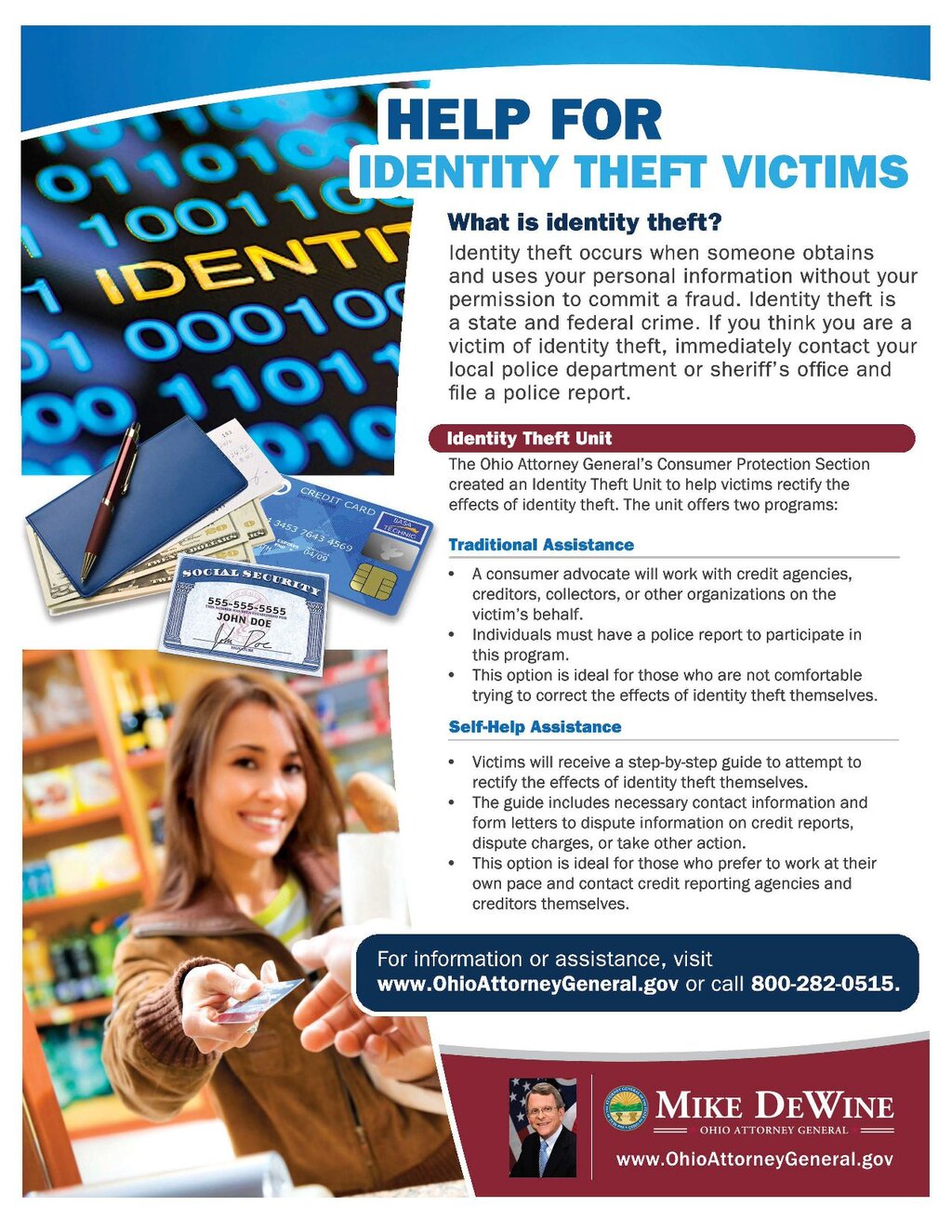
Identity theft is what happens when a criminal successfully steals and uses your personal information. They might open new credit card accounts in your name, take out loans, or access your existing accounts. It can be a serious problem that takes a long time to fix.
How to Stay Safe
You don't need to be a tech genius to protect yourself. Following a few simple best practices can make a huge difference in keeping your digital life secure.
Passwords are our first and best line of defense against unauthorized access to our online information.
The first rule of online safety is to use strong, unique passwords for every account. If a hacker cracks your password for one site, you don't want them to have access to all your other accounts. A strong password is like a complex lock that's hard for criminals to pick.
Strong Password Tips:
- Make it long: Aim for at least 12 characters.
- Use a mix: Include uppercase and lowercase letters, numbers, and symbols.
- Avoid the obvious: Don't use personal information like your name, birthday, or pet's name.
- Consider a passphrase: A short, memorable sentence like "CorrectHorseBatteryStaple!" is both long and easy to remember.
Another crucial habit is to keep your software updated. This includes the operating system on your phone and computer, as well as all your apps and web browsers. Developers regularly release updates that patch security holes. By ignoring them, you're leaving a known vulnerability open for attackers to exploit.
Ready to see what you've learned? Let's check your knowledge.
What is the primary purpose of cybersecurity?
An email arrives from your bank claiming your account is locked and you must click a link immediately to verify your identity. This is most likely an example of what?