Cursor IDE and Claude AI App Integration
Understanding Cursor IDE
Meet Cursor
Cursor is a code editor designed specifically for working with AI. Think of it as a supercharged version of a regular editor. It's built on top of Visual Studio Code (VS Code), which is one of the most popular code editors in the world. This means if you've ever seen or used VS Code, Cursor will feel very familiar.
Cursor is an AI-first IDE built on a foundation familiar to many developers: VS Code.
The main idea behind Cursor is to weave AI assistance directly into the coding process, making it faster and more intuitive to build software. Instead of just writing code, you can have a conversation with your editor, ask it to fix bugs, or even generate entire features from a simple description.
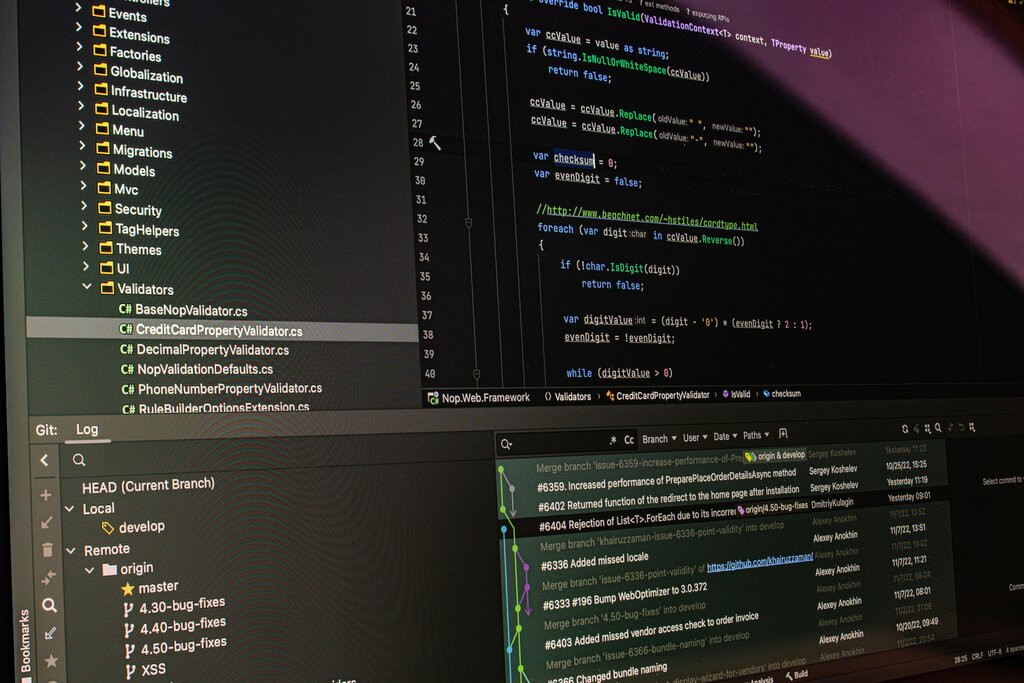
A Familiar Workspace
Because Cursor is a "fork" of VS Code, it shares the same layout and core functionality. You have the main editor window where you write your code, a file explorer on the left, a terminal at the bottom, and support for debugging tools.
This is a huge advantage. It means you don't have to learn a completely new tool from scratch. More importantly, Cursor is compatible with the entire ecosystem of VS Code extensions, themes, and keyboard shortcuts. You can customize it to look and feel exactly how you like.
Want a different color scheme? Or a special extension for your favorite programming language? Just head to the VS Code Marketplace and install it directly within Cursor.
Coding with an AI Partner
The real magic of Cursor lies in its AI features. It moves beyond simple code suggestions and acts more like a collaborative partner that understands your entire project.

You can interact with the AI in a few key ways. You can open a chat panel to ask general questions, get explanations, or plan out new features. You can also highlight a block of code and ask the AI to edit, improve, or find bugs within it. This is great for refactoring messy code or understanding a complex function someone else wrote.
Cursor also helps you generate new code from scratch. By providing a prompt in natural language, you can ask it to write a function, create a user interface component, or set up a configuration file. It can look at other files in your project to understand the context, making its suggestions surprisingly accurate.
Imagine selecting a piece of code and simply asking, "How does this work?" or "Add error handling to this." Cursor's AI will provide an explanation or rewrite the code for you.
These capabilities help you focus on the bigger picture of what you're building, rather than getting bogged down in the syntax and boilerplate code.
Cursor is a 'fork' of which popular code editor, inheriting its core functionality and layout?
What is the primary advantage of Cursor's deep AI integration compared to a standard code editor?