Cursor Fundamentals
Introduction to Cursors
What is a Cursor?
A cursor is an indicator on your screen that shows where the computer is focused. Think of it as the digital equivalent of your fingertip on a page. It points to the exact spot where your next action, like typing a letter or clicking a button, will happen.
This simple indicator is crucial for interacting with a computer. Without it, you'd be lost, unable to tell the machine what you want it to do. The cursor provides constant visual feedback, acting as a bridge between your intentions and the computer's response.
A Quick History
The word itself has a surprisingly active origin. It comes from the Latin word "cursor," which means "runner" or "messenger." In early computing, before graphical interfaces with icons and windows, the cursor was just a simple blinking line or block in a sea of text. It “ran” across the screen to show where the next character would be entered.
cursor
noun
An indicator on a computer screen that shows the position where user interaction will take place.
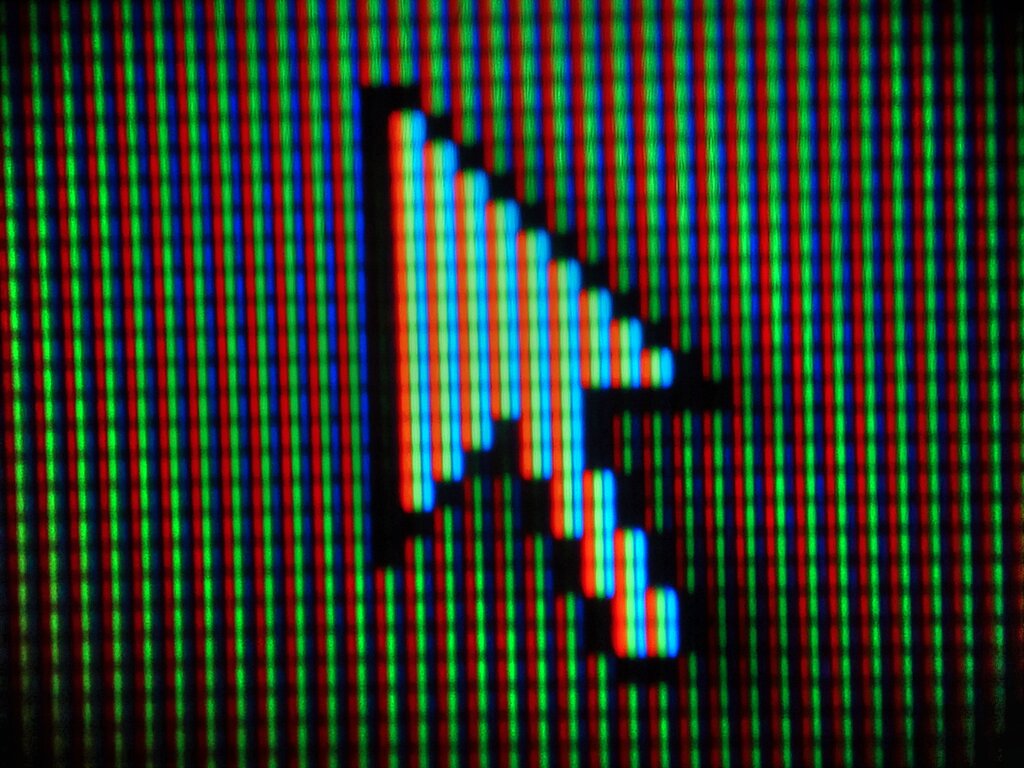
When graphical user interfaces (GUIs) were developed, the cursor evolved. It became the familiar arrow pointer, capable of more than just marking a spot for text. This new kind of cursor could select files, click buttons, and drag windows, making computers much more intuitive for everyone.
The Cursor's Job
At its core, a cursor performs two main jobs. Its first and oldest job is to show the text insertion point. In any text editor or word processor, the blinking vertical bar or underscore tells you, “If you type, the letters will appear right here.”
Its second job is for selection and interaction. As a pointer, usually an arrow, the cursor lets you interact with graphical elements. You move it to point at an icon, a link, or a menu item, and then you click to activate it. This function is fundamental to how we navigate modern operating systems and websites.
The cursor is the primary tool for direct manipulation, allowing you to point at, select, and move digital objects as if they were physical things.
By providing this immediate and clear feedback, the cursor makes complex systems feel manageable. It confirms where your focus is and what you are about to interact with, turning abstract digital commands into simple, direct actions.
What is the primary function of a cursor?
The word "cursor" comes from a Latin word meaning...
Now you know what a cursor is and why it's a fundamental part of using a computer.