Cursor for Designer Prototyping
Introduction to Cursor
What is Cursor?
Cursor is a code editor built with artificial intelligence at its core. Think of it as a standard code editor, like Visual Studio Code, but with a powerful AI assistant integrated into every part of the workflow. The goal isn't just to help you write code, but to change how you write it, making the process faster, more intuitive, and more collaborative.
Cursor is more than just a code editor, it’s your AI coding partner, built on top of VS Code but reimagined for the AI era.
Instead of just suggesting the next word or line of code, Cursor understands the context of your entire project. It can help you debug tricky problems, refactor messy sections, and even generate entire features from a simple description. This shifts your role from just writing code line-by-line to directing a highly capable AI partner.

Code with Your Words
One of Cursor's most powerful features is its ability to understand natural language. You can have a conversation with your codebase. Instead of manually searching for a file and typing out changes, you can simply ask the AI to do it for you.
For example, you could highlight a block of code and ask, "Can you add error handling to this function and explain the changes?" Cursor will not only write the code but also break down what it did.
This feature, often accessed through an AI chat panel, lets you generate new code, edit existing blocks, and understand complex logic without leaving your editor. It's like having a senior developer available to pair program with you at any time. You can describe what you want to achieve in plain English, and the AI will translate your idea into functional code.
Smarter, Faster Suggestions
Traditional code editors have had autocompletion for years, suggesting variable names or finishing a simple statement. Cursor takes this to the next level with intelligent autocompletion and AI-assisted code generation.
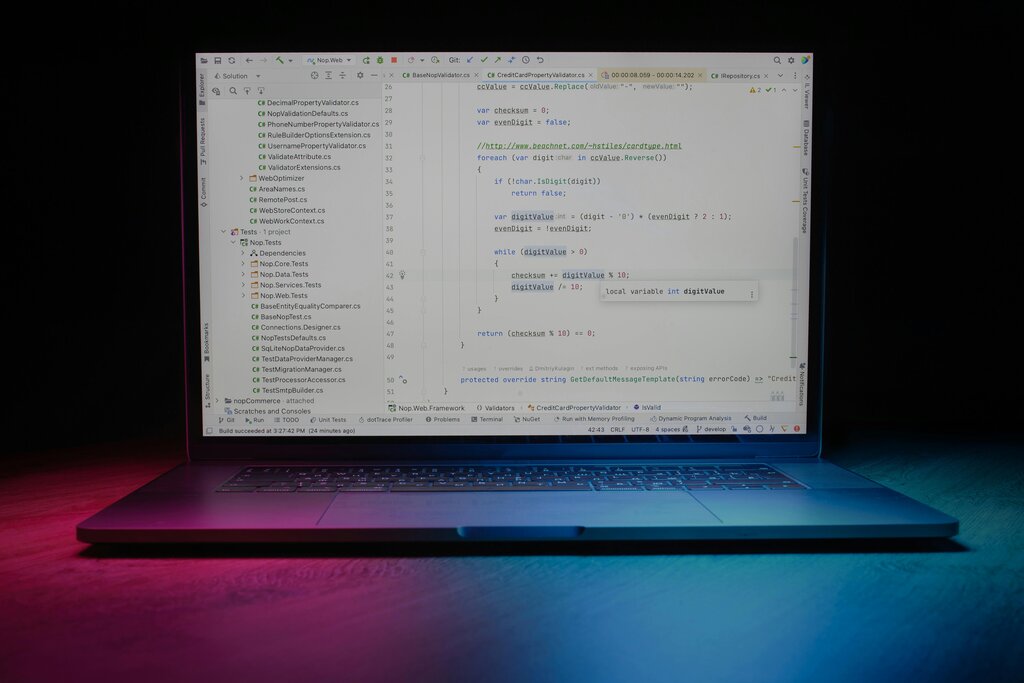
Because Cursor has context on your entire project, its suggestions are much more relevant. It can generate entire functions, complete with documentation, based on just a function name or a comment. It understands the patterns and libraries you're using, so its suggestions fit seamlessly into your existing code.
You’ll learn to write effective prompts, use autocompletion intelligently, generate entire functions from descriptions, and refactor messy code automatically.
This doesn't just save you from typing. It reduces the mental load of remembering exact syntax and boilerplate code, freeing you up to focus on the bigger picture: solving the actual problem. By handling the routine parts of coding, the AI lets you concentrate on the creative and logical challenges of your project.
Now, let's test your understanding of Cursor's core capabilities.
How does Cursor's approach to AI integration primarily differ from a traditional code editor that uses a separate AI plugin?
According to the text, the goal of Cursor is to shift the developer's role from a line-by-line coder to a ____ of a highly capable AI partner.
With these fundamentals, you're ready to start exploring how Cursor can streamline your own coding workflow.