CUDA GPU Programming
CUDA Basics
The CUDA Programming Model
CUDA lets programmers use the immense power of a Graphics Processing Unit (GPU) for general-purpose computing. Think of it as a partnership between your computer's main processor (the CPU) and the specialized processor on your graphics card.
In CUDA, we call the CPU and its memory the host, and the GPU and its memory the device. The host is the manager. It runs the main part of the program, prepares data, and gives instructions to the device. The device is a powerful workforce, built with thousands of small, efficient cores designed to do one thing very well: run the same operation on many different pieces of data simultaneously.
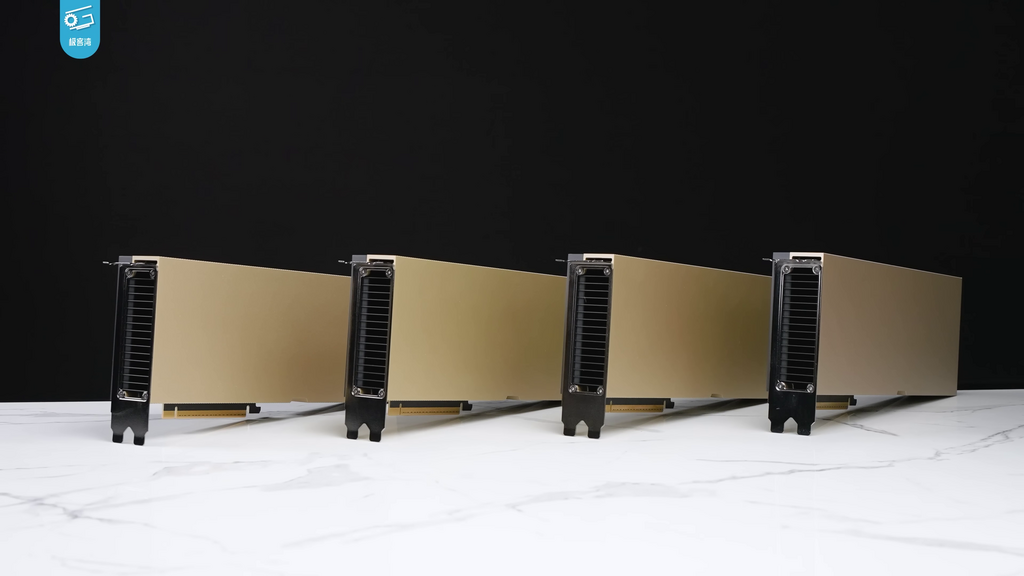
A typical CUDA program involves a few key steps. First, the host copies data from its own memory over to the device's memory. Then, the host tells the device to start its computation. Once the device is finished, the host copies the results back. This division of labor is fundamental to CUDA programming.
Kernels and the Thread Hierarchy
The special functions that run on the GPU are called kernels. When the host launches a kernel, it's not just running the function once. It's launching thousands of copies of that kernel that all execute in parallel on the GPU's cores. Each of these instances is called a thread.
This army of threads needs organization. CUDA structures them in a three-level hierarchy.
A thread is the smallest unit of execution. It runs a single instance of the kernel code.
A block is a group of threads. Threads within the same block can cooperate by synchronizing their execution and sharing data through a fast, on-chip memory.
A grid is a collection of blocks. All threads in a grid run the same kernel.
When you launch a kernel, you specify the number of blocks in the grid and the number of threads in each block. This structure gives you fine-grained control over how the work is distributed across the GPU's hardware.
The Memory Hierarchy
Just as threads are organized hierarchically, so is memory. Where you store your data has a huge impact on your program's performance. There are three main types of memory you'll work with.
Global Memory
noun
This is the largest memory space on the GPU, but also the slowest. It's accessible by all threads in the grid as well as the host CPU. This is where you'll store the initial data and the final results.
Think of global memory as a large, central warehouse. Anyone can access it, but it takes time to go there and retrieve items.
Shared Memory
noun
This is a much smaller, but much faster, on-chip memory. It is accessible only to threads within the same block. It's used for threads to share data and cooperate on tasks, which can dramatically speed up computations.
Shared memory is like a small workbench shared by a single team (a block). It's very fast to pass tools and materials around this bench, but other teams can't see it.
Local Memory
noun
This memory is private to a single thread. It's used for variables that are only needed by that one thread, like loop counters. It's fast, but its scope is very limited.
Local memory is like a worker's own toolbelt. It's for the tools that only they will use. Using memory efficiently by choosing the right type for the right task is a key skill in CUDA programming.
Now let's test your understanding of these fundamental concepts.
In a typical CUDA program, what are the respective roles of the 'host' and the 'device'?
A special function that is launched by the host to run on the GPU is called a ______.
Understanding this architecture of code, threads, and memory is the first step toward writing efficient parallel programs with CUDA.