CSS Fundamentals for React Developers
CSS Syntax
The Language of Style
Think of HTML as the skeleton of a webpage. It provides the structure. CSS, which stands for Cascading Style Sheets, is what gives it personality. It's the language we use to control the colors, fonts, layout, and overall look of a site.
CSS works by creating rules. A rule tells the browser which HTML elements to style and how to style them.
Every CSS rule has two main parts: a selector and a declaration block.
selector {
  property: value;
}
The selector points to the HTML element you want to style. The declaration block, enclosed in curly braces {}, contains one or more declarations. Each declaration includes a CSS property and a value, separated by a colon and ending with a semicolon.
Targeting Your Elements
Selectors are how you target specific parts of your HTML. The simplest way is to select elements by their tag name. For example, if you want to change the text color of every paragraph on your page, you can use the p selector.
/* This makes all <p> elements blue */
p {
  color: blue;
}
This is great, but what if you only want to style some paragraphs? For that, we use class selectors. A class is an attribute you can add to any HTML tag. The selector for a class always starts with a period ..
/* This styles any element with class="highlight" */
.highlight {
  background-color: yellow;
  font-weight: bold;
}
To apply this style, you would add class="highlight" to an HTML tag, like this: <p class="highlight">This text will be yellow and bold.</p>.
For targeting one single, unique element, you can use an ID selector. An ID must be unique on the page—you can't have two elements with the same ID. The ID selector starts with a hash #.
/* This styles the one element with id="main-logo" */
#main-logo {
  border: 2px solid black;
}
| Selector Type | Syntax | Use Case |
|---|---|---|
| Element | h1 | Styles all <h1> elements. |
| Class | .alert | Styles any element with class="alert". Can be used many times. |
| ID | #header | Styles the one unique element with id="header". Use only once. |
Properties and Values
Inside the declaration block, you define how the selected elements should look. You do this with property-value pairs.
A property is a specific aspect you want to change, like font-size, color, or margin. A value is the setting you want to apply to that property. For font-size, the value might be 16px. For color, it could be red or a hex code like #FF0000.
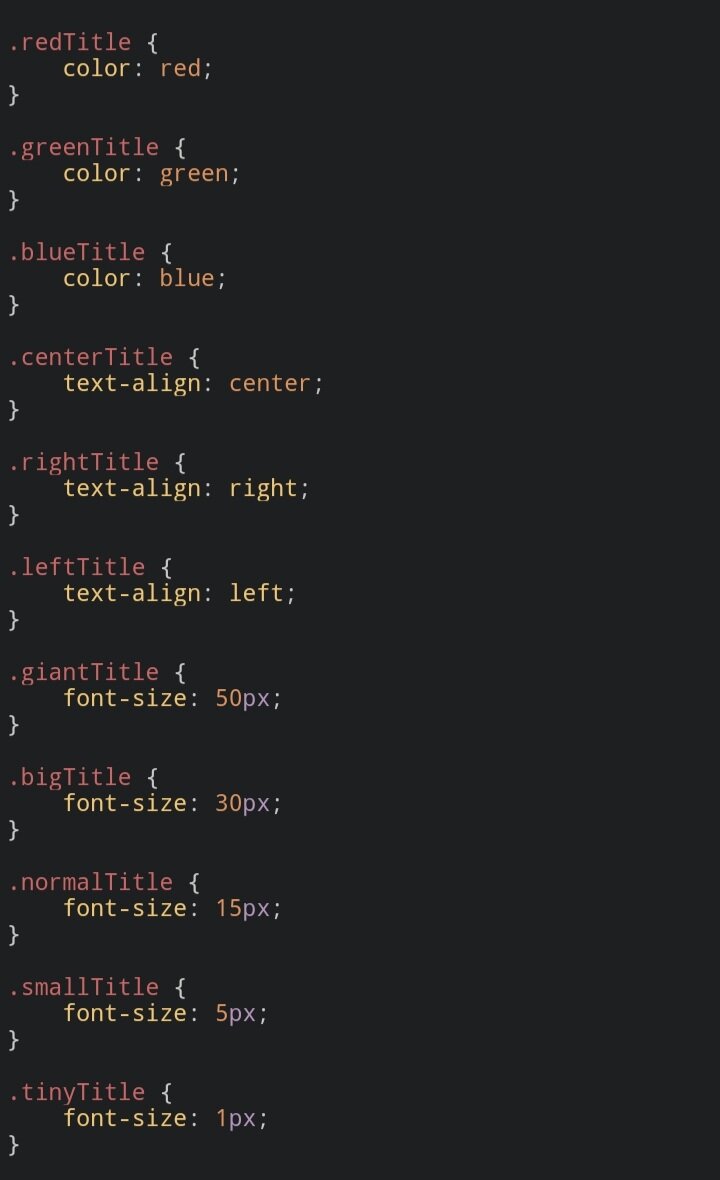
Each declaration must end with a semicolon ;. This separates it from the next one. While the semicolon on the last declaration in a block is technically optional, it's a best practice to always include it. It prevents errors if you add another style later.
Putting It All Together
So, how do we connect our CSS to our HTML? There are three ways, but the most common and recommended method is using an external stylesheet. This involves creating a separate file with a .css extension and linking to it from your HTML file.
Inside your HTML file, you add a <link> tag within the <head> section.
<!DOCTYPE html>
<html>
<head>
  <title>My Styled Page</title>
  <link rel="stylesheet" href="styles.css">
</head>
<body>

  <h1 id="main-title">Welcome!</h1>
  <p>This is a standard paragraph.</p>
  <p class="special-text">This paragraph is a bit different.</p>

</body>
</html>
Then, you would create a file named styles.css in the same directory with your CSS rules.
/* styles.css */

body {
  font-family: sans-serif;
}

#main-title {
  color: navy;
}

.special-text {
  color: gray;
  font-style: italic;
}
When a browser loads the HTML file, it will also load styles.css and apply the rules, styling the page according to your definitions.
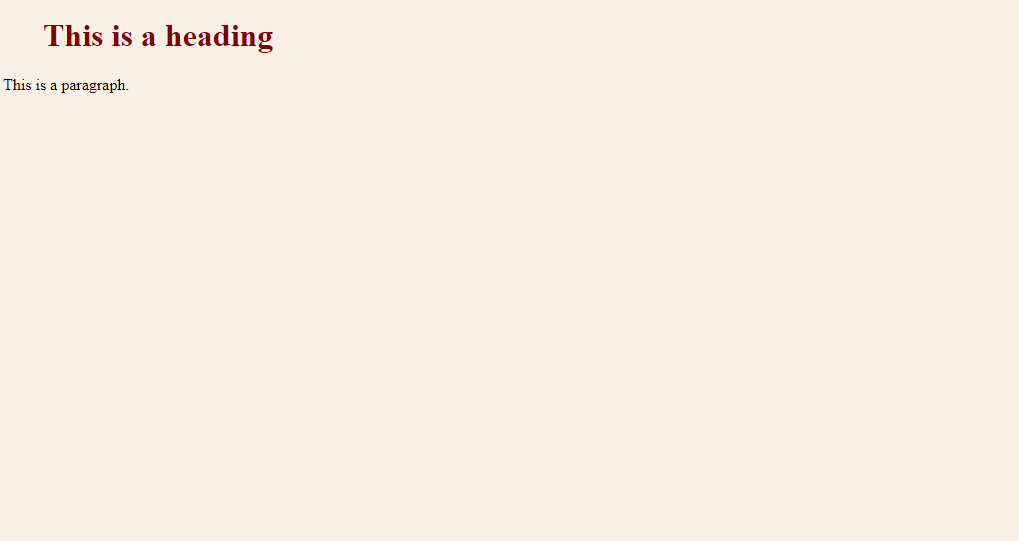
By keeping your structure (HTML) and your styling (CSS) in separate files, your code becomes much easier to read, manage, and reuse.
What is the primary role of CSS (Cascading Style Sheets) in web development?
In the following CSS rule, which part is the 'selector'?
p {
  color: blue;
}