Creative Media Computer Systems
Computer Hardware Basics
The Core Components
When we talk about a computer, we're really talking about a team of specialized parts working together. These physical parts, from the chips inside to the screen you're looking at, are called hardware. You can touch them, see them, and (if you're not careful) drop them. Each piece has a specific job, and they all communicate to turn your clicks and keystrokes into actions.
Hardware: This refers to the physical components of a computer system, including processors, memory, storage devices, and input/output devices.
Think of it like building with LEGOs. You have different bricks for different purposes. Some are for the foundation, some for the walls, and others for decoration. A computer is similar. It has a 'brain' for thinking, 'memory' for holding information, 'storage' for keeping it long-term, and ways to interact with the outside world.
The Brain of the Operation
The Central Processing Unit, or CPU, is the computer's engine. It executes instructions and performs the calculations that make everything else happen. Every time you open an application, save a file, or play a game, the CPU is doing the heavy lifting, processing billions of commands per second.
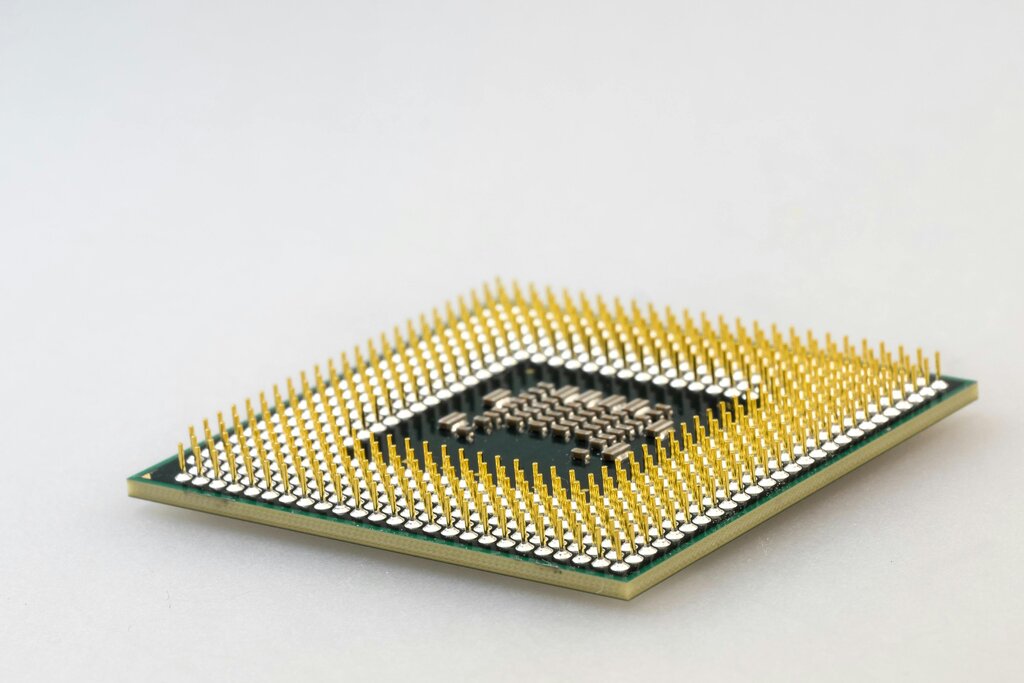
Imagine a chef in a kitchen. The recipe is a program, and the ingredients are data. The CPU is the chef, reading the recipe, grabbing the ingredients, and performing each step to create the final dish. A faster CPU is like a faster chef; it can get more done in less time.
CPU
noun
The electronic circuitry that executes instructions comprising a computer program. The CPU performs basic arithmetic, logic, controlling, and input/output (I/O) operations specified by the instructions in the program.
Short-Term Workspace
While the CPU is the brain, it needs a place to work. That's where Random Access Memory, or RAM, comes in. RAM is the computer's short-term memory. It's like a workbench where the CPU places the tools and data it needs for the current task. The more RAM you have, the bigger your workbench, allowing you to work on more complex projects at once without slowing down.

This type of memory is volatile, which means it forgets everything when the computer is turned off. It's only for temporary, active use. When you open a file, it's loaded from storage into RAM so the CPU can access it quickly. When you save and close the file, it's put back into long-term storage, and the space on your workbench is cleared.
Long-Term Storage
For information that needs to stick around, computers use storage devices. This is where your files, applications, and operating system are kept permanently, even when the power is off. It's the digital equivalent of a filing cabinet.
There are two main types of storage drives.
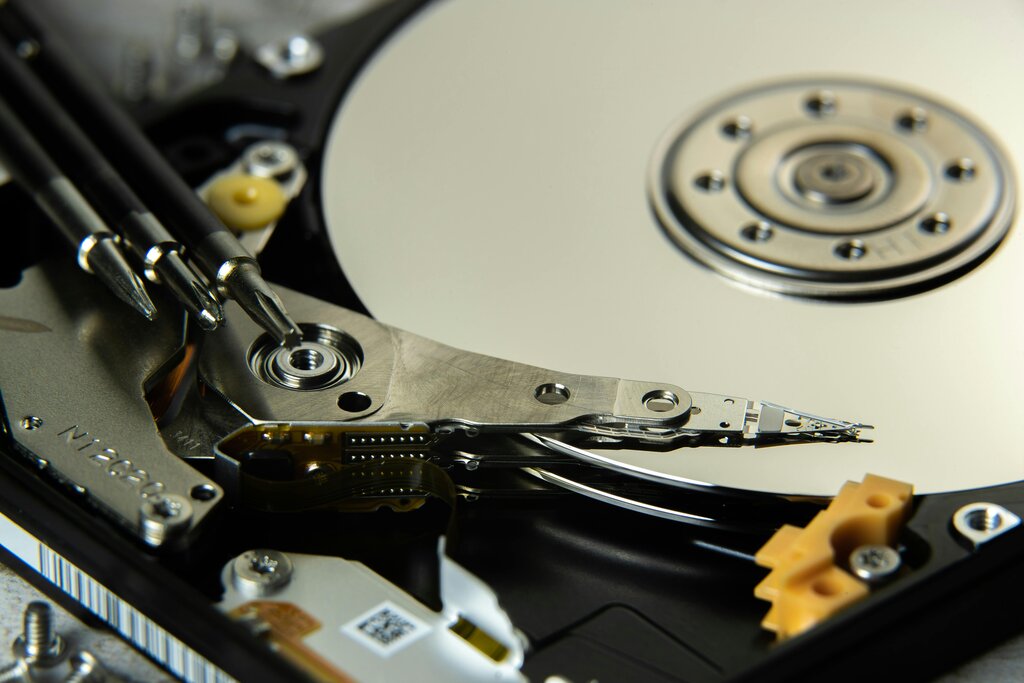
Hard Disk Drives (HDDs): These are the traditional workhorses. An HDD uses a spinning magnetic disk, or platter, to store data. A mechanical arm moves back and forth to read and write information, much like a record player. They offer large amounts of storage for a lower cost but are slower due to their moving parts.
The other, more modern type is the Solid-State Drive.
Solid-State Drives (SSDs): These are much faster because they have no moving parts. SSDs use flash memory, similar to a USB drive or your phone's storage. They access data instantly, which means your computer boots up faster, and applications load in a snap. While they tend to be more expensive per gigabyte, their speed makes a huge difference in overall performance.
Getting Information In and Out
Finally, a computer needs to interact with you and the world around it. This happens through input and output (I/O) devices.
Input devices are how you give the computer information. Your keyboard, mouse, touchscreen, and microphone are all input devices. They convert your physical actions into digital signals the computer can understand.
Output devices are how the computer presents information back to you. The monitor displays images, the speakers produce sound, and the printer creates physical copies. These devices turn the computer's digital signals into something you can see, hear, or touch.

Together, these core components—CPU, RAM, storage, and I/O devices—form the foundation of any computer system, from a massive server to the smartphone in your pocket.
Which component is often described as the 'brain' or 'engine' of the computer, responsible for executing instructions and performing calculations?
True or False: Random Access Memory (RAM) is a type of volatile memory, meaning it loses its data when the computer is turned off.