Create Engaging Faceless YouTube Videos
Channel Setup
Setting Up Your YouTube Channel
Your YouTube channel is your personal space on the world's biggest video platform. It’s where you will host your videos, interact with your audience, and build a brand. Getting the setup right from day one is key, and it all starts with creating an account.
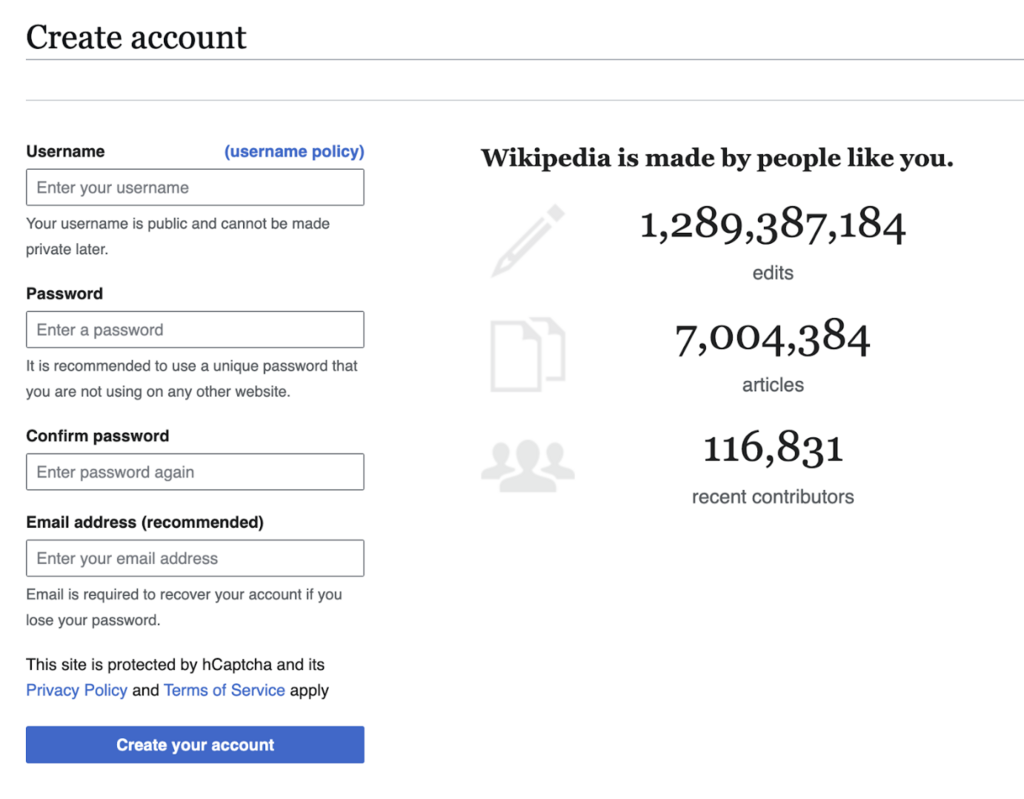
First, you need a Google account. If you use Gmail, Google Drive, or any other Google service, you already have one. You'll use this to sign in to YouTube.
Once you're signed in, you have a choice. You can use the personal channel tied to your Google account, or you can create a Brand Account. A Brand Account is usually the better option for creators. It lets you use a different name for your channel than your personal name, and you can allow other people to help manage the channel without giving them your personal Google password. Think of it as a professional business account versus a personal one.
Find Your Focus
Before you upload anything, you need to decide what your channel will be about. This is your niche. A niche is a specific topic or area of interest that you focus on. It helps you attract a dedicated audience that is genuinely interested in your content.
Think of it this way: a channel about 'food' is very broad. But a channel about 'Easy Nigerian Jollof Rice Recipes' is specific. People looking for that exact thing will find you, watch your videos, and subscribe because you are giving them exactly what they want.
Your niche should be at the intersection of three things: what you love, what you're good at, and what people actually want to watch. When you're passionate about your topic, it shows in your videos, and you won't run out of ideas.
A clear niche is one of the most important steps in growing your YouTube channel.
Design Your Channel's Look
Your channel's appearance is the first impression you make on a new visitor. You want it to look professional and clearly communicate what your channel is about. This involves two main elements: your profile picture and your channel banner.
Profile Picture: This is the small icon that appears next to your channel name and comments. It should be a clear, high-quality image. If the channel is about you, a good headshot works well. If it's a brand, use your logo.
Channel Banner: This is the large image at the top of your channel page. It's your billboard. Use it to show off your personality, state your channel's topic, and maybe even include your upload schedule (e.g., 'New Videos Every Friday'). Remember that this banner will look different on desktop, mobile, and TV screens, so keep the most important information near the center.
Tell Your Story
Once your channel looks good, you need to tell people what it's all about. This is done in the 'About' section of your channel. Your channel description is very important. It tells new viewers who you are, what kind of videos you make, and why they should subscribe.
| Element | What to Include |
|---|---|
| Hook | A short, catchy sentence that explains your channel. |
| Details | Who are you? What topics do you cover? |
| Value | What will viewers gain from watching? |
| Call to Action | Encourage them to subscribe. |
| Schedule | Let them know when to expect new videos. |
| Links | Add links to your website or social media pages. |
Keep it clear and concise. This description also helps YouTube's algorithm understand your content, so be sure to include keywords related to your niche. For example, if you have a tech review channel in Nigeria, include terms like 'tech reviews', 'smartphones', 'laptops', and 'gadgets in Nigeria'.
Now, let's check your understanding of setting up a YouTube channel.
Why is a Brand Account generally recommended for YouTube creators over a personal channel?
According to the guide, your channel's niche should be at the intersection of what you love, what you're good at, and what else?
With these steps completed, your channel is officially set up and ready for you to start creating and uploading content.