Crafting Quick EDM Hits
Introduction to EDM Production
The Heart of the Studio
At the center of any electronic music setup is the Digital Audio Workstation, or DAW. Think of it as your entire studio, but inside your computer. It’s where you'll record, arrange, edit, and mix all the sounds that make up your track.
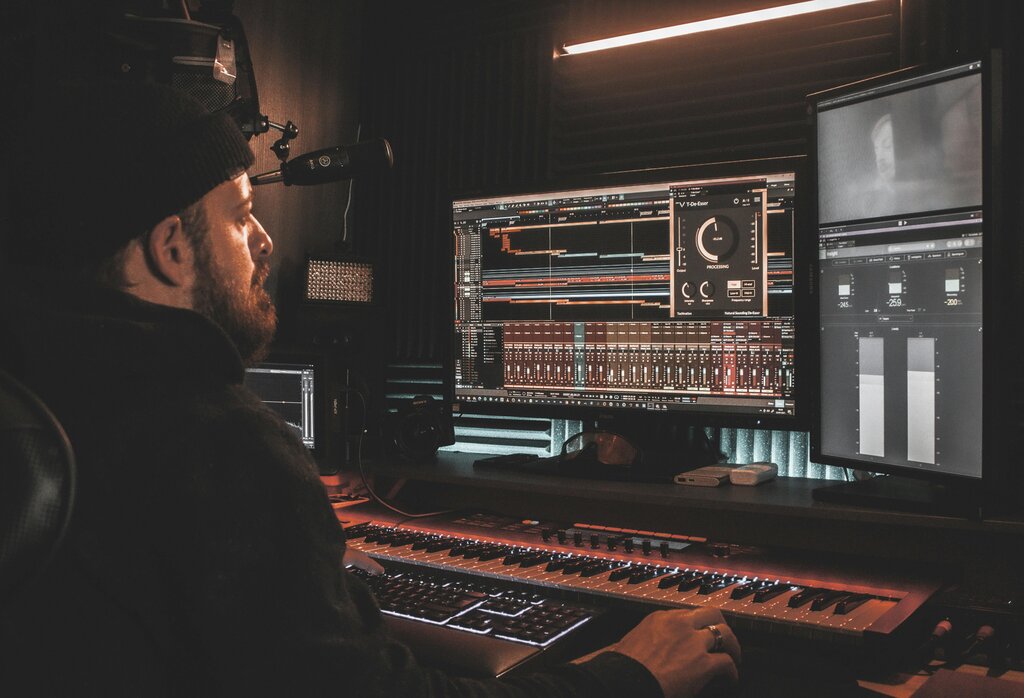
There are many popular DAWs, each with its own workflow. Some common choices for EDM producers are Ableton Live, FL Studio, and Logic Pro. While they look different, they all perform the same core functions. Don't get too caught up in choosing the "best" one; they are all powerful tools. The most important thing is to pick one and start learning it.
The digital audio workstation (DAW) is the foundation of modern music making, but was not designed for the modern music maker.
Creating the Sounds
Once you have your studio hub, you need something to make noise with. In EDM, two key instruments are the synthesizer and the drum machine. They can be physical hardware or, more commonly, software plugins that run inside your DAW.
Synthesizer
noun
An electronic musical instrument that generates audio signals to create a wide variety of sounds.
A synthesizer, or synth, is a sound design powerhouse. It creates sound from the ground up using electronic components called oscillators, which produce basic waveforms. You then shape these waves with filters and other controls to create everything from deep, rumbling basses to soaring lead melodies and atmospheric pads.
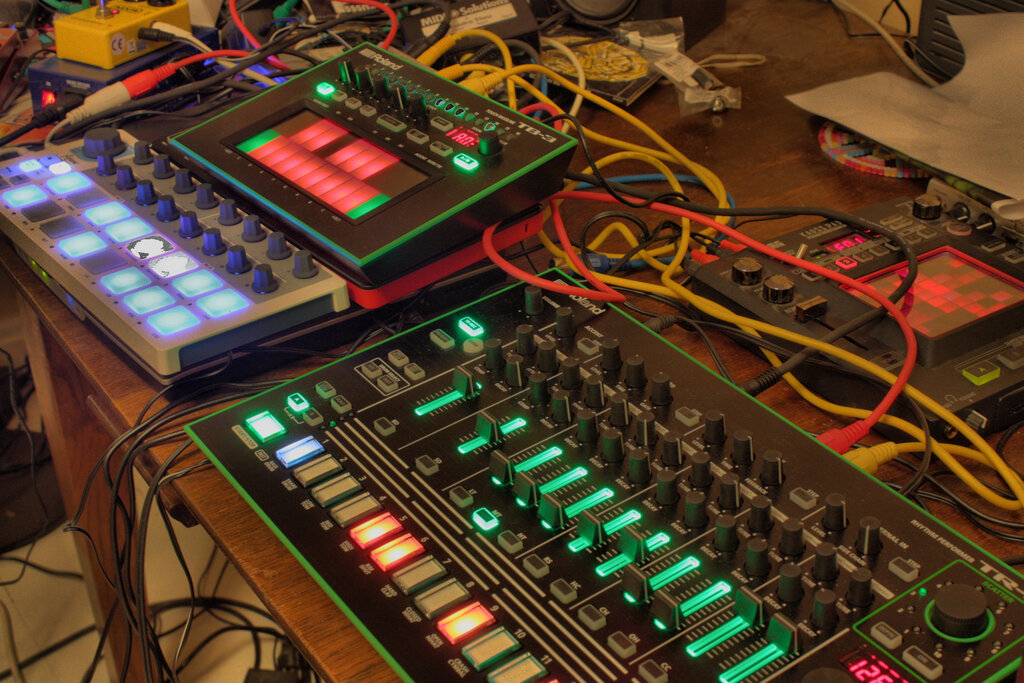
A drum machine is specialized for creating rhythm. It comes loaded with percussive sounds like kicks, snares, hi-hats, and claps. You use it to program the beat that forms the foundation of your track.
Instructions vs. Recordings
Inside your DAW, you'll work with two main types of tracks: MIDI and audio. Understanding the difference is fundamental.
An audio track contains a recorded sound, like a vocal, a guitar riff, or a drum loop. It's a digital snapshot of a sound wave. You can edit it—chop it up, reverse it, change its volume—but you can't change the notes that were originally played.
A MIDI track is different. MIDI stands for Musical Instrument Digital Interface, and it doesn't contain any sound itself. Instead, it holds instructions: what notes to play, when to play them, how hard, and for how long. It's like sheet music for your computer.
You send MIDI data to a synth or drum machine plugin, which then follows the instructions to generate sound. The big advantage? You can easily change the melody or rhythm by just moving the notes around in the MIDI track. You can also swap out the instrument entirely to hear the same MIDI pattern played by a different synth.
Plugins and Effects
Plugins are extra tools that add functionality to your DAW. We've already mentioned instrument plugins like synths and drum machines. The other main category is effect plugins. These process and alter audio signals to shape your sound.
| Effect | What It Does |
|---|---|
| EQ (Equalizer) | Boosts or cuts specific frequencies. Think of it as a very precise tone control to make sounds brighter, darker, or less muddy. |
| Compressor | Reduces the volume difference between the loudest and quietest parts of a sound, making it feel more controlled and punchy. |
| Reverb | Adds a sense of space by creating reflections, like the sound is in a small room, a large hall, or a cavern. |
| Delay | Creates echoes of a sound. You can control how often the echoes repeat and how long they last. |
These are the essential building blocks. By combining a DAW, instruments, and effects, you have everything you need to start creating your own EDM tracks.
Time to test what you've learned.
What is the primary role of a Digital Audio Workstation (DAW) in music production?
A MIDI track contains audio waveforms that can be directly listened to.