CPU Socket Pins Explained
CPU and Motherboard Basics
The Brain of the Operation
At the heart of every computer is the Central Processing Unit, or CPU. Think of it as the computer's brain. It's a small, powerful chip responsible for carrying out the instructions of a computer program. Every click, keypress, and command you give your computer is processed by the CPU.
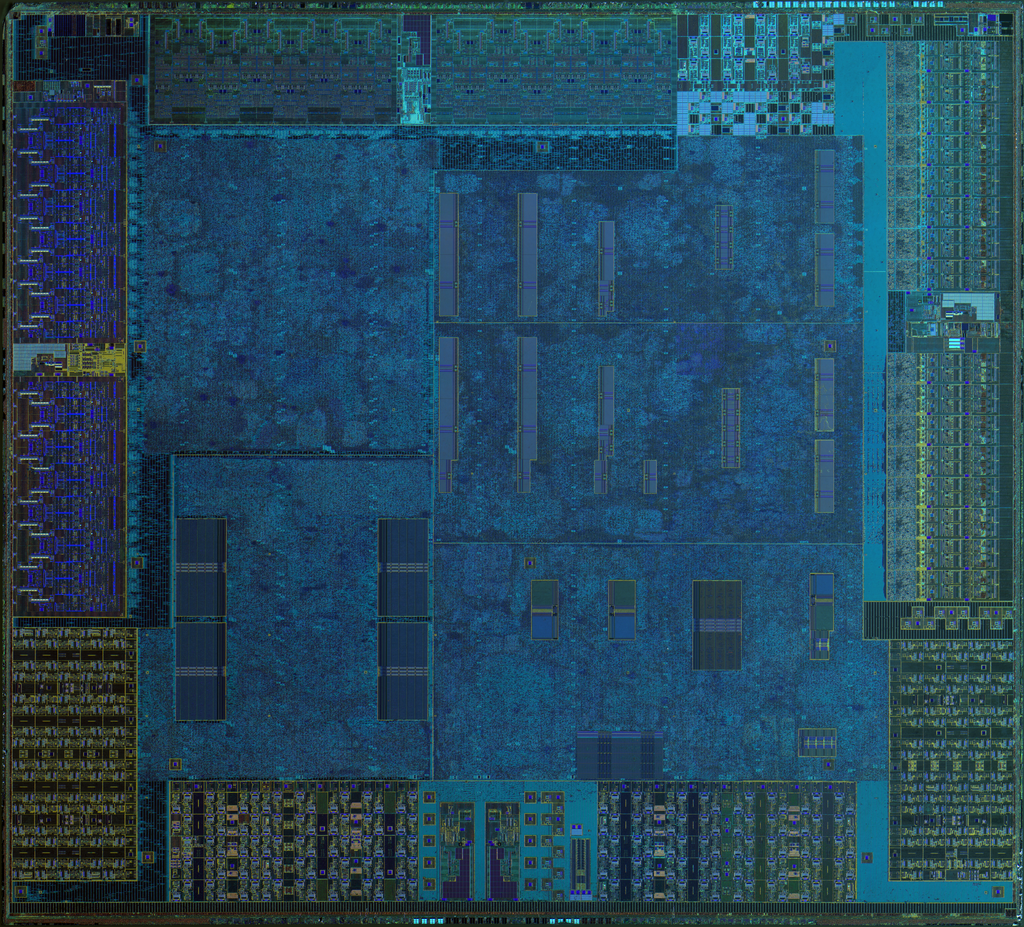
The CPU performs basic arithmetic, logic, controlling, and input/output (I/O) operations specified by the instructions. It fetches instructions from the computer's memory, decodes what they mean, executes them, and then writes the result back to memory. This cycle happens billions of times per second, which is what makes modern computers so fast.
CPU
noun
The electronic circuitry that executes instructions comprising a computer program. The CPU performs basic arithmetic, logic, controlling, and input/output (I/O) operations.
The Computer's Backbone
If the CPU is the brain, the motherboard is the body's central nervous system. It's a large printed circuit board that connects all the essential components of a computer. The CPU, memory (RAM), storage drives, and graphics card all plug into the motherboard, which allows them to communicate with each other.
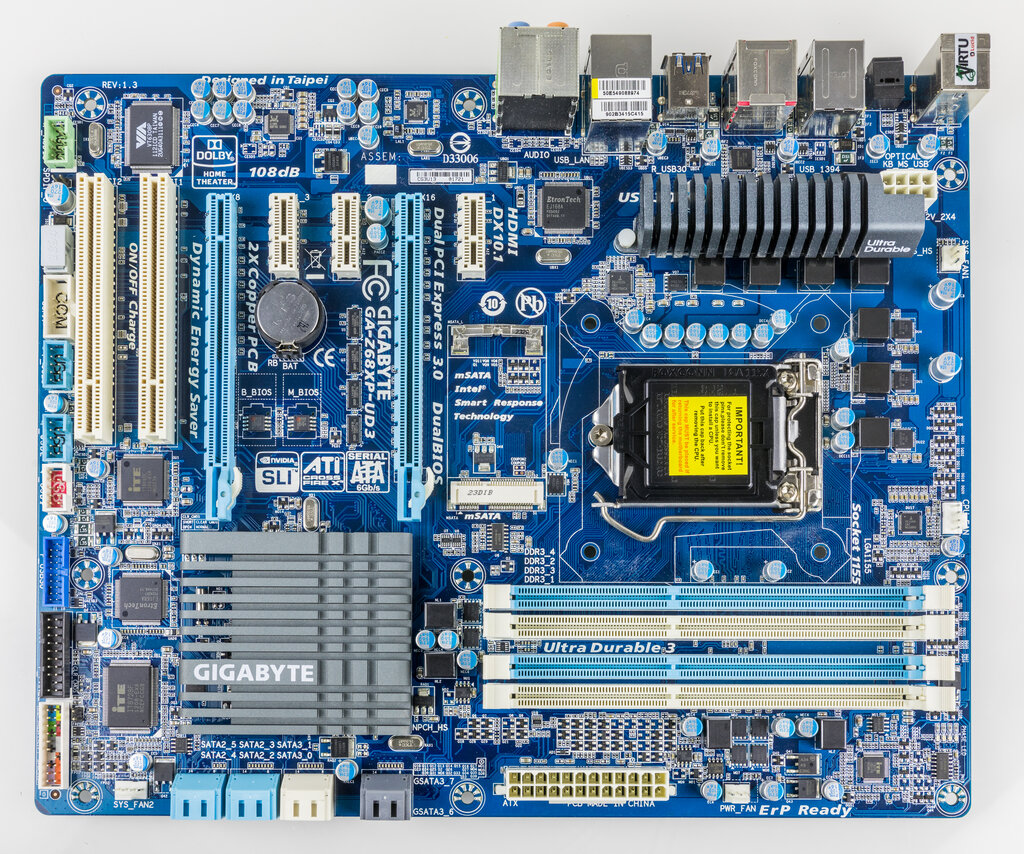
The motherboard is covered in a complex network of electrical pathways, called buses, that act like highways for data. These buses move information between the CPU and other parts of the system, ensuring everything works together seamlessly. Without the motherboard, the components would just be a collection of isolated parts.
The motherboard is like the backbone of a computer, connecting all the important parts such as the CPU, memory, and storage.
Where Brain Meets Body
The most critical connection on the motherboard is the one for the CPU. This interface is called the CPU socket. It's a specialized connector designed to hold the CPU firmly in place and provide the thousands of electrical connections it needs to function.
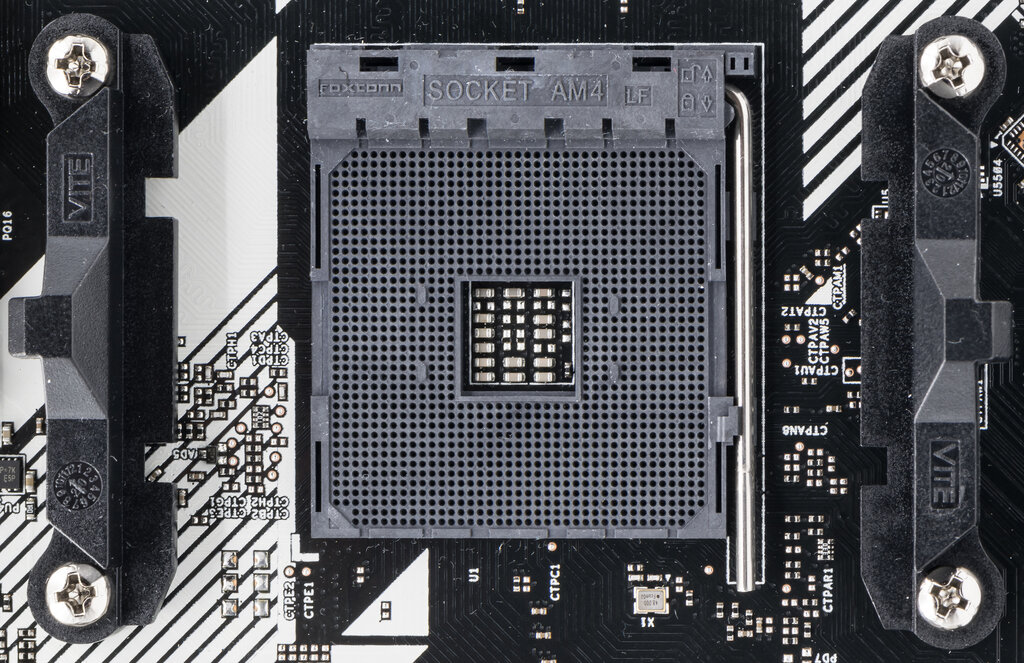
A CPU socket serves three main purposes:
- Physical Support: It secures the delicate CPU chip, preventing it from moving or being damaged.
- Electrical Connection: It provides power from the computer's power supply to the CPU.
- Data Interface: It acts as the gateway for data to flow between the CPU and the rest of the computer system via the motherboard's buses.
Sockets are not one-size-fits-all. They are designed for specific families of CPUs. A CPU made by Intel won't fit in a socket designed for an AMD processor, and even different generations from the same manufacturer often use different sockets. This is why choosing a compatible CPU and motherboard is the first crucial step in building or upgrading a computer.
The CPU socket is the physical and electrical interface that connects the CPU to the motherboard, enabling communication with all other computer components.
With a solid understanding of how the CPU and motherboard connect, you're ready to explore this relationship in more detail.