CPU Fundamentals Explained
CPU Basics
The Computer's Brain
At the heart of every computer, from a massive server to the smartphone in your pocket, is a Central Processing Unit, or CPU. It’s often called the computer's “brain,” and for good reason. The CPU's main job is to carry out the instructions of a computer program. Every time you click, type, or start an app, you're giving the computer a set of instructions that the CPU will process.
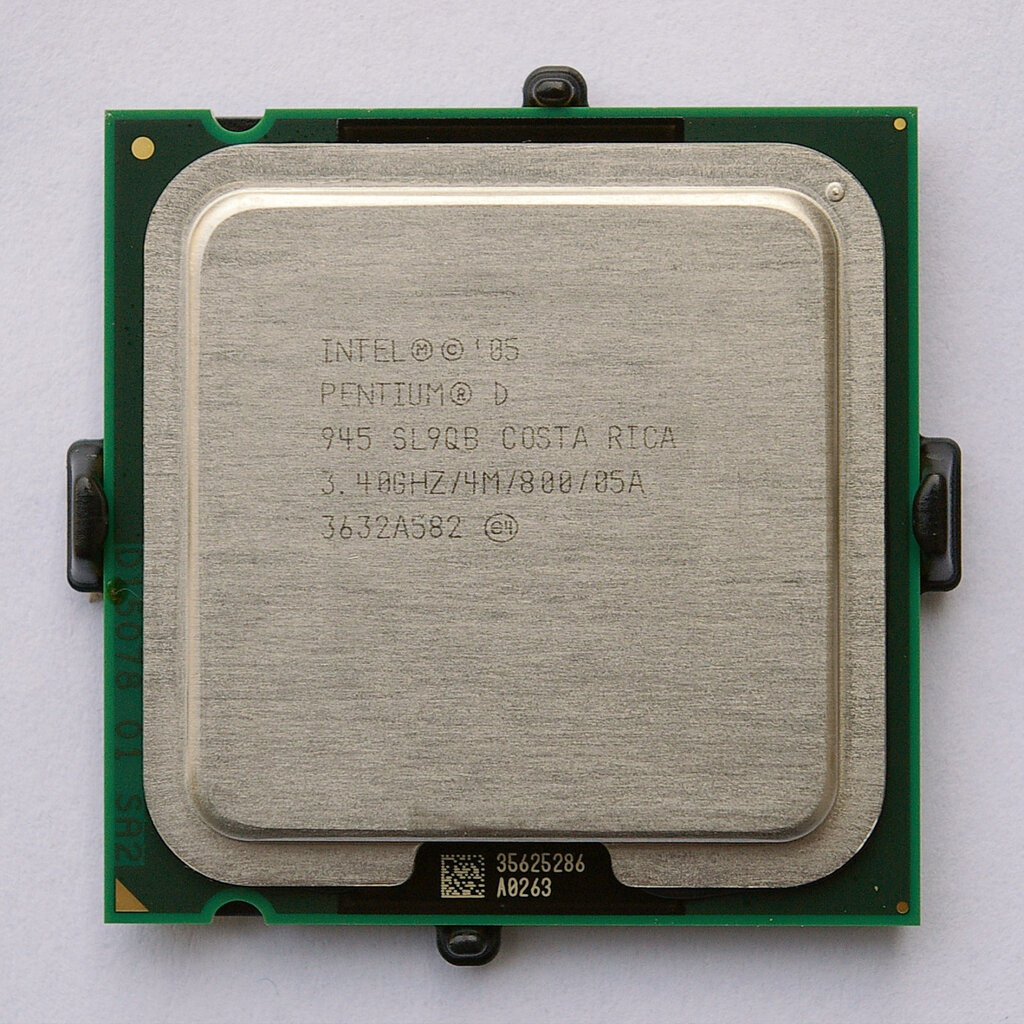
Think of the CPU as a highly efficient chef in a kitchen. The recipe is the program, and the ingredients are the data. The chef's task is to follow the recipe step-by-step to create a final dish. A CPU does something very similar, but it performs a simple, three-step cycle at incredible speeds, sometimes billions of times per second.
The Three-Step Cycle
To get anything done, the CPU repeats a core operation known as the fetch-decode-execute cycle.
- Fetch: The CPU retrieves, or fetches, an instruction from the computer's memory. This is like the chef grabbing the next instruction from the recipe book.
- Decode: The CPU's internal circuitry figures out what the instruction is telling it to do. It's not just reading the words; it's understanding the command. Is it telling me to add two numbers? Or retrieve some data?
- Execute: The CPU performs the action. It carries out the command, whether that involves a simple calculation or sending a signal to another part of the computer.
This cycle is the fundamental rhythm of computing. Every action, from rendering complex graphics in a video game to calculating numbers in a spreadsheet, is broken down into millions or billions of these tiny, lightning-fast cycles.
Working with Others
The CPU doesn't work in isolation. It constantly communicates with other components to get its job done. The two most important partners are memory and input/output (I/O) devices.
Memory (RAM) is the computer's short-term workspace. It's where the instructions for programs and the data they need are stored for quick access. When the CPU fetches an instruction, it's grabbing it from RAM. When it needs to store a result, it often places it back in RAM.
Input/Output (I/O) devices are how the computer interacts with the outside world. This includes input devices like your keyboard and mouse, and output devices like your monitor and speakers. The CPU processes the signals from your mouse click (input) and sends the right instructions to the monitor to show a window opening (output).
The CPU acts as the central coordinator, pulling instructions and data from memory and managing the flow of information to and from I/O devices to make the whole system work together.
Speaking the Right Language
For the CPU to understand instructions, they must be in a specific language that its hardware is designed to interpret. This language is defined by its Instruction Set Architecture (ISA).
An ISA is the complete list of all the commands a CPU can understand and execute. It's the vocabulary of the processor.
Think of it like this: one chef might have a recipe book written in French, while another has one in Japanese. Both are making food, but they can only understand instructions written in their specific language. Similarly, a program compiled for one type of ISA (like x86, common in laptops) won't run on a CPU that understands a different ISA (like ARM, common in smartphones) without a translator.
The ISA defines the most basic operations the CPU can perform, such as adding numbers, moving data from one location to another, or making simple decisions. All complex software is ultimately broken down into these fundamental instructions.
Ready to check your understanding?
What is the primary function of a Central Processing Unit (CPU)?
Which of the following correctly lists the steps of the CPU's core operation cycle in the right order?
Understanding the CPU's role is the first step in seeing how computers turn simple code into powerful applications. By fetching, decoding, and executing instructions, this tiny brain powers everything we do with technology.